A missing switch can make a perfectly usable screen look broken. With Dynamic Refresh Rate missing, the first task is to separate Windows' automatic refresh behaviour from the fixed rate your panel can display. A monitor can offer a high refresh setting without proving that every Windows feature is supported. Buying another screen before checking that distinction can leave you with the same question and a smaller budget.
Quick Answer
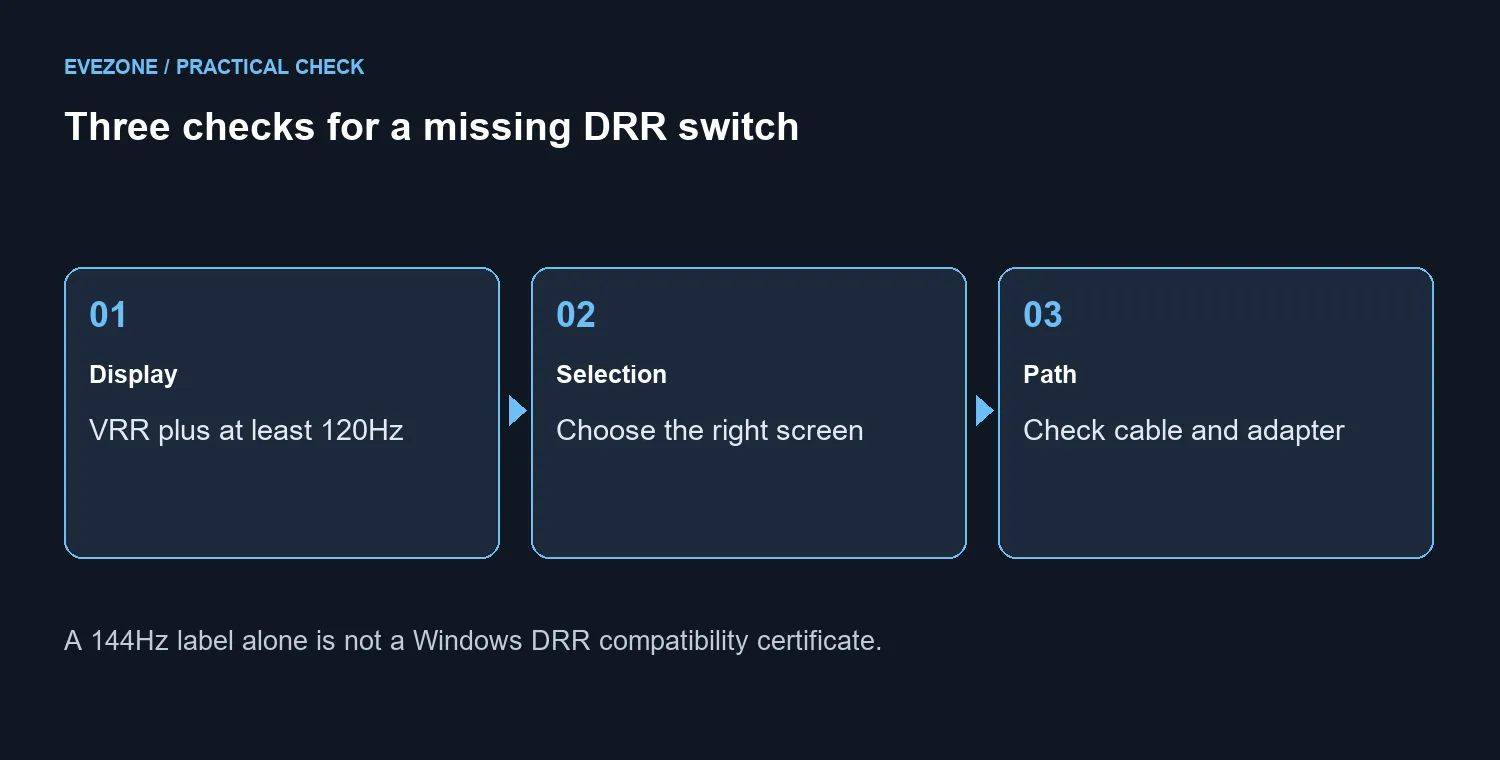
Microsoft says Dynamic Refresh Rate requires variable refresh rate support and at least 120Hz. Check the correct display in Windows 11 Advanced display before changing hardware. The initial checks cost R0; Evetech's Dahua LM24-A221Y 144Hz monitor was R1,699 in stock on 29 September 2026, but that listing alone does not certify Windows DRR compatibility.
🖥️ Select the screen you are diagnosing
Open Settings, System, Display and Advanced display. If a laptop and an external monitor are connected, choose the intended screen before reading the refresh-rate options. Otherwise you may be investigating one panel while looking at the controls for another.
A fixed 144Hz choice and automatic rate switching are different behaviours. Record which fixed rates are available and whether Windows offers the dynamic option separately. This gives you a clearer description than simply saying that high refresh is missing.
Use the gaming monitor range to compare actual panel capabilities if a purchase eventually becomes necessary. Do not turn a single number in a product title into proof of an operating-system feature; compatibility needs to cover the setup as a whole.
🔌 Remove uncertainty from the signal path
For an external screen, inspect the connection before spending money. Check that the cable is secure and, where practical, compare a direct connection with the current dock or adapter arrangement. A known-good cable or another computer can help identify which part changes the result.
Change one part at a time. If the screen works correctly through one route and loses an option through another, that is more useful evidence than replacing the monitor immediately. Keep the chosen resolution and other settings consistent during the comparison.
The monitor accessories category is a place to look once a particular connection requirement is known. Choose an adapter or cable for the required signal path rather than treating a higher price as a guarantee that the missing switch will appear.
🎮 Compare game behaviour separately
Microsoft notes that DRR can limit the maximum refresh rate of some games and suggests disabling it if a favourite game appears to run at a lower rate. Make that a controlled comparison: repeat the same scene with the setting changed, rather than altering the game's graphics options at the same time.
The goal is a stable, comfortable setup, not enabling every available toggle. If a fixed rate suits your use and the display performs correctly, the absence of automatic switching may be a compatibility limit rather than a failure requiring replacement.
Frequently Asked Questions
Does 120Hz automatically qualify every display?
No. Microsoft also requires VRR support, and your actual configuration must expose the feature. The refresh number is only part of the check.
Is this the same as a completely blank monitor?
No. A missing DRR control and no video signal are different symptoms. Diagnose the specific behaviour instead of mixing several problems together.
When is replacement justified?
After you identify a capability you need that the current setup cannot provide, or isolate a real fault. A missing option alone is not enough evidence.
Know which display feature you are paying for.
Compare Evetech's monitors and connection accessories against your confirmed requirements, then buy the part that resolves the actual limitation.