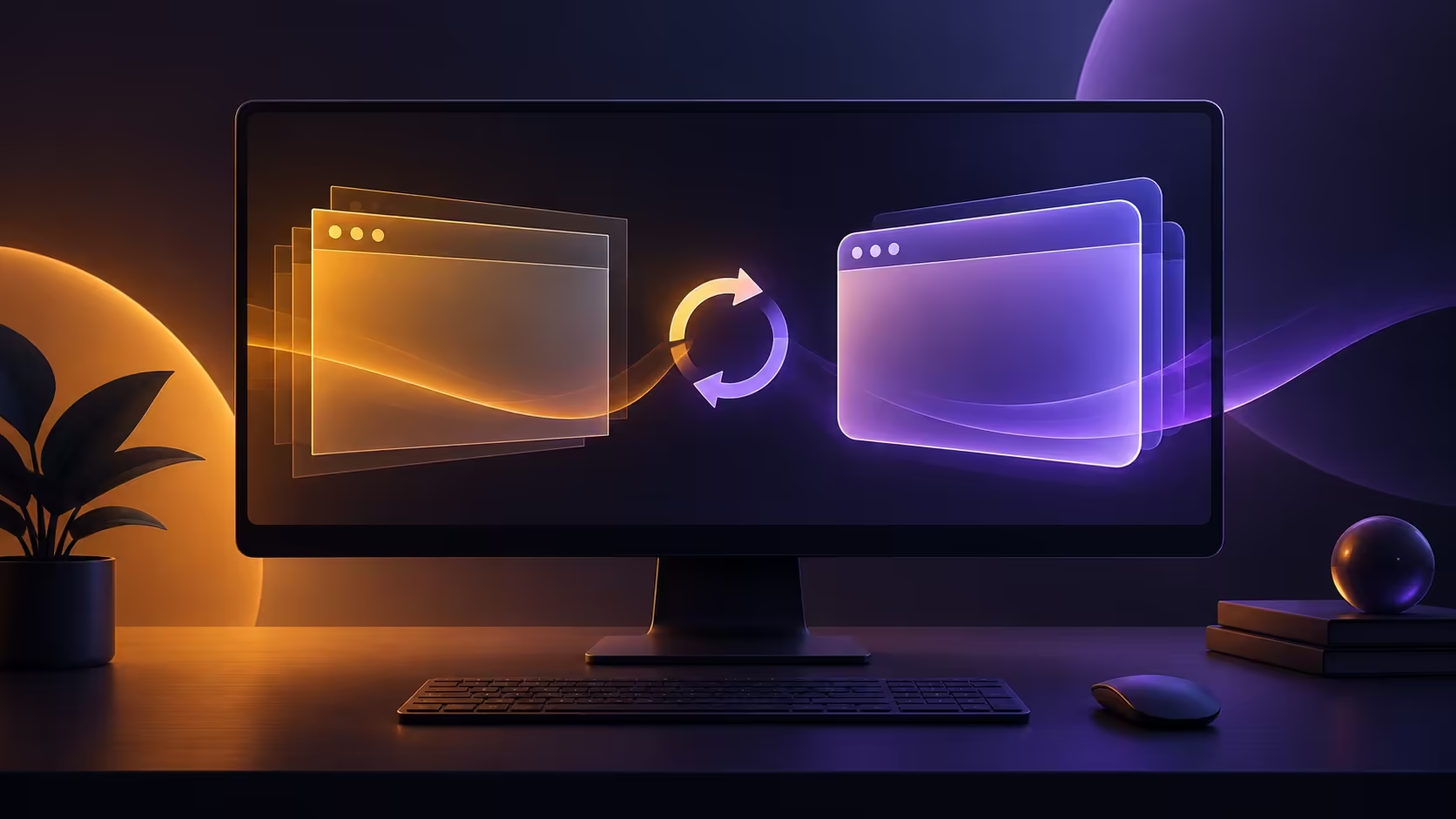
A browser redesign can make a familiar PC feel different without changing the machine at all. Firefox 157 Nova is attracting attention around its rollout, but version numbers, beta features and a final release are different pieces of information. Before changing extensions or shopping for a faster desktop, establish which browser build you have and whether the behaviour you dislike is actually a fault.
Quick Answer
Mozilla's 157 beta notes describe Nova, including a refreshed interface and compact mode, but warn that beta features may not reach the final release. At our 29 September 2026 check, the final 157 notes were still being prepared. Checking the normal update route costs R0 in replacement hardware; for context, a Ninkear M7 V2 mini PC was R6,999 at Evetech that day, an unnecessary purchase for a purely visual change.
🧭 Find your version and update channel
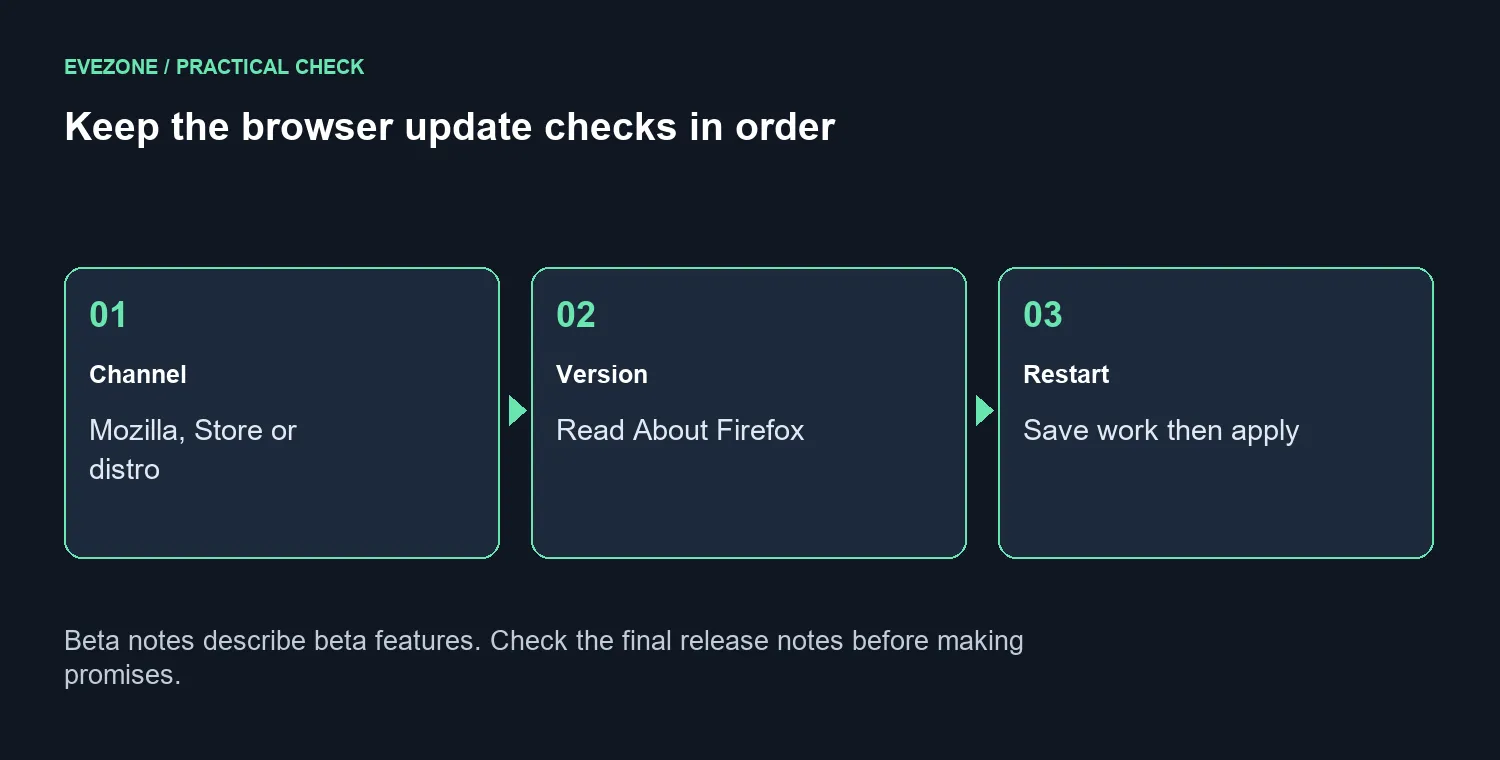
For a copy installed directly from Mozilla, open the menu, choose Help and then About Firefox. That window checks for an offered update, and a restart applies it after downloading. Save unfinished forms and other work before restarting so the update does not interrupt something you cannot easily recover.
A Microsoft Store installation follows the Store's update route. A Linux distribution package relies on its package manager. If your screen does not match instructions intended for a different installation type, that alone is not evidence of a broken browser.
Write down the version before and after the change. It gives you a useful starting point if you later need support, and prevents a screenshot of one channel being mistaken for proof about another.
🪟 Judge the new layout on your actual screen
The beta description includes reduced toolbar and tab spacing through compact mode. That is relevant to a small display where browser controls occupy a noticeable part of the workspace. Check the options actually present in your installed version instead of following an old customisation guide blindly.
The beta also lists hardware AV1 decoding for WebRTC on supported devices. That is a conditional capability, not a promise of faster calls on every computer. Do not buy hardware because a feature name sounds useful; first establish whether your regular calls or browsing tasks have a repeatable performance problem.
A simple comparison helps: open the same pages, keep the same workload and note exactly what changed. If only the spacing looks different, treat it as a layout preference. If a task fails, record the action and error before changing several settings together.
🖥️ Keep an upgrade tied to a real limitation
Evetech's mini PCs provide a useful alternative when a desktop genuinely needs replacement. The dated R6,999 Ninkear reference describes an entire computer with 16GB memory and 512GB storage, not the cost of fixing a browser preference.
If the PC handles your other tasks well, an interface refresh is a poor reason to replace it. If several everyday tasks are consistently slow, compare the broader workload and look at the gaming PC deals only where those requirements justify the spend.
Frequently Asked Questions
Should I install a beta just to get the new appearance?
That is not necessary for an ordinary update check. Keep your usual channel unless you deliberately want to test prerelease software.
Does a pending notes page prove the update is unavailable everywhere?
No. It only limits what that page confirms at the time checked. The version offered through your own update channel is the practical check.
What should I do if an update changes my workflow?
Record the installed version and the exact task affected. Review the available settings before removing extensions or replacing hardware.
Upgrade for the work your PC cannot do.
Compare Evetech's desktop options when your everyday workload needs more capability, after separating browser settings from hardware limits.