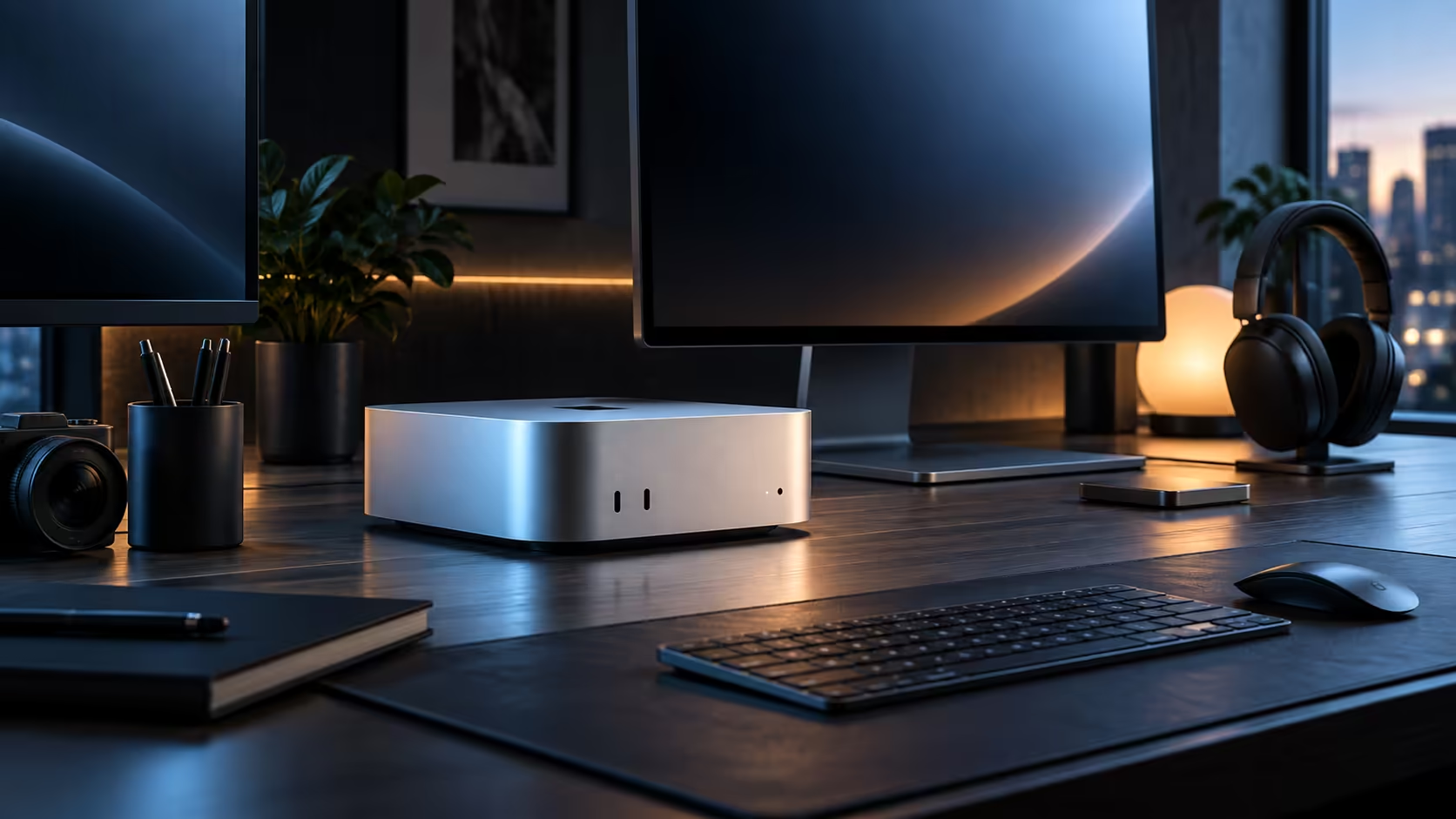
One large panel suits writing and coding on a Mac Mini M6, two suit editing where a timeline needs its own dedicated screen, and a third usually carries reference material rather than active work. Each added panel costs a slice of the same shared bandwidth, so plan accordingly.
Quick Answer
One or two screens run without any strain over Thunderbolt 4 and HDMI on this R21,699 machine. Whether a third fits comes down entirely to the resolution and refresh rate mix you choose across all three, a figure Apple documents chip by chip rather than one you can read off the back of the case.
1️⃣ One screen: the baseline that never strains
Plug a single monitor into either Thunderbolt 4 or HDMI and it just works at its native resolution, nothing to configure beyond a quick glance in System Settings to confirm the numbers. No chip Apple makes has ever struggled to drive one screen, whatever its resolution, so this arrangement never brushes up against any real ceiling.
2️⃣ Two screens: where most desks settle
Pairing a main working screen with a second one dedicated to chat, references or a spare browser window is by far the most common two-monitor layout, and both panels handle up to 3840x2160 without issue. If the second screen has no USB-C input, sending its signal over HDMI while the first stays on Thunderbolt is a perfectly normal way to build the setup.
3️⃣ Three screens: check the resolution trade-off first
A third screen turns this into a genuine calculation rather than a simple yes or no, since the chip weighs resolution and refresh rate across all three panels together. Aiming three screens at 1920x1080 asks noticeably less of it than matching three at 3840x2160 would, so check the M6's published ceiling before you buy a stand for a third office monitor.
🔧 Keeping the arrangement from resetting itself
Connect one screen at a time, confirm each runs at its native settings before adding the next, and name each display consistently in System Settings so macOS does not treat a sleeping monitor as disconnected and reshuffle windows across the remaining screens. Reconnecting a given panel to the same port every time is the cheapest fix for a layout that keeps resetting itself.
A display plan like this is worth settling only after checking what else Mac Mini offers, and what turns up under mini PC too.
Frequently Asked Questions
Is two screens always the practical ceiling for this machine?
Not necessarily; two is comfortable for almost any resolution combination, while three depends on the specific resolution and refresh rate mix chosen across all panels.
Does mixing Thunderbolt and HDMI cause any display issues?
No, both output types feed the same display engine, so mixing them for a two or three-screen desk is entirely normal.
Why do my windows scatter after the machine wakes from sleep?
In most cases a screen switched itself off entirely instead of just dimming, and macOS reads that as the monitor being unplugged; locking that display to one fixed input in its own menu stops the mix-up going forward.
Ready to plan your Mac Mini M6 display setup properly?
Confirm the display ceiling for your chosen resolution before ordering a third monitor.