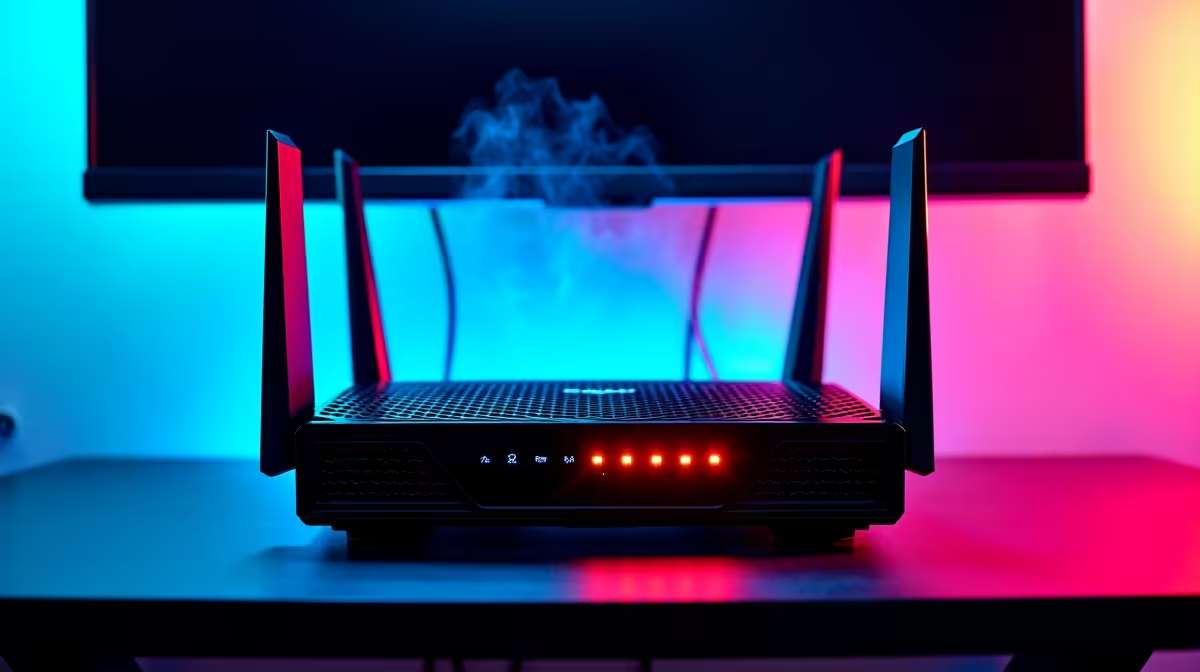
You finally load into a competitive match of CS2 or Warzone after a long day. The lobby starts, you spot an enemy, and suddenly... you teleport straight into a wall. Facing high ping in every game? Network diagnosis is your next crucial step. Let us figure out why your connection is acting up and how to fix that dreaded lag here in South Africa.
The Core Causes of High Ping 🔧
When diagnosing lag, start with the physical connection. Wi-Fi is incredibly convenient. However, thick brick walls in typical South African homes destroy wireless signals. If you are dropping packets constantly, running a simple Ethernet cable from your router might solve everything instantly.
Sometimes the issue goes deeper than your router. If your rig is struggling to process frames while handling background network tasks, it might be time to look at some of the best gaming PC deals. This ensures your hardware is not the actual bottleneck.
Software and Background Bandwidth Hogs
Before you phone and blame your ISP, check what is running in the background. Windows updates, game launchers, and cloud syncing services love to steal your bandwidth. A proper network diagnosis involves opening your Task Manager. See exactly what is eating your precious data.
If your system is old and bloated with background processes, even a fresh install might not save it. Upgrading to a modern system through reliable pre-built PC deals can give you a clean slate. You get newly optimised network drivers built right into the motherboard.
Network Pro Tip ⚡
Always set your gaming connection as a "Metered Connection" in Windows settings during crucial ranked sessions. This temporarily pauses massive background downloads and updates, keeping your bandwidth free for gaming.
Hardware Upgrades for Better Connectivity 🚀
Sometimes the problem is simply outdated hardware. An old Wi-Fi card or a failing motherboard ethernet port will cause constant packet loss. If you prefer portable gaming, modern laptops for sale in South Africa feature Wi-Fi 6E technology. This guarantees incredibly stable wireless connections.
For desktop users, upgrading your internals can also improve overall system latency. A system stuttering because of low frame rates often feels exactly like network lag. Checking out the latest specials on RAM or solid-state drives, often starting under R1,000, can help smooth things out.
If your frames are dropping heavily during intense multiplayer fights, you might need to buy graphics cards. A modern GPU handles competitive titles without breaking a single sweat.
Wrapping Up Your Network Diagnosis ✨
Testing your ping to local Johannesburg or Cape Town servers using tools like Speedtest is absolutely essential. If your local ping is consistently above 50ms on a fibre connection, contact your provider. Fixing high ping in every game requires patience... but the smooth and lag-free headshots are entirely worth the effort.