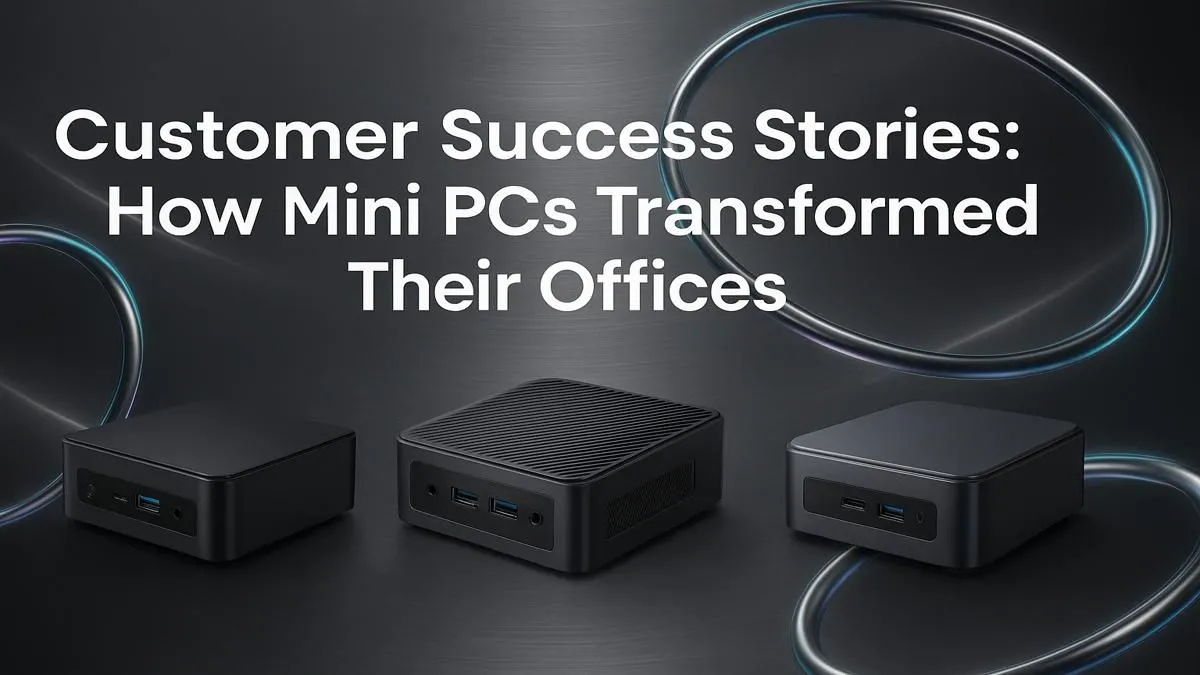
Think a powerful office PC has to be a massive, desk-hogging tower? Think again. Across South Africa, from bustling Jozi startups to quiet home offices in the Cape, a quiet revolution is happening. Professionals are ditching the bulk and embracing the power of compact computing. A mini PC for office use isn't a compromise... it's a strategic upgrade for a smarter, cleaner, and more efficient workspace. Let's look at how your peers are winning with these tiny titans.
Why a Mini PC for Your Office is a Game-Changer
Before we dive into the success stories, let's quickly cover why these small form factor machines are taking over. It boils down to three key things:
- Space Saving: This is the most obvious win. A mini PC can be mounted behind a monitor or sit discreetly on a shelf, freeing up massive amounts of desk real estate.
- Energy Efficiency: They consume significantly less power than traditional desktops. Over time, that's a real saving on your electricity bill... a welcome relief for any South African business. ⚡
- Surprising Power: Don't let the size fool you. Modern mini PCs pack serious performance, with options featuring Intel Core i7 or AMD Ryzen 7 processors capable of handling everything from complex spreadsheets to graphic design. You can explore the full range of mini PCs to see just how potent they are.
Real-World Wins: How South Africans Use Mini PCs for Work 💼
Theory is great, but results are better. We've heard incredible feedback from customers who made the switch. Here are a couple of stories that stand out.
The Cape Town Graphic Designer's Creative Oasis
A freelance designer, "Jenna," was tired of her powerful-but-huge gaming tower dominating her small apartment workspace. She needed performance for Adobe Creative Suite but craved a minimalist setup. She was sceptical that a small PC could handle her workflow.
After some research, she opted for a mid-range mini PC with 32GB of RAM and a fast NVMe SSD. The result? Her desk is now clean and inspiring, her workflow is just as fast, and she found a perfect fit for her budget under R22,000. For her, the best mini PC for office use was one that balanced power with aesthetics.
Pro Tip: The Invisible PC 🚀
Most mini PCs are VESA-compatible. This means you can buy a simple bracket and mount the PC directly to the back of your monitor. Your computer becomes completely invisible, giving you the ultimate clean-desk setup. It’s perfect for reception desks or any minimalist office space.
The Pretoria Accounting Firm's Smart Expansion
A small accounting firm needed to add three new workstations but had limited office space. The owner, "David," dreaded the cable mess and bulky towers under each new desk. He decided to try a different approach.
He equipped each station with an entry-level mini PC for work, VESA-mounted to the back of each monitor. The setup was incredibly clean, professional, and cost-effective. His team has all the power they need for their accounting software, and the office feels more spacious and modern. David noted the low power consumption as a significant bonus for the business's operational costs.
How to Choose the Right Office Mini PC ✨
Feeling inspired? Choosing the right machine is straightforward if you know what to look for. Focus on these three areas for a great office experience:
- CPU: An Intel Core i5 or AMD Ryzen 5 is the sweet spot for general office tasks, offering excellent performance without breaking the bank.
- RAM: 16GB is the new standard. It allows you to multitask smoothly with plenty of browser tabs, spreadsheets, and apps open simultaneously.
- Storage: Insist on an NVMe SSD (Solid State Drive). The speed difference compared to an old hard drive is staggering, making your entire system feel incredibly responsive.
If you're the type who loves to get into the details, you can dig into the specs of various mini PCs and find the perfect configuration for your specific needs.
Ready to Reclaim Your Desk Space?
A powerful, efficient, and space-saving office is within reach. Stop letting a bulky tower dictate your workspace. Explore our massive range of Mini PCs and find the perfect compact powerhouse for your professional needs.