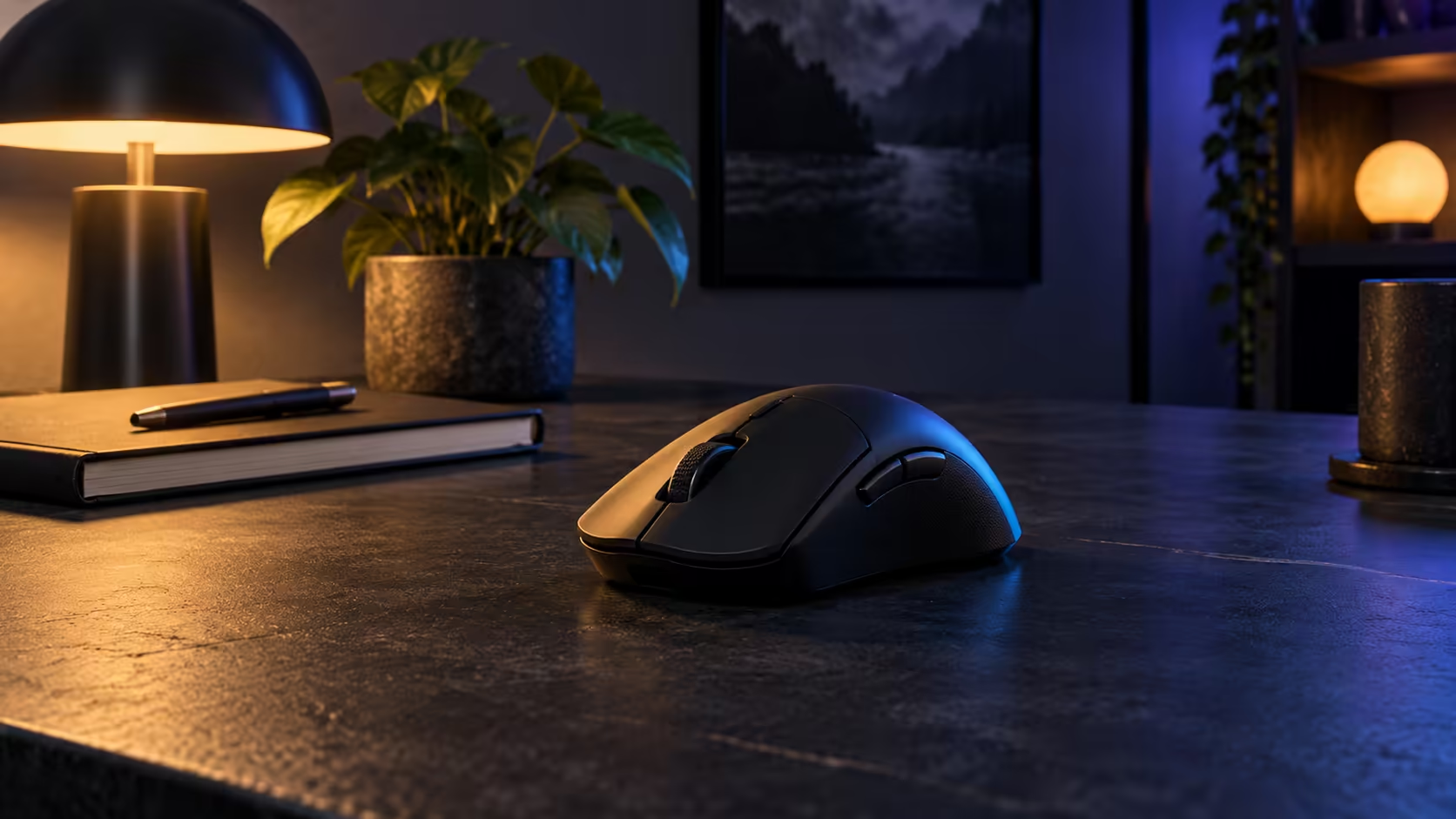
Shortlisting a compact wireless mouse is easy. Buying the right one is harder, mostly because people judge the sensor and battery before they have checked whether the shell suits their hand. The order matters: shape shapes the first minute, weight shapes the session, and the sensor and battery come after those two. This guide runs through the checks in that order, with the compact wireless gaming mouse G PRO X SUPERLIGHT 2c SE as its test case.
Quick Answer
Start with shape and grip, because a mouse that does not fit will never feel right. Then weigh the 53g mass, the HERO 2 sensor rated up to 44,000 DPI and the battery rated for up to 88 hours. The G PRO X SUPERLIGHT 2c SE comes in at R1,899 with VAT, and its compact outline makes it a fair test case for the checklist.
🤲 Shape and grip come first
Begin with your grip. Watch a normal session and note whether your palm rests on the shell or your fingers curl over the buttons. A compact outline suits a claw or fingertip grip, where the fingers sit over the switches. A palm grip needs more length beneath the hand, so a large hand may find a short mouse cramped. Measure from the wrist crease down to the middle fingertip and keep that number handy as you read product pages.
The 2c SE is built on a compact outline, trimmed 5 percent from the shell compared with the PRO X SUPERLIGHT 2 SE, with a 10 percent weight saving to match. Those proportions favour smaller hands and claw or fingertip grips. A palm grip on a large hand is the case where the outline may feel short, and it is better to learn that before you buy.
📊 Weight and sensor next
With the outline settled, check the weight. At 53g the mouse sits on the light side, which cuts wrist effort on quick moves and across long sessions. Judge it over a real session of at least 15 minutes on your own pad, because the feel of a weight shows up in fatigue rather than in the number.
Next comes the sensor. The HERO 2 optics are capped at 44,000 DPI and track over 888 IPS. The DPI figure is a ceiling that most players never approach, while the IPS figure tells you how quickly the sensor keeps following a hard flick. Use both to confirm the sensor is not the weak point, rather than buying on the top number.
🔋 Battery, receiver and desk last
Between charges the maker rates it at up to 88 hours. Divide that figure by your weekly hours of play to see how often this mouse will need plugging in. The receiver matters too. The mouse runs at 1 kHz with the receiver that comes in the box, and the 8 kHz comes from the PRO LIGHTSPEED receiver, which costs extra.
Finish with the desk. A compact mouse takes less room to sweep, which helps on a crowded surface. Check that you have a clear strip beside the keyboard and a pad that covers the sweep you use. Start the shortlist on the wireless mice listing, then check the peripheral best sellers page for models that keep selling.
Set this mouse against its neighbours in the gaming mice range before you settle, so the shape decision is made with the alternatives in view.
Frequently Asked Questions
What should I check first on a wireless gaming mouse?
Check the outline against your grip and hand length. A mouse that does not fit will feel wrong however good the sensor is, so shape is always the first test.
Is 53g light enough for a compact mouse?
For most players it is on the light side, which suits quick moves and long sessions. Test it for at least 15 minutes to see whether the weight feels right in your hand.
How long does the battery last?
The rating is up to 88 hours per charge. Divide that by your weekly hours to see how often you will need to top it up.
Does the mouse come with the 8 kHz receiver?
No. It runs at 1 kHz with the receiver in the box. The PRO LIGHTSPEED receiver for 8 kHz is sold separately, so add it only if you want that rate.
What does R1,899 buy in this category?
It buys a 53g compact mouse with the HERO 2 sensor, LIGHTFORCE switches and an 88-hour battery rating. The price is correct for today, so check it again when you order.
Run the checks in order.
Browse the wireless gaming mice on the site, measure your hand and settle the outline before you look at the rest.