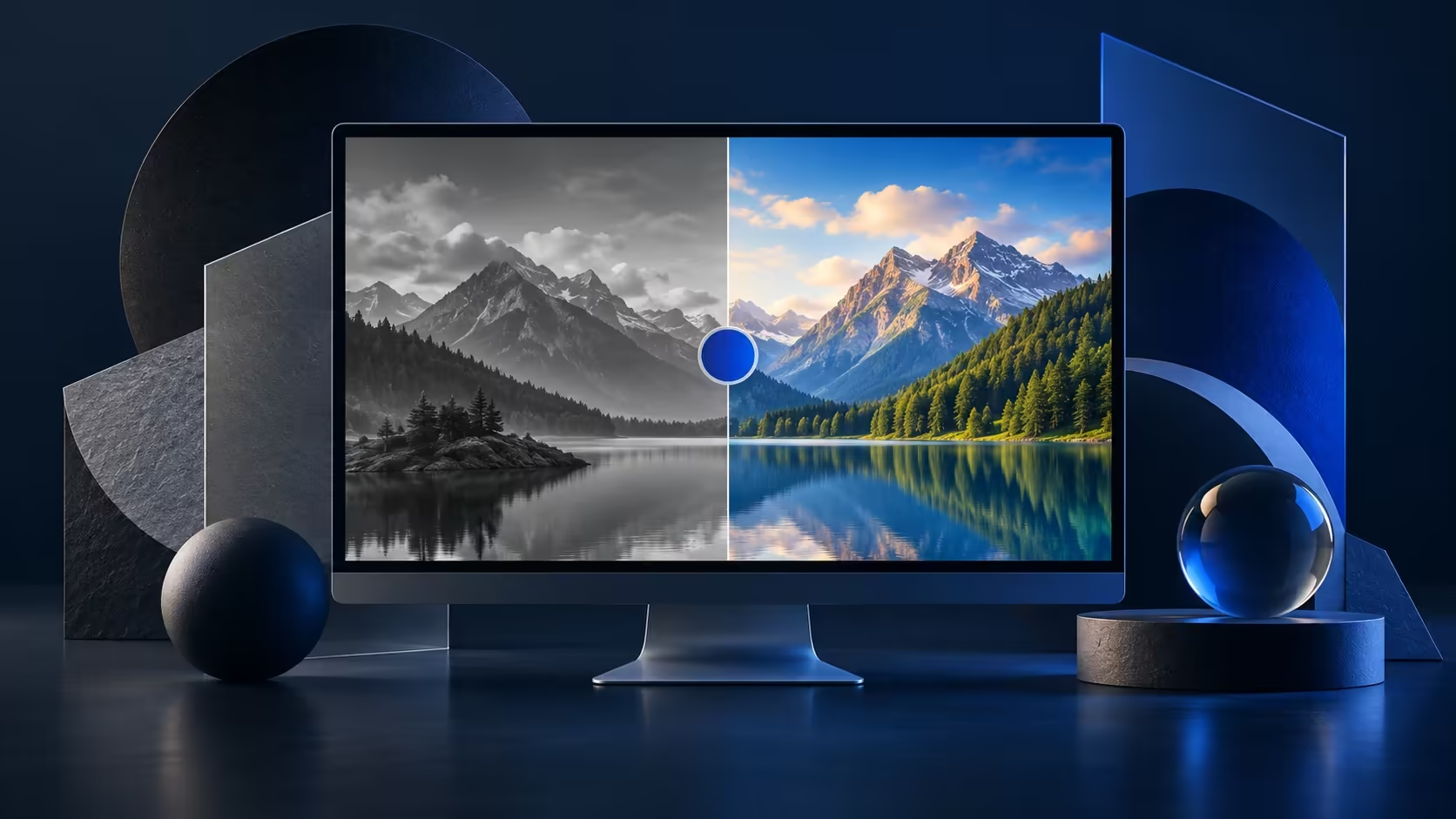
A suddenly grey desktop is startling, but a working screen can show that image because of Windows colour filters. A filter changes the palette across the display. Inspect the software control before blaming the panel, while remembering that another user may have selected the filter deliberately to make the PC easier to see.
Quick Answer
Check Settings, Accessibility and Colour filters. Turn an unwanted filter off, or retain the one the user needs. Windows+Ctrl+C can toggle the feature when that shortcut is enabled. The check costs R0; a R1,699 Dahua LM24-A221Y read on 9 October would still display an active Windows filter.
🎨 Establish how broadly the colours changed
Compare the desktop, an ordinary photo and two different applications. A software palette change may affect all of them. If only one app looks different, investigate its own appearance options before changing the entire desktop. Ask anyone else who uses the machine whether the current filter helps them distinguish content. The preferred result is a usable screen, not a compulsory return to one person's favourite palette.
Open the Accessibility panel directly and inspect the filter selection. Do not begin with random graphics-driver tools or a monitor reset. A clear view of the current Windows setting gives you a simpler first comparison and avoids losing a display configuration that was working well.
⌨️ Treat the shortcut as an optional control
The Windows+Ctrl+C combination works when the colour-filter shortcut has been enabled. If nothing happens, that does not prove the filter feature is absent or the keyboard is damaged. Use Settings to inspect the switch instead. Record its original state before making changes on a shared computer, then compare the same photo after applying the chosen setting.
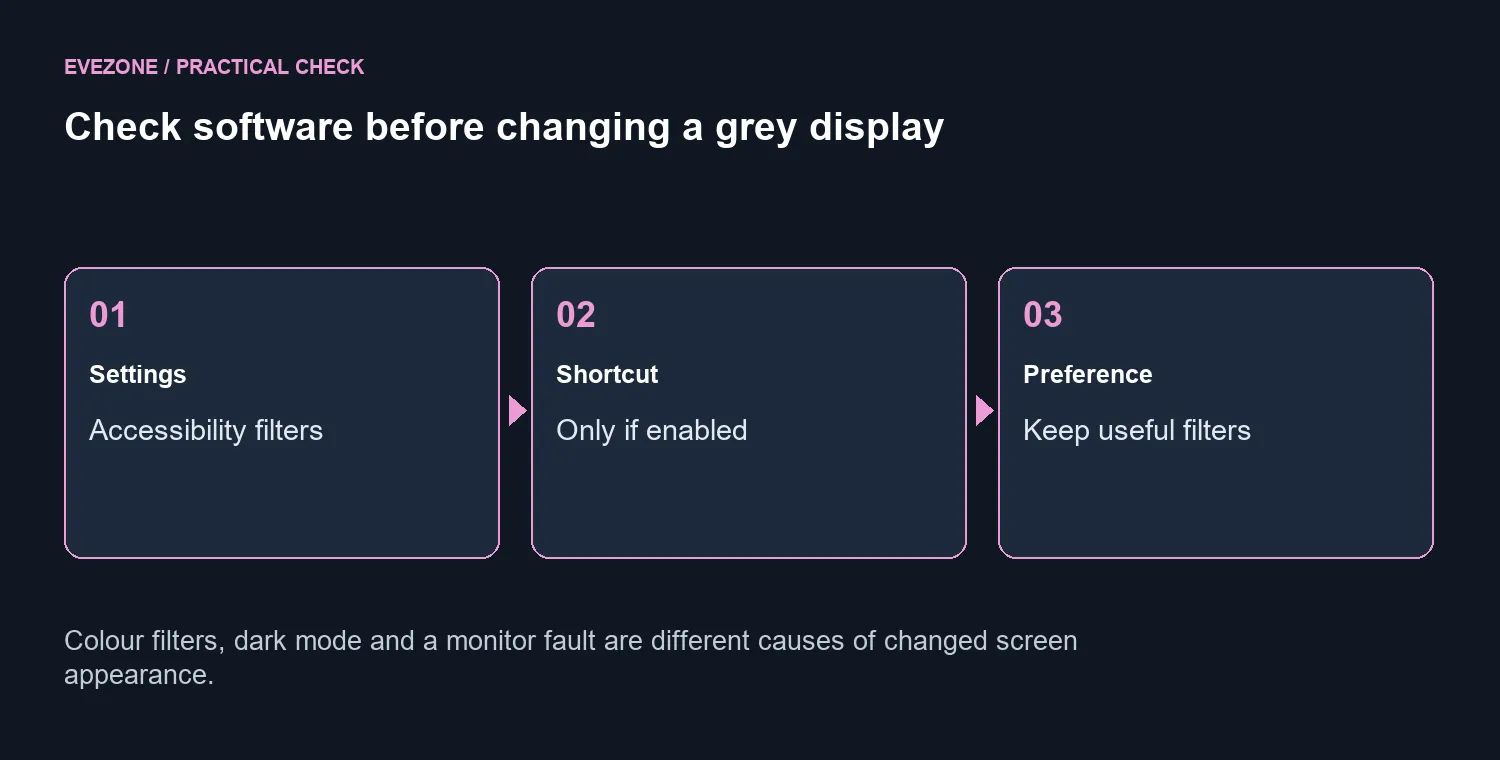
Dark mode and colour filters are different tools. A dark interface can still contain bright coloured content, while a palette filter changes how colours appear more broadly. Keep those controls separate during diagnosis. If you change both together, it becomes harder to explain which one restored the appearance you wanted.
🖥️ Spend on a display for a display need
A persistent image problem after software checks deserves its own investigation. Describe whether it affects the whole desktop, one app or only one attached screen. That detail will guide the next useful comparison. Avoid declaring a panel defective simply because the first colour-filter shortcut did not respond.
When a screen upgrade is justified by size, clarity or desk layout, compare gaming monitors against those needs. Monitors on special provide current choices; the dated Dahua figure is only a budget reference. Changing screens does not turn off an operating-system filter. Keep the R0 setting check at the start so a helpful accessibility feature or a simple preference does not become an unnecessary hardware bill.
Frequently Asked Questions
Can Windows cause a grey screen?
Yes. A greyscale colour filter changes the displayed palette even when the monitor can still show colour.
Where are colour filters?
Open Settings, Accessibility and Colour filters. Inspect the current filter and its on/off control.
What is the keyboard toggle?
Windows+Ctrl+C toggles colour filters if the shortcut has been enabled. If it does nothing, inspect Settings directly.
Should every filter be disabled?
No. Some users rely on them to distinguish colours. Ask which display appearance helps before changing it.
Is this the same as dark mode?
No. Dark mode changes the interface theme; a colour filter alters the screen palette more broadly.
What should I spend first?
The software check costs R0. Dahua LM24-A221Y was R1,699 on 9 October, but buying it will not remove a Windows filter.
Restore the screen appearance you want. Explore Evetech monitors once the Windows colour-filter setting matches your needs.