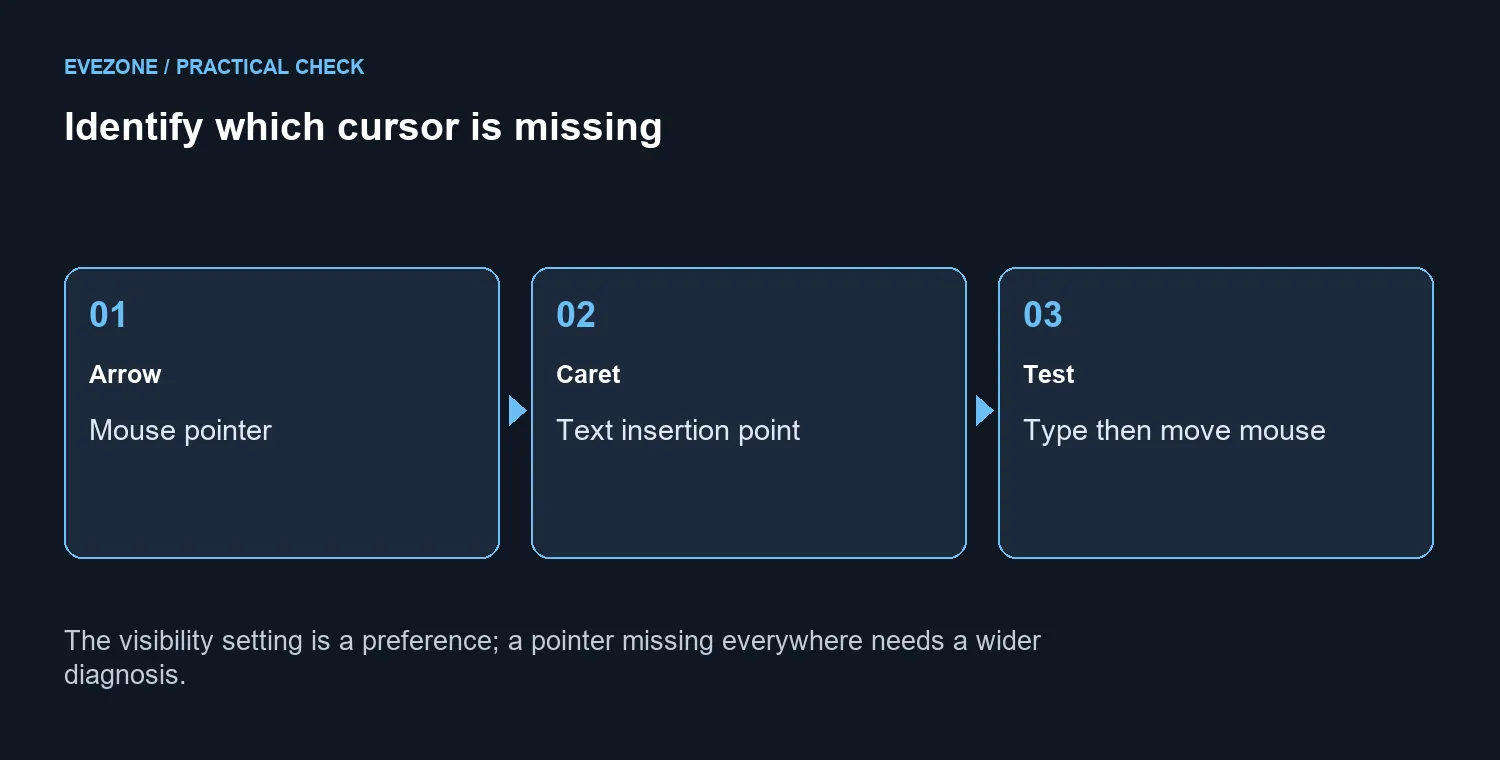
A mouse arrow that disappears the moment you start a sentence can be a preference, not a broken connection. Windows hide pointer while typing exists to keep the arrow away from the text being entered. The first job is to identify which cursor has vanished and whether moving the mouse restores it.
Quick Answer
Open Additional mouse settings, choose Pointer Options and inspect Hide pointer while typing. Change the preference, apply it and repeat the same typing test. This costs R0. The MARVO WS005 combo was R179 on 9 October 2026, but replacement is unnecessary when a visibility setting explains the symptom.
🖱️ Compare the arrow with the insertion point
Click inside a plain document and watch before typing. The mouse arrow marks where the pointing device aims; the insertion caret identifies where the next character will appear. They serve different purposes. If the caret remains and text enters correctly, the keyboard is still doing its job even when the arrow is temporarily hidden. Move the mouse gently and see whether the arrow returns.
Repeat in a second ordinary application. App support for the Windows visibility preference can differ, so one programme's behaviour does not establish that the hardware is failing. Avoid changing pointer speed or display scaling during this comparison. Those extra changes would make the result harder to connect to the setting you are investigating.
⌨️ Apply a preference that suits the user
Reach the legacy Mouse Properties panel through Additional mouse settings, then open Pointer Options. Look for the typing visibility control and record its original state. Choose whether you want the arrow hidden, apply the change and repeat the earlier sentence. Keep the same document, mouse and keyboard for a fair comparison.
If hiding the pointer makes reading easier, keeping it enabled is a reasonable outcome. Someone who frequently uses the mouse to move within a document may prefer the opposite. There is no single correct visibility choice for every person at a shared desk. Discuss the preference before altering a family member's accessibility setup.
🔍 Know when to investigate another cause
A pointer that remains missing outside typing, fails to respond to movement or disappears with a disconnected device needs wider troubleshooting. Note which applications and actions reproduce it. That description is more useful than simply saying the mouse has vanished. Check ordinary device operation separately before deciding that a replacement is necessary.
For a genuine input upgrade, compare gaming mice by shape and control rather than using a visibility symptom as the buying reason. Mouse and keyboard bundles can equip a basic desk, with the R179 MARVO listing providing dated context. Neither purchase changes the Windows preference. Correct the free setting first, then spend only if a distinct comfort or hardware need remains.
Frequently Asked Questions
Why does the arrow vanish when I type?
Windows can hide the mouse pointer during text entry. Check the visibility option before treating this as a disconnection.
Where is the setting?
Open Additional mouse settings and Pointer Options. Inspect Hide pointer while typing, then apply your choice.
Is the text caret the mouse arrow?
No. The insertion caret marks where typing goes; the mouse pointer shows where the pointing device is aimed.
Can apps behave differently?
Yes. Compare the same action in a simple text editor and the affected application.
What if movement does not bring it back?
Investigate beyond this setting when the pointer stays absent outside text entry or the mouse no longer moves it.
Does this check cost anything?
Changing the option costs R0. A MARVO WS005 combo was R179 on 9 October as a separate replacement reference.
Keep the cursor visible in the way that helps you type. Compare Evetech mice only after separating a visibility preference from a device fault.