


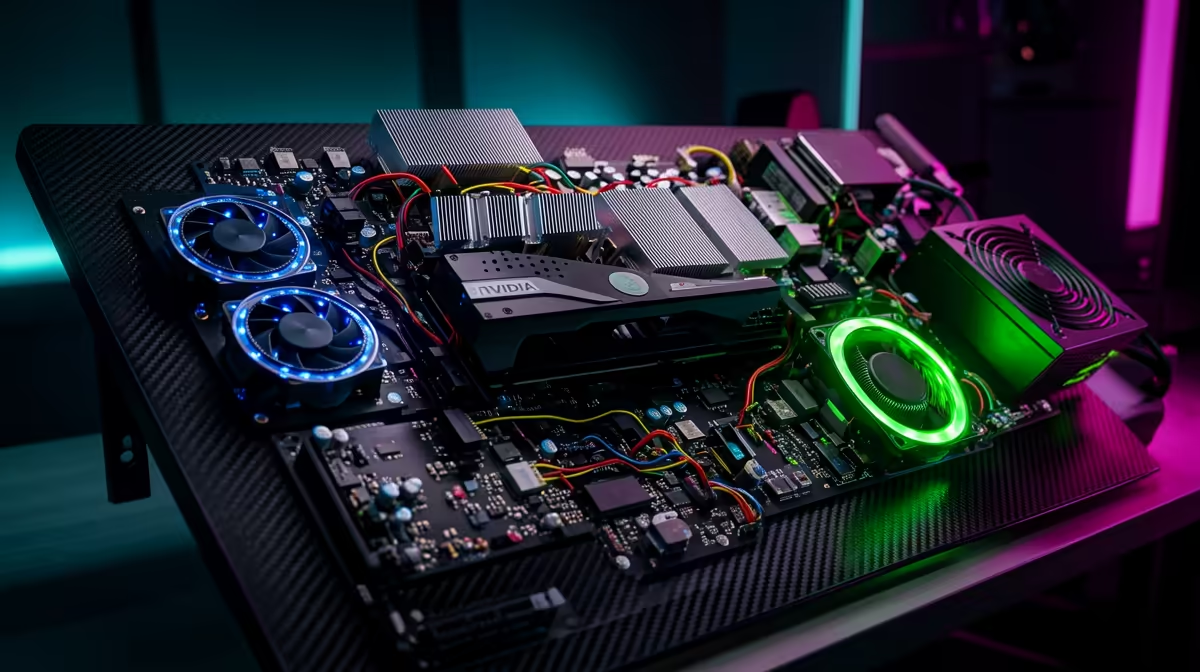
Staring at a choppy timeline, waiting ages for a render to finish… it’s enough to kill any creative spark. For many aspiring South African YouTubers, designers, and video editors, a powerful PC feels financially out of reach. But what if you could get a rig that slices through 1080p footage and handles complex projects for less than a new iPhone? An editing PC under R20000 isn't a myth; it's the smartest investment you can make. 🚀
What an Editing PC Under R20,000 Really Gets You
Let's be clear: we're not talking about a basic office computer. For a budget of around twenty thousand Rand, you're stepping into the realm of serious performance. This is the sweet spot where you get maximum bang-for-your-buck, leaving entry-level frustrations far behind.
A well-configured editing PC under R20000 can comfortably handle:
- Smooth 1080p & 1440p Editing: Say goodbye to stuttering playback in Adobe Premiere Pro or DaVinci Resolve.
- Faster Render Times: Spend more time creating and less time watching progress bars.
- Efficient Multitasking: Run your editing software, a browser with tutorials, and asset folders without your system grinding to a halt.
- A Solid Upgrade Path: This budget allows for a modern platform, meaning you can easily swap in a more powerful CPU or GPU down the line.
It’s the perfect launchpad for any serious content creator in South Africa.
The Core Components for Your Budget Editing Rig 🔧
Building or buying an effective editing PC is all about balance. You need to know where to spend your money for the biggest impact on performance. Here’s a quick breakdown.
CPU: The Brains of the Operation
The processor (CPU) does the heavy lifting, especially when encoding and rendering your final video. More cores and higher clock speeds mean faster exports. The choice between Intel and AMD often comes down to current deals and specific workloads. Whether you lean towards the excellent multi-threaded value in our AMD Ryzen PC deals or the robust single-core speed of the latest Intel PC deals, aiming for a modern 6-core processor is a fantastic starting point for any affordable content creation PC.
RAM & Storage: The Speed Duo
For video editing, 16GB of RAM is the absolute minimum. It allows your software to handle high-resolution files and complex timelines without constantly reading from your slower storage drive. Speaking of storage, a fast NVMe SSD is non-negotiable. Installing your operating system, editing software, and active project files on an SSD results in lightning-fast load times and a much snappier system.
Software Pro Tip ⚡
In DaVinci Resolve or Adobe Premiere Pro, make sure GPU acceleration (CUDA or OpenCL) is enabled in your project settings. This simple check offloads timeline scrubbing and rendering tasks to your graphics card, dramatically improving playback performance and cutting down export times. It’s a free performance boost!
The Smart Choice: Pre-Built Editing PC Kits
While building a PC yourself can be rewarding, it comes with risks… compatibility headaches, troubleshooting, and managing multiple warranties. For creators who just want to get to work, a pre-built system is the perfect solution.
This is where professionally configured systems shine. Instead of agonising over every part, you get a machine that’s assembled by experts, fully tested, and covered by a single, simple warranty. Our range of complete PCs under R20k is specifically curated to provide the best possible performance for your money, giving you a powerful editing PC under R20000 right out of the box. ✨
Ready to Create Without Limits? Stop letting a slow computer kill your creative flow. For the best balance of power, price, and peace of mind in South Africa, a professionally built editing rig is the ultimate tool. Explore our curated editing PCs under R20,000 and find the perfect machine to bring your vision to life.









