


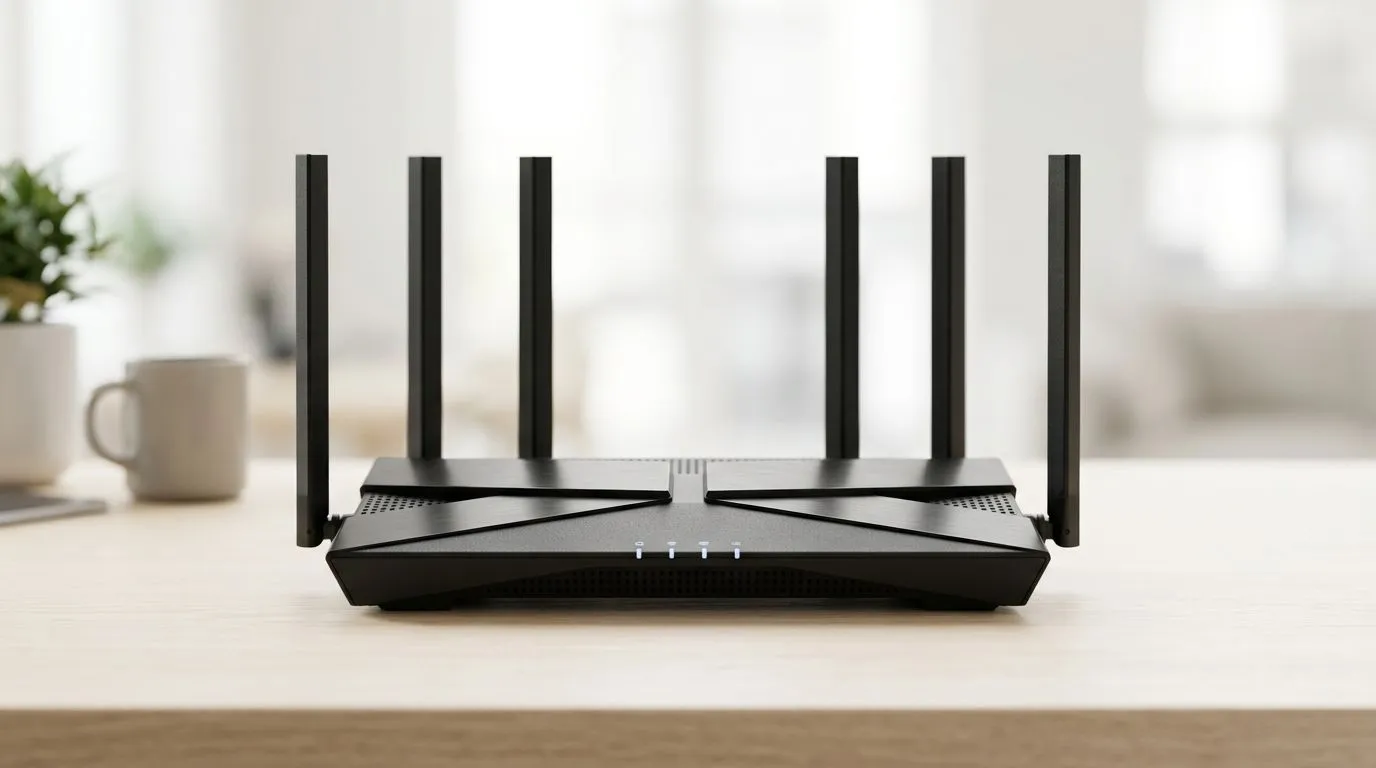
Best WiFi 6 Routers Under R1500: What South African gamers should check first
If you game on Wi-Fi in South Africa, you already know the pain… stutters, lag spikes, and “why is my internet suddenly worse?” moments. The good news? A solid Wi‑Fi 6 router under R1500 can make your connection feel far more stable, especially during evening peak time when everyone’s online.
But “Wi‑Fi 6” alone doesn’t guarantee performance. Before you buy, look for the right features for your home, your devices, and the way you play. Let’s make it simple.
Best WiFi 6 Routers Under R1500: The essential features that actually matter
When you’re shopping Best WiFi 6 Routers Under R1500: Essential Features to Look For, these are the features that tend to separate “works” from “feels fast” 🔧
1) Dual-band Wi‑Fi 6 (2.4 GHz + 5 GHz)
A dual-band setup helps you keep older devices on 2.4 GHz and game on 5 GHz, where latency is usually lower.
For shopping options and router categories, start here:
- Browse wireless networking hardware here: https://www.evetech.co.za/components/wireless-networking-136.aspx
2) MU‑MIMO support
MU‑MIMO helps the router talk to multiple devices at the same time, rather than one-by-one. In real homes, that means fewer slowdowns when your household is streaming, downloading, and gaming at the same time ⚡
3) Coverage suited to your home layout
Wi‑Fi range isn’t just about “distance”. Walls, floors, and interference play a big role. If your router can’t reach your gaming space reliably, you’ll feel it in matchmaking and downloads.
If you know you need better reach, this guide helps you choose:
- Look at range extenders here: https://www.evetech.co.za/PC-Components/wireless-range-extenders-140.aspx
4) Security basics (WPA2/WPA3)
Choose routers with modern encryption options. Security also helps keep your network stable and protected when neighbours have similar names.
5) Enough WAN flexibility for fibre homes (optional, but handy)
Many South Africans are on fibre now, and you’ll want a router that plays nicely with your setup. If you’re buying a router alongside fibre, check Evetech’s fibre-focused options:
Best WiFi 6 Routers Under R1500: Matching the router to your gaming setup
Here’s a quick micro‑story. A mate of mine bought a “fast” router, but his laptop was still on an older wireless adapter… and his game ping didn’t improve much. The router wasn’t the bottleneck. The Wi‑Fi card was.
So before you spend your budget, make sure your devices can actually benefit from Wi‑Fi 6.
Do your devices support Wi‑Fi 6?
If your PC or desktop doesn’t have Wi‑Fi 6 built in, you may need a compatible wireless adapter. Evetech stocks these:
- Buy wireless adapters: https://www.evetech.co.za/PC-Components/buy-wireless-adapters-139.aspx
Pick your buying category first
If you’re buying the router itself, start with Evetech’s selection so you can compare features and value properly:
- Wireless routers category: https://www.evetech.co.za/PC-Components/buy-wireless-routers-138.aspx
Best WiFi 6 Routers Under R1500: Installation and settings that reduce lag
Even a great router can feel “meh” if it’s configured badly. Try these steps first 🚀
- Place the router correctly: centre of the house if possible, not inside a cupboard.
- Update firmware: if there’s a newer firmware version available, apply it.
- Use 5 GHz for gaming: connect your console/PC to the 5 GHz network where available.
- Avoid channel congestion: if your router has automatic channel selection, try that first, then manually adjust if you keep seeing interference.
- Disable power-saving features on gaming devices: some laptops and adapters throttle Wi‑Fi when idle.
Productivity Pro Tip 🔧
On Windows, open Device Manager, select your Wi‑Fi adapter, and check for power management settings. Turn off any option that lets Windows save power by switching off the adapter. You’ll often see fewer connection drops and more consistent latency for gaming sessions. It’s a small tweak, but it can feel noticeable when you’re trying to hold stable ping in South African peak hours.
Best WiFi 6 Routers Under R1500: Quick checklist before you pay
Before you commit to a deal, run this mental checklist:
- Dual-band Wi‑Fi 6 (2.4 + 5 GHz)
- MU‑MIMO support
- Secure Wi‑Fi (WPA2/WPA3)
- Coverage for your gaming room
- Consider adapters if your devices are older
- If you need better reach, consider a range extender
If you do this, you avoid the common trap: buying a router that looks good on paper, but doesn’t improve what you actually experience.
Ready to Find Your Perfect Match?
Ready to Find Your Perfect Match? If you’re ready to upgrade your home network without overspending, start with the right router and supporting gear for your devices. Browse the latest deals, compare features, and pick the setup that makes your games feel smoother in South Africa. Explore our wireless networking deals











