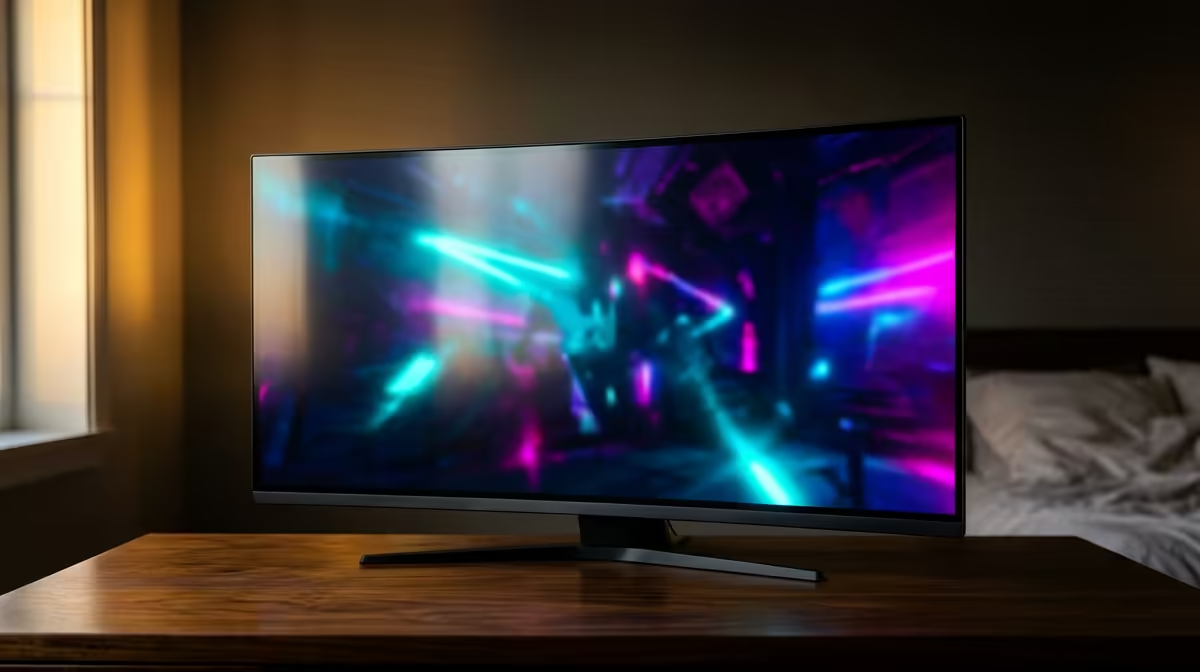
The AOC 27in QHD 200Hz at R3,200 suits a bedroom gamer who wants sharper 1440p detail without giving up high-refresh play on a compact desk. A gaming monitor at this level makes the most sense when the screen is close to your face, because the extra QHD clarity is easier to notice than it would be from a couch or across a room.
Best 1440p pick for a bedroom setup
The AOC 27in QHD 200Hz at R3,200 is the clear buy if the goal is to make a bedroom desk feel more premium. At 27 inches, QHD gives icons, menus, game HUDs, and browser text more room to breathe, while the 200Hz refresh rate still keeps fast movement smooth.
If price matters more than resolution, the ViewSonic VX2779A 240Hz at R2,350 is a strong value option. Its 240Hz spec is the faster refresh choice here, so it is better for players who care more about quick aim, motion clarity, and competitive feel than extra pixel density.
The MSI MAG 274F 200Hz at R3,006 sits in the middle for someone who wants a fast 27-inch style setup without reaching the AOC price. The Dell SE2726H 144Hz at R1,797 is the sensible entry point, while the Dahua LM25 200Hz at R1,850 is appealing when desk space is tighter and a smaller 200Hz display feels more practical.
Bedroom gaming desk reality in SA
In a bedroom, the screen often shares space with speakers, a keyboard, school notes, or work gear. That is where the AOC 27in QHD 200Hz at R3,200 earns its keep: sharper detail for close viewing, fast refresh for games, and enough size to avoid feeling cramped.
Ready to choose the right gaming monitor?
Use Dell SE2726H 144Hz at R1,797 as the gaming room benchmark, then check whether its listed spec matches the space, workload, and upgrade path.