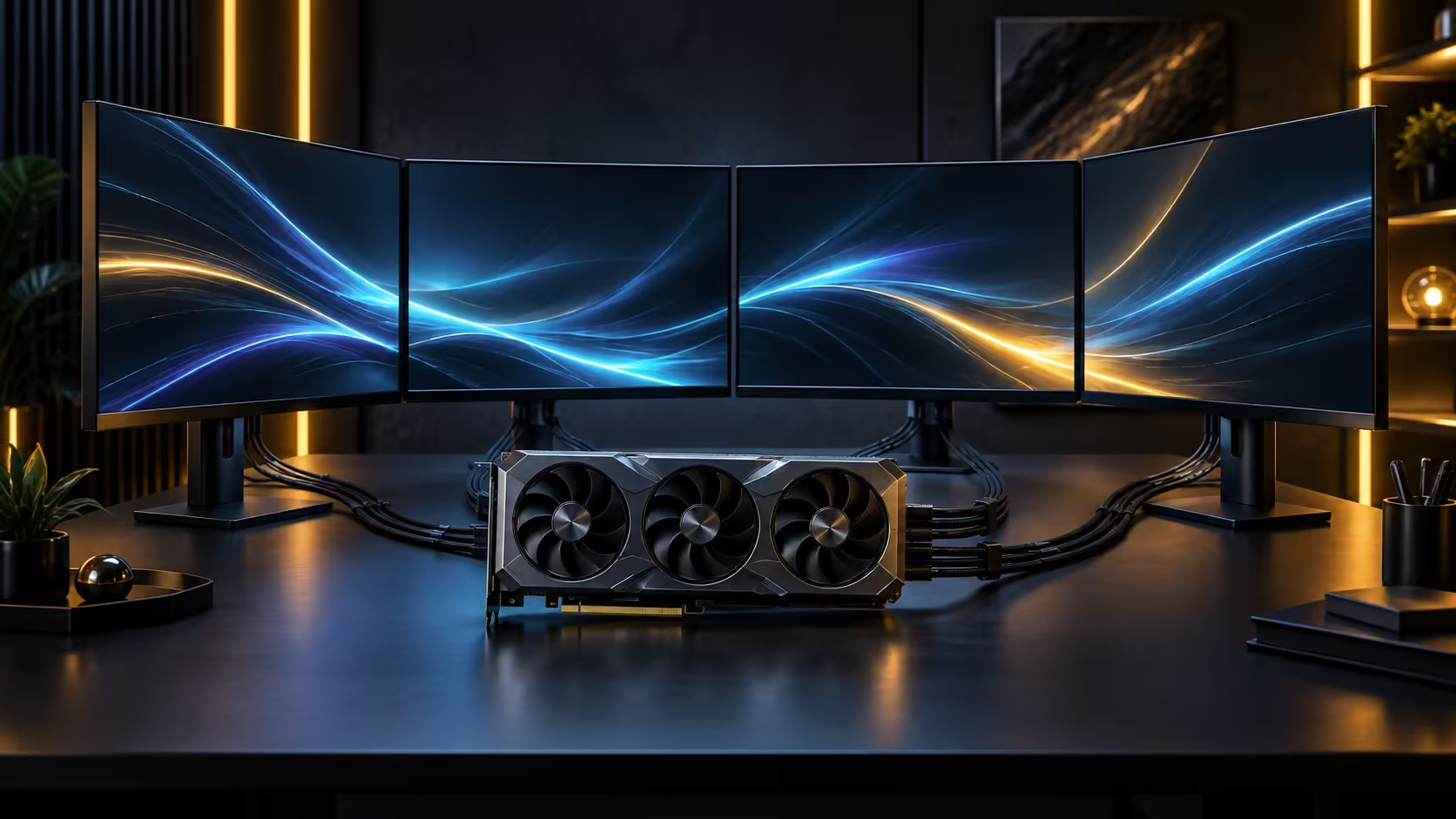
Most of a high-end card's power comes from cables running straight into it, not through the motherboard slot it sits in. Understanding the split between motherboard power delivered through the slot and dedicated cabling from the power supply is what stops a build from stalling on a connector nobody planned for.
Quick Answer
A high-end graphics card draws the overwhelming majority of its power through its own dedicated connectors, with the PCIe slot itself contributing only a small, fixed share defined by the PCIe standard. This particular card takes a 16-pin cabled connector plus a GC-HPWR contact built into the slot itself, so buy a power supply with native cabling that covers both rather than relying on an adapter chain. This card is R119,999.
🔌 The slot's share is small and fixed
The PCIe slot supplies a modest, standardised amount of power regardless of the card plugged into it, and that figure has stayed essentially unchanged across generations even as card power draw has climbed sharply. It is enough for low-power cards to run on the slot alone, but nowhere near enough for a flagship card under full load.
Everything above that fixed slot allocation comes from cables running directly from the power supply to connectors on the card itself, which is why the connector on a high-end card matters as much as its wattage rating. Two cards drawing similar total power can still need different cabling depending on how many dedicated connectors each one carries.
🔋 Supplementary motherboard power on extreme builds
Some enthusiast motherboards, particularly boards built for heavy overclocking, add their own supplementary power connector separate from the standard 24-pin and CPU power connectors, intended to stabilise voltage delivery to the board under sustained extreme load rather than to power the graphics card itself. This is a board-level feature, stated on that board's own specification page, not something every motherboard carries or every build needs.
Confusing this supplementary board connector with graphics card power is an easy mistake, because both sit near the top edge of the board. The graphics card's own power always comes from cables running from the supply directly to the card, never routed through this connector on the motherboard itself.
🧰 Matching the supply to the card properly
Connector type has moved fast in this tier: older high-end cards used two or three separate 8-pin cables, current ones like this one consolidate into a single 16-pin connector, with a GC-HPWR gold finger adding a further supplementary contact path alongside it. Buying a supply with cabling built for both, rather than bridging generations with an adapter, keeps the joint count low on a circuit already carrying serious current, which is the safer choice on a card in this price bracket.
Review the power supply range for units rated with headroom above the card's stated draw, and check the 700W-plus range specifically if you are pairing this card with a power-hungry CPU in the same build, since both draw from the same supply under load.
🧮 Adding up a whole-system power budget
Sizing a supply correctly means adding the graphics card's rated draw to the CPU's rated draw, then adding a further allowance for storage, fans and pumps, rather than sizing around the card in isolation. A current high-end CPU alone can draw 250W or more under full load, so totalling both components before shopping for a supply is the only reliable method. On a build pairing a high-end card with a similarly high-end CPU, both components can spike toward their peak draw at the same moment during a demanding game or render, and a supply sized only for their average combined draw runs closer to its ceiling than is comfortable.
A rough rule that holds up well in practice is to total the components' rated figures, then choose a supply rated meaningfully above that total rather than exactly matching it, leaving room for transient spikes that momentarily exceed a component's steady-state rating. Power supplies also run most efficiently and quietly somewhere in the middle of their rated capacity rather than near either extreme, which is a second, independent reason to avoid sizing a unit right at the edge of what a build needs.
🔍 Checking the exact card model before ordering
Because connector type and rated draw both vary by specific model within the same product family, treat the graphics card lineup as the starting point for confirming the exact figures for the model you intend to buy, rather than assuming a generic figure for the family applies to every variant equally. A check taking barely 5 minutes on the specific listing avoids buying a supply sized for the wrong model entirely.
Frequently Asked Questions
How much power does the PCIe slot actually supply?
A small, fixed amount set by the PCIe standard itself, largely unchanged across generations. It is sufficient for entry-level cards but a minor share of what a flagship card draws under load.
Do I need a special motherboard for a high-end graphics card?
No. The card's power comes from the supply through its own connectors, not from the motherboard, so any board with the right slot and enough physical clearance works.
What is a supplementary motherboard power connector for?
It stabilises voltage to the board itself under extreme overclocking loads on boards that include it. It has no connection to graphics card power delivery.
Does the CPU also compete for power from the same rail as the GPU?
They typically draw from separate rails within the same supply, so the overall unit's total rated capacity, not any single rail figure, is what needs headroom above both components' combined draw under load.
Can I mix and match cables from different power supply brands?
Avoid it wherever possible. Modular power supply cables are frequently not standardised between brands despite looking similar, and pairing a cable from one manufacturer with a different manufacturer's unit is a known cause of damage in some documented cases. Keep the full set of cables that shipped with your specific supply together, and label them if you own more than one modular unit.
Does a bigger power supply always mean safer headroom?
Generally yes, provided it is a genuinely well-built unit rather than an oversized but poorly rated one. A quality mid-capacity supply with real headroom above a build's draw is a safer choice than a cheap, larger-rated unit of uncertain build quality and questionable internal components.
Should I use an adapter if my power supply lacks the right connector?
Only if the supply's output and cable set are genuinely rated for it, and matching cabling from the start is always the sounder route. Confirm the card's connector requirement before buying a supply rather than after.
Ready to make sure your power supply actually matches this card?
Total the card and CPU's draw first, then buy a supply with real headroom above it.