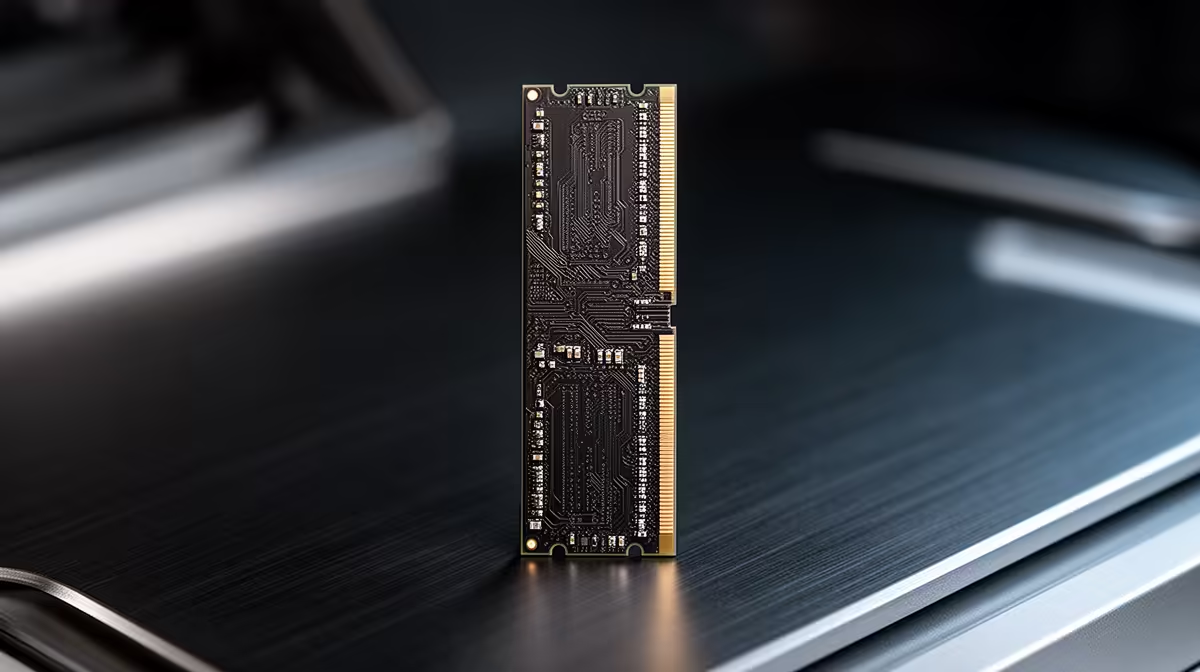
Sixteen gigabytes is still the practical memory choice for a focused budget gaming PC in 2026. Thirty-two gigabytes becomes the better choice when you stream, edit, run heavy mods or keep enough background work open to push the smaller capacity into paging. The right answer appears in committed memory and frame-time behaviour, not a future-proof label.
Quick Answer
Buy 16GB as a matched two-module kit when your heaviest normal session stays within it and the saved budget protects the graphics card. Buy 32GB when real use approaches capacity, the PC records or creates beside gaming, or a specific title and mod set demands it. Choose the final capacity as one intended kit where possible; adding a different kit later can reduce stability or speed.
What 16GB covers well
A clean gaming session with Windows, launcher, voice chat and a few browser tabs can fit within 16GB. Esports, indie games and many mainstream titles do not gain frame rate from unused capacity.
At a tight build total, the money kept out of 32GB can move the graphics card, SSD or monitor into a more useful tier. That is why 16GB remains relevant. It is enough when measurements say so, and it preserves performance elsewhere.
Use two 8GB modules on a conventional dual-channel desktop platform. Install them in the motherboard's recommended slots. A single 16GB module may reduce memory bandwidth and hurt lows in CPU-sensitive games.
Where 16GB starts to feel tight
Large simulation worlds, high-resolution texture mods and poorly contained browser sessions can raise committed memory. Recording software, virtual cameras and editing tools add their own working sets.
The warning is not the Task Manager percentage alone. Look for paging to storage, long application switches, game warnings and frame-time spikes that improve when background tools close. A system can cache data and show high use without being starved.
Test the session you actually run. Open voice, browser, game, monitoring and recording together. Play through the busiest area for thirty minutes.
Why 32GB feels calmer
Thirty-two gigabytes gives applications room to coexist. You can leave reference tabs open, record and edit without closing the game, or run a large mod set with less pressure. It also suits work that shares the PC, such as photo editing, code tools and small virtual machines.
The gain is fewer capacity constraints, not a universal average-frame increase. A game using 10GB of total system memory cannot use the other 22GB to render faster. The GPU and CPU remain responsible for the frame.
For a new mid-range build, 32GB can be a comfortable balance when it does not force a lower graphics card. For an entry system, it should defend a measured need.
Streaming is not one memory workload
Hardware encoding can keep much of the stream load on a dedicated GPU engine, while OBS scenes, browser sources, chat and replay buffers still use system memory. A simple game capture with one alert is different from a studio scene with several cameras and animated browser elements.
Run the complete scene collection. Watch memory after an hour because browser sources can grow. If the system stays stable inside 16GB, the word streaming alone does not require 32GB.
Video editing after the stream can justify the larger kit even when live capture does not. Judge the whole creator day.
Mods can move the answer fastest
Texture, world and simulation mods can expand memory use beyond the base game. A mod manager, server and browser guides may remain open beside it. Large city builders and flight simulations can also grow with the save.
Check the mod pack's current guidance and community tests, then watch your own system. Remove broken or conflicting mods before buying around a leak. Capacity cannot repair unstable code.
Choose the kit, not capacity alone
Memory generation must match the motherboard. DDR4 and DDR5 are not interchangeable. Within the correct generation, check speed, timings, voltage, module count and the board's validation list.
Open the DDR5 memory catalogue and memory best-seller list to compare complete kits. Confirm that a product sold as 32GB is two 16GB modules when that is the layout you intend.
Speed versus capacity
Enough capacity comes first. Once the system stops paging, memory speed and latency can influence CPU-limited games. The size of the gain depends on processor architecture, game engine and graphics load.
Do not trade 32GB needed by work for a tiny frequency increase. Do not buy a very high-speed 16GB kit that the CPU memory controller cannot hold. A stable profile with sound timings is the goal.
Enable XMP or EXPO after the first boot where the platform supports it. Then run a proper memory test and several game sessions. A successful boot is not a stability certificate.
The four-slot trap
Adding an apparently identical two-module kit later does not guarantee the same chips or combined profile. Driving four DIMMs is harder on many consumer memory controllers, so the stable setting may drop below the two-module speed.
If 32GB is likely within months, compare buying two 16GB modules now. If 16GB will last for years, buy it cleanly and leave the upgrade decision open.
Do not keep one 8GB module and add a mismatched 16GB stick by convenience. Unequal layouts can run, but their channel behaviour and tuning are more complex than a first gaming build needs.
Build the decision with measurements
Start the normal workload and note committed memory after it settles. Close the browser and recorder in separate passes. If frame-time spikes disappear only when capacity pressure drops, 32GB has evidence.
Repeat after game updates because memory behaviour changes. Save the result with the system specification. A recommendation from another PC with different mods and applications is only a clue.
Any price quoted in your basket must use a named local product and state as of July 2026. Do not use the category's lowest product as a memory-kit price because it may not match capacity or generation.
Frequently Asked Questions
Will 32GB increase gaming FPS?
It can improve stutter when 16GB is exhausted. With spare capacity already available, average frame rate may barely change.
Is one 16GB stick better for future upgrades?
It leaves a slot open but can reduce current channel bandwidth. A matched two-module kit is the cleaner gaming start.
Should a streamer choose 32GB?
Choose it when the full game, OBS scene, browser and editing workflow use the headroom. A simple stream can still fit 16GB.
Measure the heaviest normal session, then choose 16GB for a focused budget build or 32GB when paging and creator work prove the need.