Why 16GB DDR4 RAM Multitasking Matters in South Africa
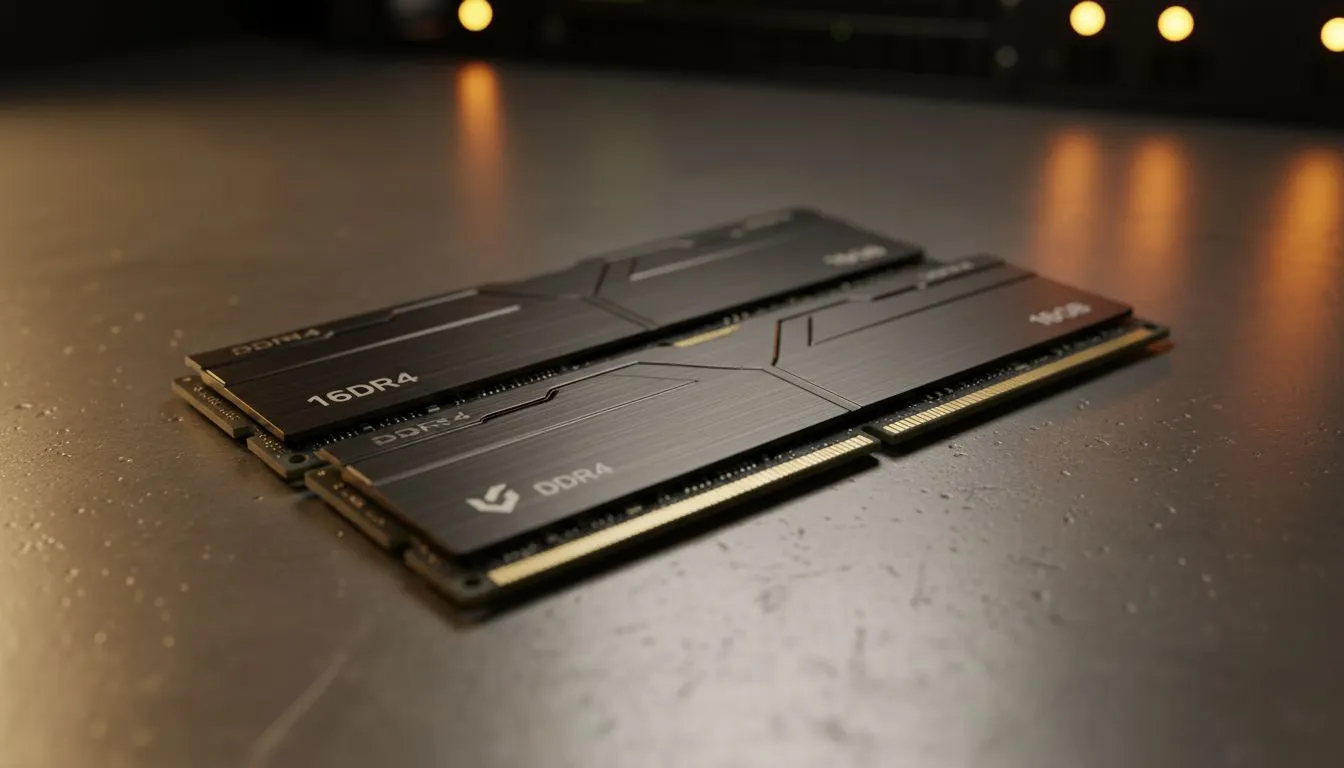
Load shedding is a reality we all face. When the lights go out and your UPS or inverter kicks in, every minute of battery life becomes a precious resource. You need a system that works efficiently without wasting power on unnecessary background processes. This is where 16GB DDR4 RAM multitasking becomes your best friend. It provides enough headroom to keep your essential apps open without forcing your CPU to work overtime... saving you watts and stress. 🔧
Optimising Performance During Power Cuts
When you are running on backup power, your laptop or PC needs to be snappy. If you only have 8GB of memory, your system might start using "virtual memory" on your SSD. This process consumes more power and slows down your response times. By choosing Intel laptops on special, you ensure that your hardware is designed to handle these transitions smoothly.
Having 16GB of DDR4 memory allows you to keep your browser tabs, work documents, and Discord open simultaneously. You won't have to worry about apps crashing the moment the grid goes offline. For those who prefer AMD, checking out the latest Ryzen laptop deals is a smart move... as these processors are famously efficient with memory management.
Power Saving Pro Tip ⚡
When load shedding hits, reduce your screen brightness and close non-essential background apps like Steam or Epic Launcher if you aren't gaming. This frees up your 16GB DDR4 RAM for critical tasks and extends your battery life by up to 15% during those long Stage 4 slots.
Finding Value in the Current Market
High performance doesn't always have to break the bank. We often see the best gaming laptop deals featuring 16GB of RAM as the standard "sweet spot" for modern users. It is enough for gaming, yet perfect for professional workloads.
If you are shopping with a specific budget in mind, there are many gaming laptops under R20k that offer this exact configuration. You get the speed of DDR4 without the premium price tag of the newer DDR5 modules. This makes it an ideal choice for South African students and remote workers who need reliability. 🚀
Seamless Transitions and Heavy Loads
For the hardcore gamers, multitasking usually involves streaming or recording while playing. To do this during a power outage, you need a balance of memory and graphical power. Exploring GeForce RTX gaming laptops on special will give you the dedicated VRAM you need... while your 16GB of system RAM handles everything else in the background.
DDR4 technology is mature and stable. It handles the frequent "sleep and wake" cycles caused by moving your setup to a different room when the power cuts. It ensures your data stays ready in the memory modules... letting you pick up exactly where you left off. ✨
Ready to Find Your Perfect Match?
The load shedding struggle is real, but your tech shouldn't make it harder. Whether you need more memory for work or play, we have the right gear for you. Explore our massive range of laptop specials and find the perfect machine to conquer your world.