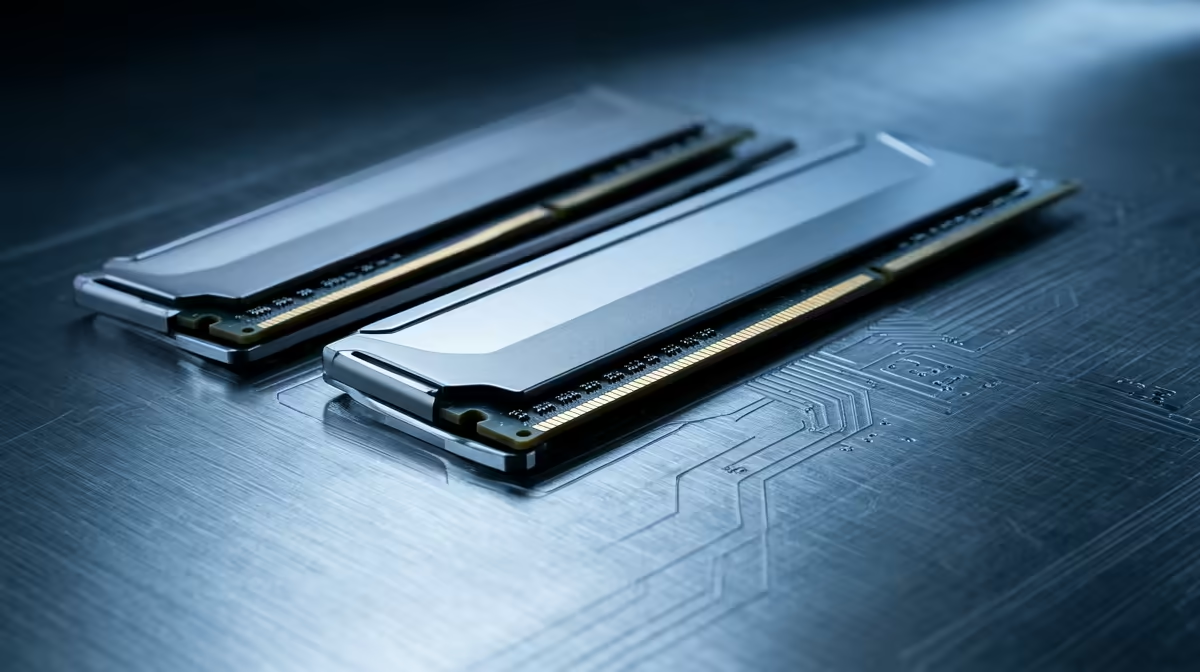
How much RAM for your home lab you buy decides, more than almost anything else, how many virtual machines you can run before the whole thing grinds to a halt. Memory is the wall most home labbers hit first, well before they run out of CPU. The honest answer to 16GB versus 32GB versus 64GB is that 32GB is the sweet spot for most people, and the jump from 16GB to 32GB is the single upgrade that unlocks the most new workloads.
Quick Answer
For most home labs, 32GB is the target. 16GB runs three to five light VMs and a few containers but fills up fast. 32GB lets you stop counting megabytes for typical projects. 64GB is for heavy, sustained virtualisation or running ZFS, where the filesystem itself can claim half your memory.
Why RAM Is the Real Bottleneck
A modern processor can time-slice across far more virtual machines than you would expect, so cores are rarely what stops you. Memory is different. Each VM reserves the RAM you assign it whether it is busy or idle, so the moment you run out of physical memory the host starts swapping to disk, and swap thrashing under a virtualisation load is brutal. The machine does not crash gracefully; it crawls.
This is why sizing memory correctly up front matters more than chasing core counts. A compact, low-power box with plenty of RAM will out-perform a high-core machine that is starved of it, which is why so many home labs are built on small-form-factor hardware. The mini PCs range at Evetech covers exactly the kind of quiet, efficient machines that make good always-on lab hosts.
16GB: The Starting Floor
16GB is enough to get going and learn the ropes, but you will feel the ceiling quickly. Realistically it carries three to five lightweight Linux VMs plus a handful of containers. Once you reserve a few gigabytes for the host itself, the usable pool for VMs is closer to eight to twelve gigabytes.
That works until you add something hungry. A single Windows VM or a media server can want four gigabytes or more on its own, and one of those can swallow most of your remaining headroom in a single move. 16GB is fine for a first lab and learning the platform; it is not where you settle if you intend to run more than a couple of services at once.
32GB: The Sweet Spot
For the overwhelming majority of home labs, 32GB is where worry stops. After host overhead you have plenty of room to run a mix of services together: a couple of Linux servers, a Windows VM for testing, a database, and a stack of containers, all at the same time without playing the memory shuffle.
Plan for Host and Filesystem Overhead
There is a catch worth knowing. Reserve a few gigabytes for the host before you allocate anything to VMs. And if you run the ZFS filesystem, its Adaptive Replacement Cache can claim up to half of physical memory by default, so on a 32GB host you might realistically plan for eighteen to twenty-two gigabytes usable for VMs rather than the full thirty. Knowing this in advance stops the nasty surprise of a host that feels full when the VMs themselves look modest. You can cap the ZFS ARC manually through a sysctl parameter, which lets you reclaim that headroom without disabling the performance benefit entirely.
64GB: For Heavy and Sustained Loads
64GB is not overkill for everyone, but most people do not need it. It earns its place when you run several memory-hungry VMs at once, lean heavily on ZFS and want generous cache headroom on top of your VMs, or treat the lab as a serious always-on platform rather than a learning sandbox. If your plans include multiple Windows VMs, large databases, or a Plex-style media stack alongside everything else, 64GB buys breathing room that 32GB cannot.
The deciding question is whether your workloads are growing toward that or sitting comfortably below it. If you are still discovering what you want to run, 32GB and the option to add more later is the wiser spend than buying 64GB speculatively. A capable desktop platform that takes plenty of memory keeps that door open, and the PC best sellers at Evetech are a good reference for builds with room to expand.
DDR4 vs DDR5: Which Should You Buy?
The memory generation matters mainly in that it must match your chosen host platform. Many compact mini PCs and budget builds still ship with DDR4, while the latest boards use DDR5. Neither is a disqualifier for a home lab: DDR5 is faster in raw bandwidth but that advantage is rarely the bottleneck in a virtualisation workload where the limit is capacity, not speed. Check your chosen board's specification sheet before ordering kits, because mixing generations is not possible and buying the wrong type is an expensive mistake.
Proxmox 8.1 and the New ARC Default
One practical change worth knowing if you run Proxmox 8.1 or later: new installations now set a more conservative ZFS ARC limit of roughly 10 percent of physical RAM, capped at 16GB. On older installs the default was up to 50 percent, which is the figure that still catches people out when they migrate or reinstall. If your host was set up before 8.1 and you have never tuned the ARC, check whether the old default is still in effect, because it can quietly claim sixteen gigabytes on a 32GB machine before a single VM starts.
The practical formula for planning usable memory on a ZFS host: start with physical RAM, subtract two to four gigabytes for host services, then subtract the ARC allocation. On 32GB with a 10GB ARC cap, usable VM headroom is roughly eighteen gigabytes. On 64GB, the same math gives you plenty of room on both sides of the line, which is one of the more tangible arguments for the larger pool when ZFS is in the picture.
When to Actually Buy 64GB Up Front
The jump from 32GB to 64GB is not always about what you are running today. There are two scenarios where starting at 64GB makes more sense than planning to upgrade later.
The first is a system with limited upgrade paths. Many compact platforms, mini PCs and certain small form factor boards, either have only two memory slots or a soldered CPU that constrains the channel count. Buying two 16GB modules to fill both slots is cheaper than later discovering you need to replace both to reach 64GB. If your chosen host supports a maximum of 32GB per slot and you start with 16GB modules, the path to 64GB is clear. If it tops out at 32GB total, you are already at the ceiling.
The second is planned growth. If you know you intend to run a storage stack alongside compute workloads, or add a media transcoding VM, or experiment with LLM inference locally, the memory demand follows the ambition. Buying 64GB and letting ZFS use a generous cache while the rest sits open for VMs costs nothing extra once the decision is made, and avoids the hassle of pulling and replacing modules later.
Frequently Asked Questions
Should I buy DDR4 or DDR5 for a home lab?
Match it to the platform you choose. Older, cheaper second-hand or mini-PC hosts often use DDR4, while newer boards take DDR5. Neither is wrong for a lab; the deciding factor is what your chosen host supports, so confirm the board's memory type before buying kits.
Can I start at 16GB and upgrade later?
Often yes, if your host has free memory slots. Buying a single larger module rather than filling every slot leaves room to add more. Check how many slots your machine has and how they are populated before you commit.
Why does my 32GB host feel full so fast with ZFS?
ZFS uses spare RAM as a read cache and can claim up to half your memory by default. On 32GB that is potentially sixteen gigabytes gone before a VM starts. You can cap the cache, but plan around it rather than being caught out by it.
Is more RAM better than a faster processor for virtualisation?
For most home labs, yes. You will hit a memory wall long before a CPU wall, because idle VMs still hold their assigned RAM while sharing CPU time happily. Prioritise enough memory, then worry about cores.
Size your memory for the lab you are growing into, not just the one you have today. Pick an efficient host from the mini PCs range at Evetech and give it the RAM headroom to run everything you want at once.