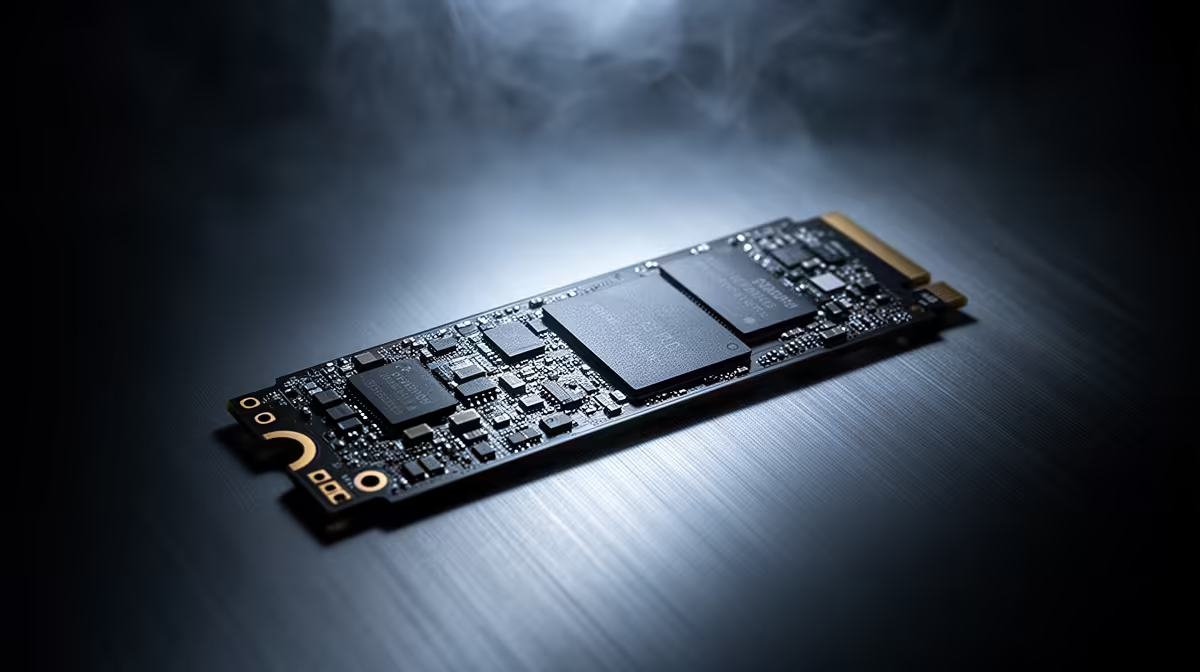
ADATA LEGEND 900 1TB NVMe at R948 suits students and analysts running MATLAB who want proper 1TB project space without jumping to premium pricing. A nvme ssd is worth buying when your work involves large datasets, saved simulations, toolboxes, and repeated file reads, because the storage upgrade reduces the small waits that add up during a long desk session.
Best 1TB value picks
The ADATA LEGEND 900 1TB NVMe at R948 is the clean value choice here because the 1TB capacity gives you room for software, projects, exports, and archived coursework on one internal drive. It is especially sensible for a student desk or home workstation where the aim is to keep the system responsive without overspending on a flagship part.
WD Blue SN5000 NVMe at R998 is close enough in price to compare directly with the ADATA option, and the NVMe format keeps it aligned with modern M.2 laptop and desktop storage upgrades. If you prefer a mainstream everyday drive for mixed study, coding, documents, and media, the R998 price point still stays practical.
Samsung 990 PRO at R4,648 is the premium option in this small set, so it makes sense only when the machine itself is already high-end and storage speed is part of a bigger performance build. For most everyday analysis work, the price gap is large enough that the ADATA LEGEND 900 1TB NVMe at R948 will feel like the smarter buy.
SA student desk reality
On a compact student desk, the ORICO NVMe M.2 enclosure at R160 is useful when you want to reuse or carry an M.2 drive externally instead of leaving project files scattered across USB sticks. Pairing that enclosure with a spare NVMe drive can make backups and transfers tidier between a campus machine and a home PC.
Ready to choose the right SSD?
Use WD Blue SN5000 NVMe at R998 as the nvme ssd shortlist benchmark, then check whether its listed spec matches the space, workload, and upgrade path.