Spotting the 27-inch 1080p Scaling Issue on Office Screens ⚡
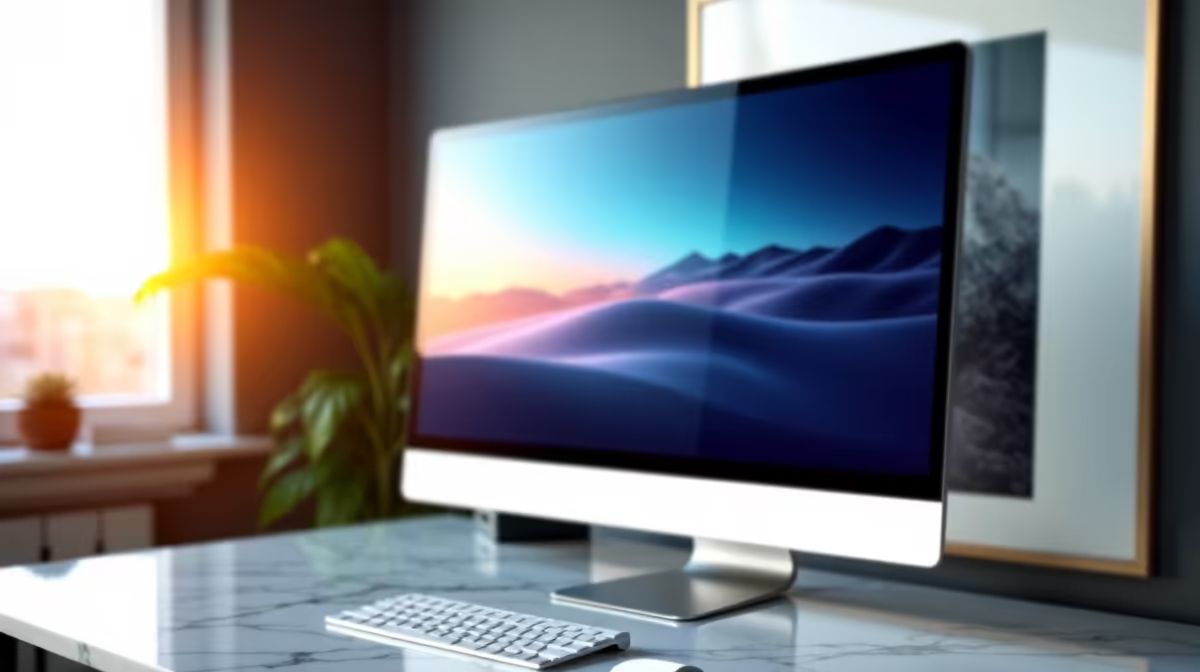
Imagine settling into your home office, only to find text and icons stretched awkwardly on your 27-inch 1080p monitor. The sharpness you expect is missing, and windows seem oversized or blurry. This common scaling problem can disrupt your workflow and strain your eyes. Let’s diagnose why this happens and how to fix it efficiently.
Root Causes of 1080p Scaling Problems on 27-inch Displays
- Screen resolution set lower than native 1920x1080
- Display scaling is set too high or customised incorrectly
- Outdated or incompatible graphics drivers
- Cable or connector issues causing signal degradation
- Monitor firmware or setting glitches
Fixes for the 1080p Scaling Quirks
Check and Set Native Resolution [[Easy]] 🔧
Windows often defaults to a non-native resolution or custom scaling on larger 27-inch 1080p monitors. Head to Display Settings and confirm your resolution matches the native 1920x1080. This ensures crisp visuals and proper scaling.
Adjust Display Scaling Thoughtfully [[Easy]]
Scaling above 100% can blur text and icons on a 27-inch screen with 1080p. Try lowering scaling in the Display Settings—start around 100% or 125% max for comfortable reading. Avoid custom scale factors.
Update Graphics Drivers [[Mod]] ⚡
Outdated drivers may mishandle scaling profiles. Check your GPU manufacturer’s site or use tools like trusted driver utilities to update. Smooth driver performance ensures proper resolution handling.
Inspect and Upgrade Monitor Cables [[Easy]]
Sometimes a faulty HDMI or DisplayPort cable causes signal issues affecting clarity. Swap cables with high-quality options, or browse Evetech’s selection of monitor accessories to get reliable replacements.
Explore Monitor Settings and Firmware [[Advanced]]
Dive into your monitor’s on-screen menu to reset settings or check for firmware updates. Curved or portable monitors sometimes benefit from tweaks in their internal scaling or refresh rate. Visit Evetech’s range of curved monitors and portable monitors for models designed with better scaling.
Consider Upgrading Your Monitor [[Advanced]] 🚀
If scaling remains problematic, upgrading to a higher resolution screen can solve issues outright. Popular options include 1440p or 4K displays, which often feature sharper scaling on 27-inch sizes. Check our collections of gaming monitors, high-resolution 4K monitors, or browse the best PC monitor deals to find your perfect fit.
Red Flags to Watch For
Stop if you see smoke, burning smells, or persistent flickering. These signs may indicate hardware failure needing professional help — don’t keep stressing your gear.
Expert Scaling Solutions
Fix your display woes with reliable tools and accessories. Shop now at Evetech for performance that leaves lag in the dust.