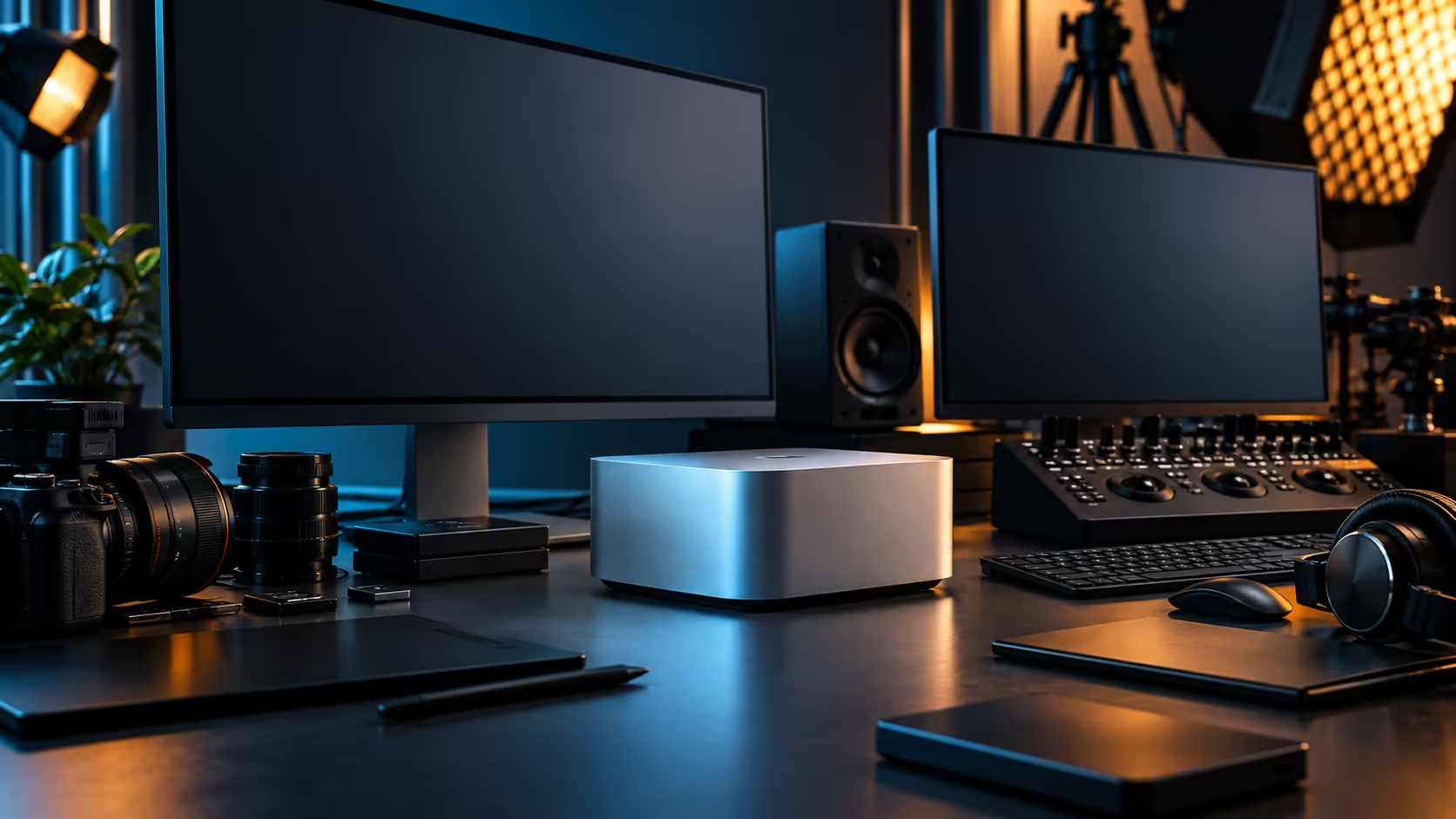
Apple's unified memory tiers get talked about like a single ladder, when really they're a set of separate decisions attached to separate chips. The Mac Studio M5 Max configuration Evetech carries ships with 36GB, and understanding what that number does and doesn't cover matters more than knowing what a much larger tier elsewhere in the lineup might offer.
Quick Answer
For most 3D, video and AI work, the question that matters is whether 36GB comfortably holds your specific project at its heaviest moment, not whether a bigger number exists somewhere in Apple's broader configuration list. Larger unified memory tiers exist for machines and workloads built around holding enormous datasets or the very largest AI models entirely in memory at once; check Apple's own current configuration and pricing pages for what those specific tiers cost and include, since that detail sits outside what Evetech's M5 Max listing carries. The 36GB, 512GB configuration here is R49,499.
🧠 Why the tier you pick can never be revisited
This is the one decision in the whole build that's genuinely permanent, and it deserves more thought than most buyers give it.
Unlike a tower's RAM slots, Apple's unified memory is fixed to the chip at the point of manufacture, which means the tier you choose at checkout is the tier you live with for the machine's entire working life. There is no later upgrade path, no adding a stick, no swapping in more, for as long as this machine stays in service, often 5 years or more. That permanence is exactly why the honest test is your own heaviest real project rather than a marketing comparison against a much larger configuration you're unlikely to ever fill.
📐 Sizing 36GB against actual 3D and video work
Measure your own worst case rather than guessing from a spec sheet, and use the wider mini PC range as your reference point for how this configuration compares to lighter machines nearby.
For most video editing at up to 4K with a handful of layers, colour grading and export running concurrently, 36GB shared across the CPU, GPU and Neural Engine handles the load comfortably, since none of those tasks need to copy data between separate memory pools the way a tower with a dedicated graphics card would. For 3D work, the constraint is usually the size of the working scene in memory, textures, geometry and simulation data all included, rather than the render itself. Open your current heaviest project, watch memory pressure while working normally rather than during a quiet moment, and that reading is worth more than any general rule.
🤖 Where AI workloads change the calculation
Local AI work is the area where memory size stops being a comfort margin and starts being a hard wall.
A quantised language model in the 7B to 13B parameter range typically fits well within a 36GB pool alongside macOS and your other open applications. Much larger open-weight models publish their own memory requirements, and the honest approach is checking a specific model's stated need against 36GB directly, since that comparison tells you far more than a general claim about what "AI work" requires. The memory range on the storefront illustrates the same principle in the PC world: the tier you buy has to match the actual job, not an aspirational one.
💾 Storage plays a supporting role in this decision
Unified memory and internal storage are sized separately, and conflating them is a common mistake.
A 512GB internal SSD fills quickly on 3D or video work regardless of how much unified memory you have, since it holds the operating system, applications and active project files rather than acting as memory itself. External Thunderbolt 5 storage handles the overflow at any memory tier, so a smaller memory configuration paired with generous external storage is a perfectly reasonable way to control cost, provided the memory itself covers your heaviest working set. The SSD range is where that external capacity gets added once the internal drive fills.
🌍 Buying locally versus chasing a bigger number abroad
A larger configuration advertised overseas is not automatically the better buy once shipping, duties and warranty are added up.
Importing a higher-tier Mac Studio privately means dealing with customs and import duty on a machine this expensive, and if it ever needs a warranty repair, that usually means boxing it up and posting it back to the country it came from, then waiting out the return trip. Buying the configuration that actually matches your work, from a South African warranty holder, is very often the more sensible route even before comparing raw specification numbers. For a machine north of R49,499, that local support is worth factoring into the decision alongside the memory tier itself.
🎯 The decision that actually matters
Stop comparing tier numbers and start comparing your project against the one tier you can actually buy here.
If your heaviest current project runs comfortably within 36GB with reasonable headroom for macOS and open applications, this configuration is sized correctly for your work. If you routinely work with datasets or models that publish memory requirements well beyond that, the honest next step is checking Apple's current lineup directly for a configuration built around that larger requirement, rather than assuming any single machine covers every scale of work.
Frequently Asked Questions
Does Evetech sell a 128GB Mac Studio configuration?
The Mac Studio M5 Max configuration covered here ships with 36GB of unified memory. For other memory tiers across Apple's lineup, check Apple's current configuration and pricing pages directly.
How do I know if 36GB is enough for my project?
Open your current heaviest project and watch memory pressure while working normally, rather than estimating from a spec sheet. That real-world reading is the most reliable test available.
Can I add more unified memory to a Mac Studio after buying it?
No. Unified memory is fixed to the chip at manufacture and cannot be upgraded or expanded afterward.
Is 36GB enough to run AI models locally?
Yes, for quantised models roughly in the 7B to 13B parameter range running alongside typical applications. Larger models should be checked against their own published memory requirements first.
Should I buy more memory than I currently need, just in case?
Only if your work is genuinely trending toward larger projects. Since the tier can never be increased later, size it against your realistic future workload rather than your current one, but avoid paying for headroom you're unlikely to use.
Ready to check whether 36GB fits your heaviest project?
Measure your current work against this configuration before comparing it to tiers you won't find in this listing.