Quick clarity for builders and gamers
If you’ve ever wrestled with a spare 2.5-inch drive and a stubborn laptop bay, you’re not alone. South African builders, modders and laptop upgraders ask the same thing: will this 7mm drive fit where a 9.5mm drive sits? This short guide makes compatibility simple, practical and local — with examples, tips and where to buy the right enclosures and adapters 🔧.
How 7mm and 9.5mm differ — the essentials
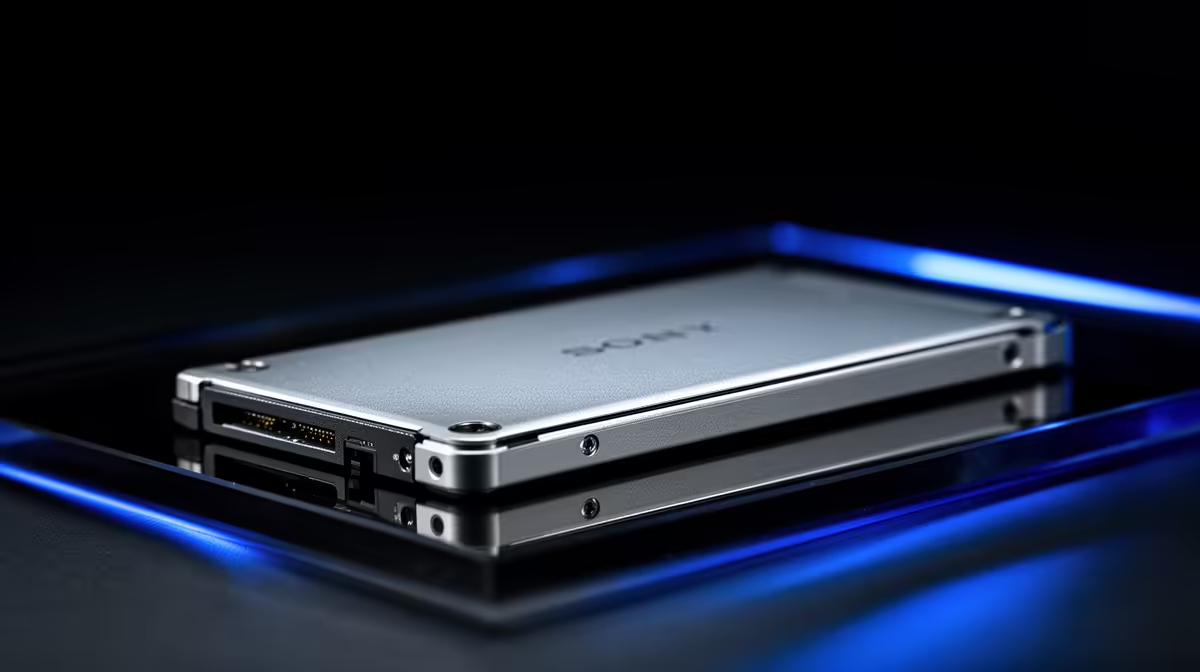
Physically, 7mm and 9.5mm refer to drive thickness. Many modern 2.5-inch SSDs use 7mm height to fit thin laptops (see Samsung consumer SSD specs for 2.5‑inch models). Traditional 2.5‑inch HDDs were often 9.5mm, especially older laptop drives (Western Digital provides similar dimensional guidance). When swapping drives, clearance is the main issue — not the SATA connector.
(Source: Samsung 2.5" SSD specs — https://www.samsung.com/semiconductor/minisite/ssd/product/consumer/860evo/; Western Digital support — https://support-en.wd.com/app/answers/detail/a_id/17172)
Practical compatibility rules for buyers
- If a laptop bay is shallow or has a spacer for a 7mm drive, a 9.5mm unit may not fit.
- Many 9.5mm drives can work in a 7mm slot with an adapter or trimmed bracket... but physical fit must be checked first.
- Adapter brackets and drive caddies solve most problems when converting a desktop or external enclosure.
For ready-made aluminium and plastic cages that accept both sizes, Evetech lists several enclosures that fit most 2.5" drives — good for making any drive external quickly. Browse Orico-branded options here: Orico enclosures at Evetech.
If you need an external solution
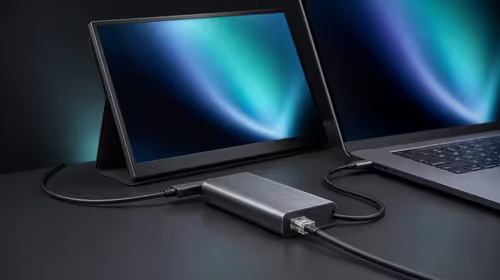
Want a plug-and-play route? External enclosures often accept 7mm and 9.5mm drives via a removable cradle or foam spacer. Compare general enclosure designs and prices on Evetech to match your port (USB 3.2, USB-C). Check the full enclosure range: Drive enclosures on Evetech.
Budget options and South African pricing
On a tight budget, you can get a decent USB 3.0 enclosure under R499 — plenty support 9.5mm and 7mm drives with an included spacer. See budget-friendly enclosures currently listed: Enclosures under R499 at Evetech. Prices and stock change; always confirm compatibility in the product description.
Quick Fit Tip ⚡
If your laptop bay seems too tight, gently test the drive without force. If it won’t seat naturally, stop. Use a spacer or external enclosure instead — you’ll avoid broken rails or bent connectors.
Decision flow: which to choose
- Upgrading a thin ultrabook? Pick 7mm SSDs or check your manual.
- Replacing a typical laptop HDD? Measure the bay; 9.5mm is common for older models.
- Want portability and reuse? A 2.5" external enclosure covers both sizes and extends life.
7mm vs 9.5mm drive compatibility explained comes down to simple measurements and the right accessories. A small spacer or the right enclosure converts a mismatch into a usable drive.
Ready to Find Your Perfect Match?
The Mac vs Windows debate is complex, but for maximum power, choice, and value in South Africa, Windows is hard to beat. Explore our massive range of laptop specials and find the perfect machine to conquer your world.