Quick Answer
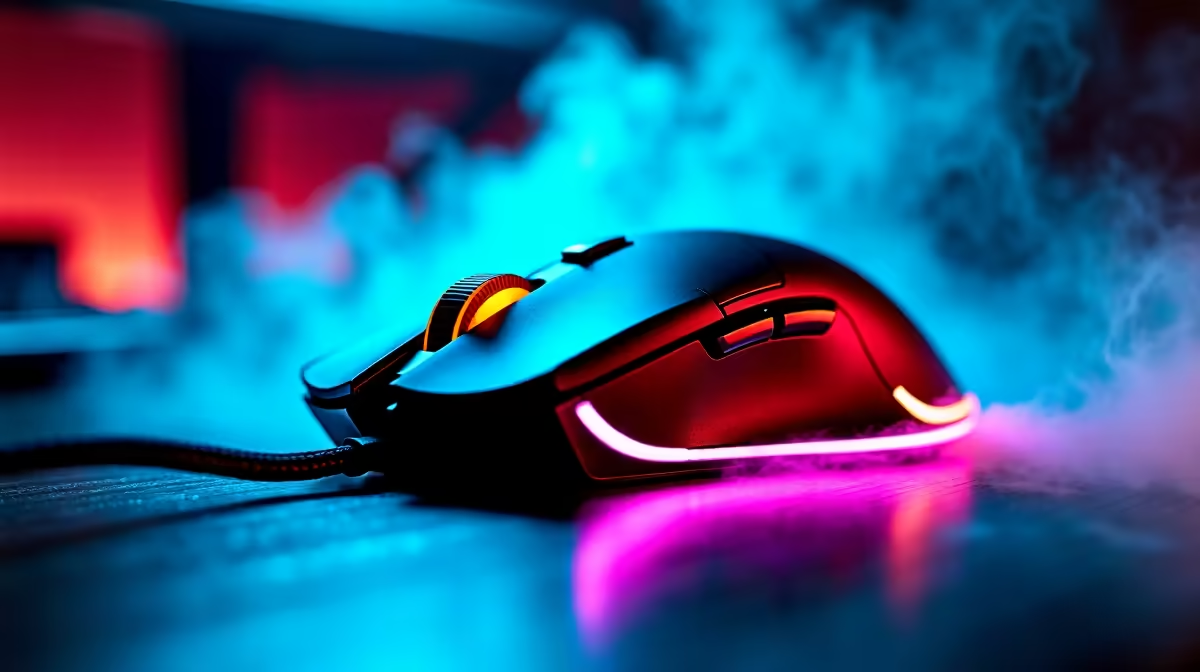
8000Hz wireless mice poll position 8,000 times per second - eight times faster than a standard 1000Hz mouse - cutting click-to-cursor latency to about 0.125ms. They matter for competitive esports on a high-refresh monitor, but most gamers see little benefit over 1000Hz. Capable gaming mice at Evetech run roughly R600-R2,500.
What 8000Hz Polling Actually Does
Polling rate is how often the mouse reports its position. At 1000Hz it reports every 1ms; at 8000Hz, every 0.125ms. On a 240Hz or 360Hz monitor, this smooths cursor motion and slightly reduces input latency, which competitive players can feel in fast aim duels. On a 60Hz or 144Hz screen, the benefit is marginal - the display can't show the difference. It's a refinement for high-refresh esports, not a must-have for everyone.
The Trade-Offs To Know
An 8000Hz polling rate uses more CPU and drains the mouse battery faster. On a wireless mouse, expect shorter runtime at full 8000Hz versus 1000Hz. You also need a capable PC, since a weak CPU can stutter under the extra reporting load. Many players run 4000Hz as a sensible middle ground for lower battery and CPU cost.
Who Should Buy One
Competitive FPS players on 240Hz+ monitors benefit most. For casual and 1440p 144Hz gaming, a quality 1000Hz wireless mouse with a good sensor and light weight (under 70g) matters more than the polling rate. Prioritise sensor, shape and weight first.
FAQ
Is an 8000Hz mouse worth it for gaming?
For competitive esports on a 240Hz+ monitor, it offers a small latency and smoothness edge. On a 144Hz or 60Hz screen the benefit is marginal, so a 1000Hz mouse is fine.
Does 8000Hz polling drain battery faster?
Yes. On a wireless mouse, full 8000Hz polling shortens runtime and uses more CPU than 1000Hz. Many players run 4000Hz as a balanced compromise.
What matters more than polling rate in a gaming mouse?
Sensor quality, shape and weight. A light sub-70g mouse with a good sensor at 1000Hz beats a heavy, awkward 8000Hz mouse for most players.
| If you run a 144Hz monitor, save the battery and set 1000Hz - 8000Hz only pays off on 240Hz+ screens in competitive play.