Quick Answer
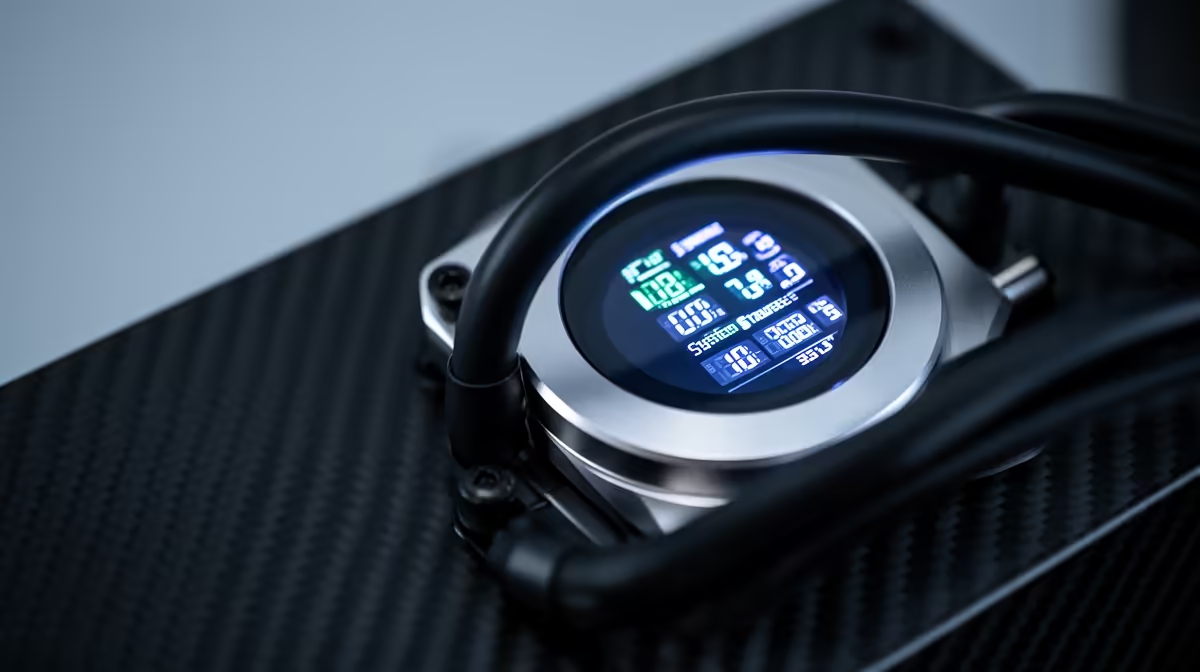
Illuminated system status meters on AIO cooler heads are embedded LCD or OLED screens, typically 2 to 3.5 inches, showing CPU temperature, coolant temperature, pump RPM, and optionally GPU temperature in real time. They provide at-a-glance hardware monitoring and personalisation through custom GIFs, without needing a software overlay over your game.
What These Screens Actually Display 🖥️
Standard readouts include CPU core temperature via USB from the motherboard, pump RPM, and coolant loop temperature. Higher-end units with 2.8-inch IPS LCD displays pull GPU temperature and fan RPM simultaneously through Corsair iCUE or NZXT CAM. Some models accept 480x480 pixel GIF uploads that animate when thermals are normal and switch to a temperature alert colour above a threshold you define. For South African builders, this on-screen alerting is practical: if Johannesburg summer ambient heat pushes coolant above 45 degrees Celsius, the display flags it without Alt-Tab.
Software Ecosystem and Customisation 🎮
Corsair iCUE allows sensor-triggered colour zones where the display shifts from blue to orange to red based on CPU temperature thresholds. NZXT CAM keeps customisation simpler but integrates tightly with Kraken AIOs. HWiNFO64 can feed data to some displays via plugin, though manufacturer software must run at startup for live updates. A key limitation: displays revert to a static logo if the USB header loses connection or the PC boots into Safe Mode, so they complement rather than replace BIOS sensor monitoring.
Is the Display Premium Worth It in SA? 💰
AIO coolers with LCD heads cost R500 to R1,500 more than comparable non-display versions. A 360mm variant with an IPS display sits between R4,500 and R6,500 currently stocked at Evetech. For a glass-panel desktop build viewed at eye level, the display is a legitimate quality-of-life upgrade. For a closed case or rack setup, it is cosmetic. Thermal performance is determined by radiator size, fan quality, and pump flow rate, not the display, so if maximum cooling per rand is the priority, a non-display 360mm AIO from the same product line delivers identical temperatures at lower cost.
Allocate a USB Header Before Installing the AIO ⚡
AIO head displays need a USB 2.0 internal header for live sensor data. On compact mini-ITX motherboards with only one or two USB headers, plan header allocation before installing the cooler so you do not lose peripheral connectivity after the build is assembled.
FAQ
Can I display GPU temperature on an AIO head screen?
Yes, on models supported by Corsair iCUE Elite, NZXT Kraken Elite, and several Lian Li Galahad II variants. The GPU monitoring plugin must be enabled in the companion software settings, which must run at Windows startup.
Do AIO head displays affect cooling performance?
No. Display electronics draw under 2W and are thermally isolated from the pump and coolant loop. Radiator size, fan quality, and pump flow rate entirely determine thermal performance.
What resolution do AIO LCD screens typically use?
Most use 240x240 to 480x480 pixel panels at 2 to 3.5 inches diagonal. At these sizes, even 240x240 is crisp for temperature readouts, though custom GIF animations look noticeably sharper on 480x480 and above panels.
Want a cooler that doubles as a system monitor?
Evetech stocks AIO liquid coolers with integrated LCD displays across 240mm, 360mm, and 420mm radiator sizes from leading cooling brands.