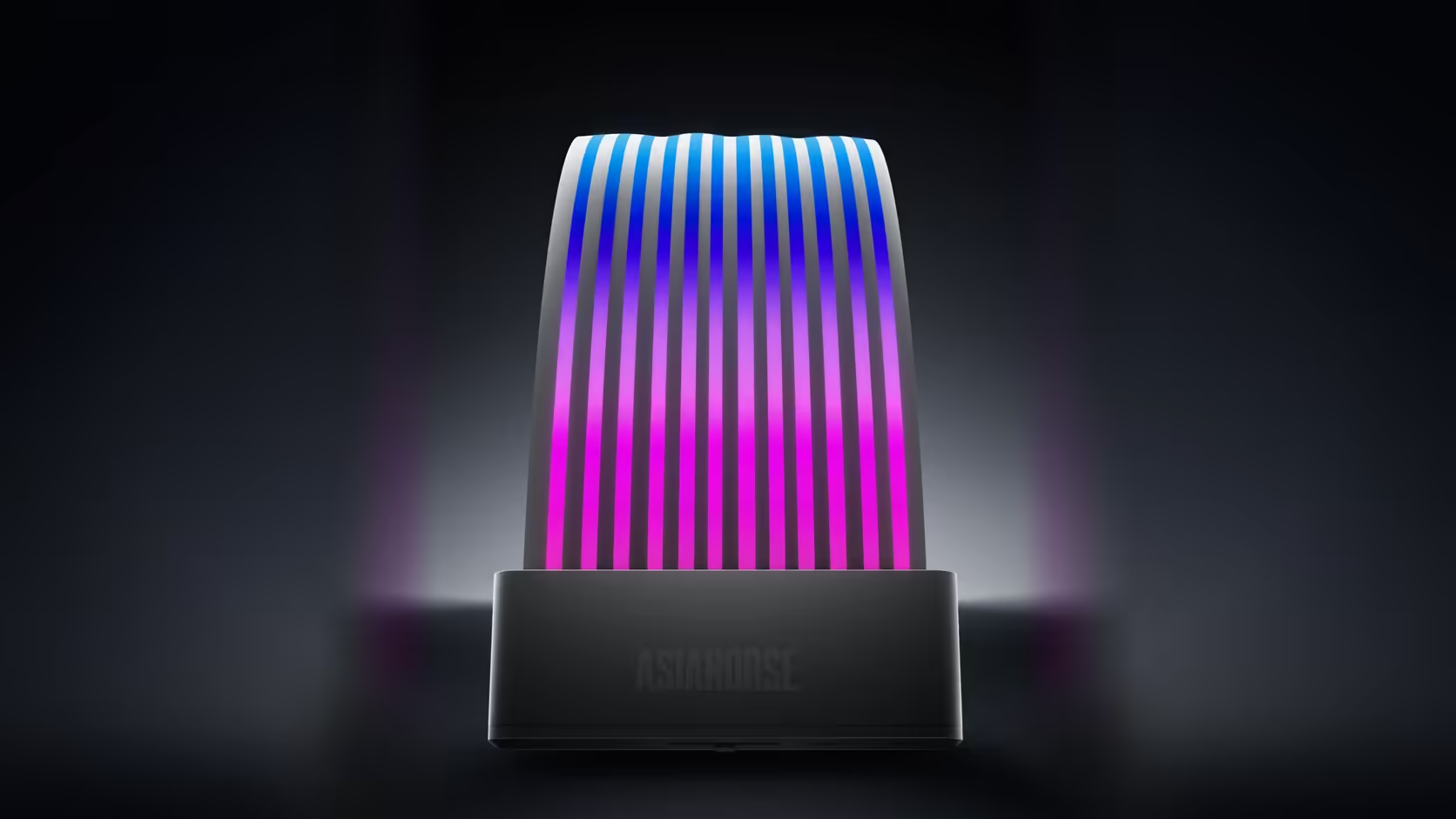
A PC that several people actually sit down at rarely gets lighting decisions right the first time, because what suits one user's taste does not automatically suit the next person who opens the case. The Aurora Learn ARGB PSU Cable Cover happens to offer two genuinely different ways of handling that, and which one fits a shared machine is worth thinking through rather than defaulting to whichever is quicker to set up.
Quick Answer
A remote lets anyone at the machine change the lighting without opening any software, which suits a PC used by more than one person day to day, while switching the same cover to motherboard sync ties its lighting to a single scheme controlled through the board's own application instead. Neither is objectively better; the right choice depends on whether ease of change or a consistent look across the whole build matters more to the household or desk it lives on. Both routes use the same 108-LED, R599 cover, so nothing about the hardware itself changes with the decision.
🕹️ The case for keeping it on the remote
Anyone can change the scene
With the presets stored in the controller rather than in an application, changing what the cover shows does not require logging into anything or opening a piece of software on the machine. That is a real advantage on a shared desk, a family computer, or any setup where more than one person expects to tweak the look.
The trade-off is independence from the rest of the build
Running its own scene means the cover may not match other lit components, such as fans or strips controlled through a board's case lighting software, unless someone deliberately keeps the presets aligned by eye.
🖥️ The case for board sync on a shared machine
One scheme, applied everywhere
Switching to 5V 3-pin sync hands control to the board's software, which typically drives every addressable component together. On a build with several lit parts, that consistency can matter more than the convenience of a physical remote.
Changes then go through an application
The trade-off is that adjusting the look now means opening the relevant software rather than reaching for a small handheld remote, which is a step further removed for a casual user just passing the desk.
🧭 A middle ground worth knowing about
The remote can simply be put away once a preferred scene is set, which effectively fixes the lighting until someone deliberately finds it again. That gives a shared machine a stable look most of the time, with the option to change it when it genuinely matters, without committing fully to either mode.
🔌 What the decision does not change
Whichever mode ends up chosen, the controller itself still needs its own dedicated feed from your power supply, independent of the motherboard entirely. That is worth knowing before assuming the choice between remote and sync affects the physical wiring in any meaningful way; only the source of the control signal changes, not the power path feeding the 108 LEDs themselves.
👨👩👧 Household examples worth thinking through
A family desktop used for homework and games
A shared family machine, where different people want different looks at different times, tends to lean toward the remote precisely because nobody has to remember a login or open an application just to switch from a calm study scene to something livelier for a weekend session.
A build shared between flatmates who each run their own peripherals
Where each person already has their own keyboard, mouse or headset synced through a board's software, folding the cover into that same sync often makes more sense, since the household is already living inside that ecosystem for everything else.
A machine handed between siblings at different ages
Younger users in particular benefit from the simplicity of a physical remote over navigating board software, which is a genuine, if easy to overlook, factor in choosing between the two modes on a family PC.
🧾 Writing the choice down once it is made
Once a household lands on a preference, a short note near the machine explaining which mode is running saves confusion the next time someone unfamiliar with the setup tries to change the lighting and gets no response from either the remote or the board software, simply because they are reaching for the wrong one. That small bit of documentation matters more on a shared machine than it would on a single-user desk, precisely because the person troubleshooting it later may not be the one who originally made the choice, and a few written words save them from working through both modes by trial and error, which is a small effort against the frustration of a lighting accessory that seems to be ignoring every input.
🗳️ Letting the household actually decide
Because switching later costs nothing beyond a short reconfiguration, there is little harm in starting on whichever mode the household leans toward and revisiting the decision once everyone has actually lived with the build for a few weeks.
Frequently Asked Questions
What makes the remote suit a machine several people use?
Anyone can change the scene without logging in or opening software, which is far easier than a board application on a shared desk.
What is the main drawback of staying on the remote?
The cover then runs its own scheme, which may not match other lit components elsewhere in the build following board software.
Does board sync lock the lighting to one look permanently?
It ties the cover to the board's own control, so changes go through that software rather than through a handheld remote.
Can the remote be deliberately put away to fix the look?
Yes, which effectively sets the scene until someone finds the remote again, offering a middle ground between the two modes.
Which mode suits a build with several lit components?
Sync generally, so the cover follows the same scheme as fans and strips rather than running an effect entirely on its own.
Is switching between the two modes difficult?
The description presents them as two routes for the same cover, so moving between them is a setup change rather than a rebuild.
Does the remote still work if the machine is switched off?
No. The controller draws SATA power from the supply, so the lighting depends on the machine being powered on to run at all.
Deciding between remote control and board sync for a shared PC?
Browse Evetech's power supply and case lighting ranges to plan whichever route suits your household.