The USB Wi-Fi adapter accessories that matter are those that improve safe placement and preserve connection quality: a short supported extension, stable desk position and unobstructed antenna area. Decorative add-ons cannot repair poor router coverage, congested channels or weak internet service.
Test placement before buying extras
Measure signal, latency, loss and speed with the adapter directly in the computer, then move it away from a metal case using a known-good supported extension. Compare the same server and busy-hour period. Check that the lead does not create strain or a trip hazard.
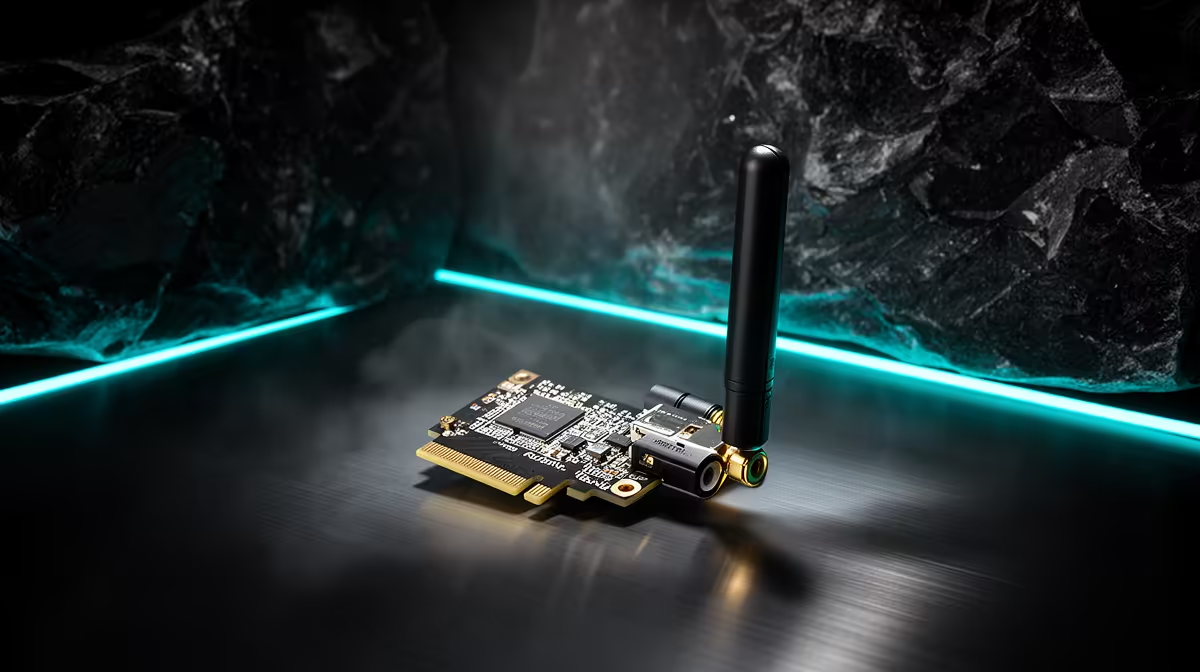
No USB wireless model or extension has confirmed pricing in the factpack. The ASUS PCE-AX1800 at R147 is a verified PCIe adapter requiring a compatible desktop slot, not a USB accessory. The Cudy WR3600E router at R766 and M3000 three-pack mesh system at R1,502 are separate network references. Confirm current connection type, extension data support, antenna design, drivers, bands and warranties.
Install software from trusted manufacturer channels, secure the network and remove obsolete profiles. Avoid placing the adapter behind dense furniture or hot exhaust. Label any extension so it is not mistaken for a charging-only lead.
Buy an accessory only when the position test shows a repeat improvement. Router movement, installed Ethernet or a supported coverage solution may solve the underlying room problem more effectively.
Improving USB Wi-Fi placement? > Compare Evetech routers and adapters after the controlled location test.