Understanding Your PC’s Thermal Heart
If you have ever felt the heat radiating from your rig during an intense load-shedding-free gaming session, you know that thermals are everything. An all-in-one CPU liquid cooler is often the upgrade that separates a throttled, noisy PC from a silent, high-performance beast. Whether you are pushing your CPU to its limits in Cyberpunk 2077 or rendering 4K video for your YouTube channel, managing heat efficiently is the key to longevity.
How Liquid Cooling Actually Works
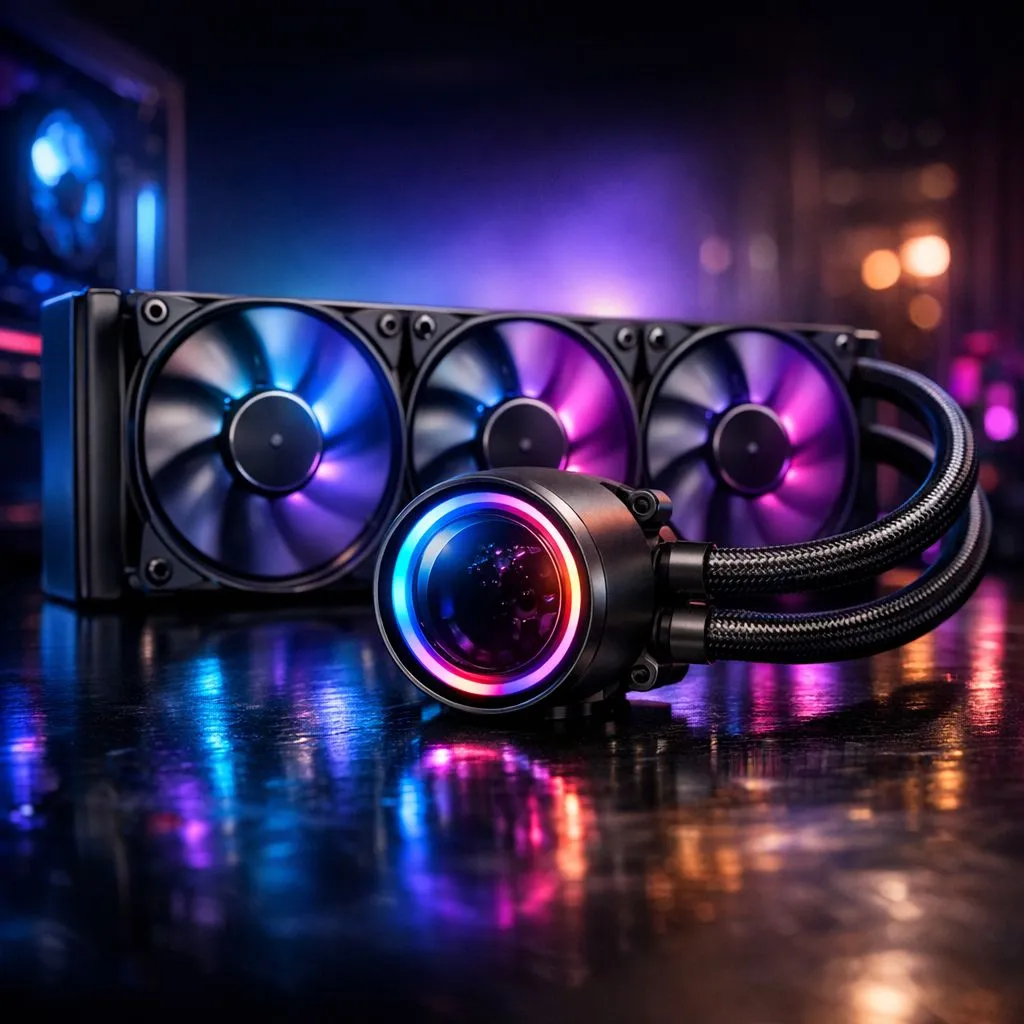
Unlike traditional air coolers that rely on bulky metal heatsinks and fans, an all-in-one CPU liquid cooler uses a closed-loop system. A pump circulates coolant through a block mounted on your CPU, absorbing heat. This liquid then travels through tubes to a radiator, where fans dissipate the heat out of your chassis. It is an elegant, pre-filled solution that brings enthusiast-grade cooling to the average desktop user.
If you are just starting your search, you can browse our full range of CPU coolers to see what fits your budget. For those who want the aesthetic and performance benefits of a closed-loop system, our dedicated AIO liquid cooler collection is the best place to start. 🔧
Choosing the Right Setup for Your Rig
When selecting your cooling solution, consider your case clearance and CPU TDP (Thermal Design Power). Brands like Corsair offer premium AIO options that feature industry-leading pump designs. Alternatively, if you want high performance without breaking the bank, Deepcool liquid coolers are a fantastic choice for SA gamers. ⚡
Installation Pro Tip 🚀
Always ensure your radiator is mounted higher than the pump block if possible. This prevents air bubbles from getting trapped in the pump, which can cause annoying rattling noises and reduce the lifespan of your unit.
Performance and Aesthetics
Size matters when it comes to dissipation. A 360mm radiator provides maximum surface area for extreme overclocking, while a 240mm radiator is the "sweet spot" for most mid-tower builds. Matching your cooling capacity to your CPU ensures your system stays stable even during those sweltering Highveld afternoons. ✨
Ready to Find Your Perfect Match?
Keeping your CPU cool is the best investment you can make for your rig's lifespan. Explore our massive range of AIO liquid coolers and find the perfect cooling solution to keep your frames high and your temperatures low.