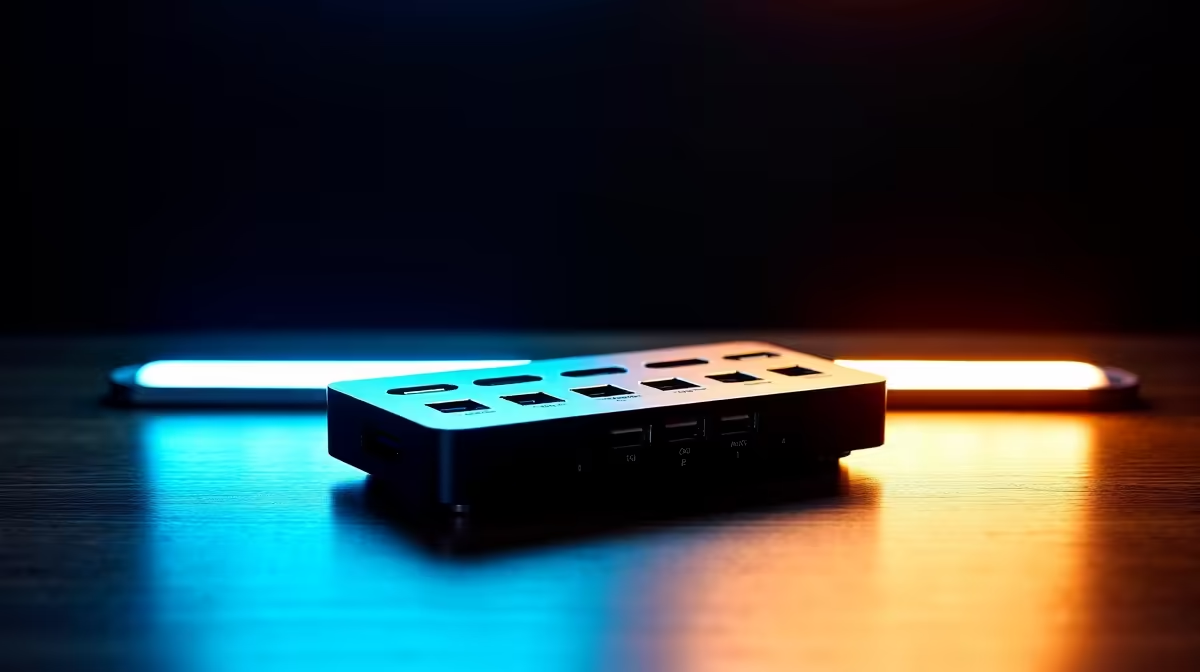
Tired of that tangled mess of cables behind your desk? We've all been there... one cable for the monitor, another for the charger, and a dongle for your mouse. What if you could connect everything—power, multiple displays, and all your peripherals—with a single, clean connection? A quality docking station makes this possible, transforming your workspace from chaotic to streamlined. ✨
Unifying Your Setup with a Docking Station
The modern laptop, whether for work or play, is a marvel of portability. But that sleek design often comes at the cost of ports. A docking station acts as a central command hub for your desk. Instead of juggling multiple adapters, you plug one USB-C or Thunderbolt cable into your laptop, and you're instantly connected to your entire setup. It means less wear and tear on your laptop's ports and a workspace that's always ready to go. No more fumbling with cables when you need to quickly grab your machine.
Key Features in a Docking Station: Charging, Display, and Data
Finding the perfect hub means matching its capabilities to your needs. The best docking stations balance three core functions: providing power, driving external monitors, and transferring data. Let's break it down.
Power Up: Consistent Charging
A key feature is Power Delivery (PD) via USB-C. This allows a single cable to transmit data, video, and charge your laptop simultaneously. Look at the wattage (W) output—a 65W dock is great for most ultrabooks, while a gaming laptop might need 100W or more to stay juiced up during an intense session. ⚡
Check Your Port!
Not all USB-C ports are created equal. Ensure your laptop's USB-C port supports DisplayPort Alternate Mode (for video) and Power Delivery (for charging). A Thunderbolt 3 or 4 port is the gold standard and will support almost any dock.
Expand Your View: Multi-Monitor Dominance
Want to run two or even three monitors from your laptop? This is where a docking station truly shines. They offer a mix of HDMI and DisplayPort outputs, often capable of driving multiple 4K displays at a smooth 60Hz. For gamers, this means an immersive wrap-around view. For professionals, it's a productivity powerhouse. Many South Africans find that a good docking station for display and charging is the cornerstone of an efficient home office. For a solid setup that won't break the bank, you can find powerful hubs for under R2000 that handle dual displays with ease.
Connect Everything: Data and Peripherals
Beyond charging and displays, these docks are packed with ports. You'll typically find multiple USB-A ports for your keyboard, mouse, and external drives, a gigabit Ethernet port for stable, lag-free internet (essential for online gaming!), and often SD card readers for content creators. When it comes to reliable connectivity, it's worth investing in trusted brands like Promate that deliver consistent performance. 🔧
Finding a Dock That Fits Your Budget
You don't need to spend a fortune to declutter your desk and boost your productivity. There's a wide range of docking stations available to suit any budget. If you just need to connect a single external monitor and a few USB devices, there are plenty of excellent options under R1000 that get the job done reliably. The key is to assess what you really need and choose a model that matches.
Find Your Ultimate Docking Station
Ready to conquer cable chaos and create the clean, powerful setup you deserve? Explore our full range of docking stations for charging, display, and data. Shop now at Evetech and plug into pure productivity.