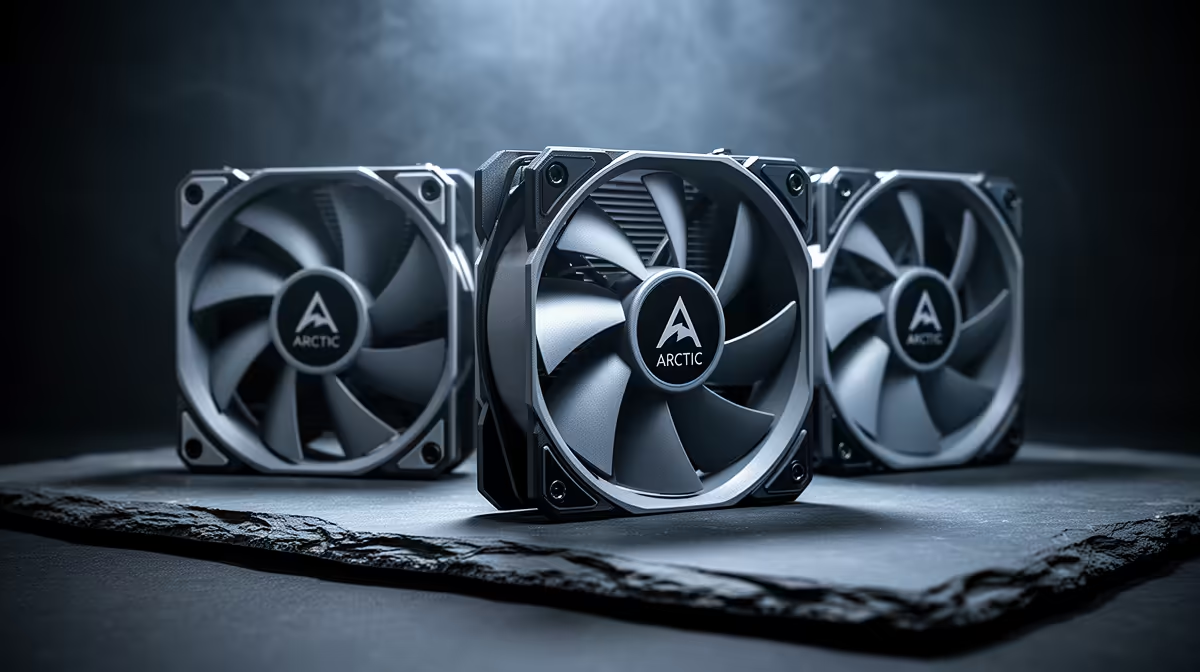
The P12 earned attention as a value 120mm fan, yet the name covers several speed, connector and lighting versions. The Arctic P12 fans price in South Africa should be checked against the precise model and pack size. Compare its installed temperature and noise with fans you can buy locally, not a converted single-fan headline.
Quick Answer
South African P12 totals depend on the exact fan version, pack size and seller route. A shipment from abroad can add freight, customs duty and a return process for low-cost hardware. Compare the pack against Evetech's live gaming PC deals and available component choices before deciding how much cooling the system needs.
🔎 Decode the P12 model name
Check whether the fan is PWM or voltage-controlled, its maximum speed, connector arrangement, colour and lighting. Do not assume one P12 review covers the version in your basket.
PWM versions take a control signal from a suitable four-pin header. A non-PWM fan may use voltage control. The motherboard and curve must match.
Some versions support daisy-chain power or control. Confirm the exact current rating and connector path before linking fans.
ARGB versions add lighting leads and controller requirements. Count both fan and LED headers or use a supported hub.
Pack size changes the useful price comparison. A five-pack without extra controllers should be compared with another complete multi-fan set.
Record the full suffix and seller product code. Similar photos are not enough.
🌬️ Use pressure where restriction exists
The P12 line is often discussed for radiator and filtered-intake work. Verify the exact model's pressure curve and physical dimensions.
For a radiator, use correct screw length. Long screws can damage tubes. Mount the frame flat and tighten in small alternating steps.
For a front intake, check panel gaps and filter area. A blocked panel can erase the advantage of a pressure-focused fan.
For case exhaust, compare at lower RPM. An open position may not need maximum pressure or speed.
Map intake and exhaust direction. Use frame arrows or current documentation, then hold a strip of tissue safely outside the grille to confirm flow.
Keep cables clear of blades. Secure daisy-chain leads to the frame and avoid sharp bends at fan connectors.
🔇 Tune around noise and resonance
Full-speed noise is a limit, not the only operating point. Build a curve that delivers the required component temperatures.
Record room temperature, CPU and GPU temperature, fan RPM and workload. Compare fans at equal cooling.
Listen for motor tone or resonance at several fixed speeds. Move the curve through an irritating band rather than parking inside it.
Two or more fans at close speeds can create a pulsing beat. Small supported offsets may reduce it.
Test cold start at the lowest duty. Raise the floor until every fan in the group starts without a manual spin.
Use delayed response to short CPU spikes. Case fans should follow sustained case heat rather than every momentary core jump where control allows.
Check motherboard header current for a multi-pack. Only one fan may report RPM through a splitter, so label the tach lead.
💰 Compare budget value as a complete pack
Price the P12 version, pack size, hub or splitter, ARGB controller and any shipment charges. Add border assessment for a route from overseas.
Use Evetech's PC best-sellers to see local complete systems and their case airflow approach. Better chassis ventilation can reduce the number of fans needed.
Compare a local value PWM fan and a cheaper Noctua model at matched temperature and RPM. Include tone, pack accessories and fault handling.
For a used P12 pack, inspect every frame, blade, connector and cable. One damaged fan can create a poor group result.
Match model labels across the pack. A seller may combine PWM, PST or lighting variants that look alike and need different wiring. Build separate groups when control types differ.
Test each fan alone before daisy-chaining. Run cold start, low duty, middle and maximum speed, then let the group warm.
Record RPM from each fan on a known header. If only one tach lead reports through the final chain, choose a healthy reference fan and label that connector.
Check ARGB through solid red, green, blue and white before effects. This can reveal failed LEDs or channels.
Install the group behind the actual filter or radiator and repeat the noise test. Open-air results cannot expose the hum or pulse caused by restriction.
Check for speed bands that create a tonal resonance. Move the curve above or below the band while watching temperatures. One stable middle speed can sound calmer than constant changes.
Inspect all splitter and pass-through connectors after the first week. Heat cycles and cable tension can loosen a small plug. Secure leads to the case frame, clear of blades.
Measure GPU and CPU results apart. Front-intake changes may help the graphics card while top exhaust changes CPU heat. A pack should be judged by the component it was installed to help.
Keep one tested fan as a spare if downtime matters. Replacing a failed unit with the same model preserves the working group curve and mounting plan.
Store spare screws and splitters with the case hardware. Keep the model suffix and working curve in the PC record.
Frequently Asked Questions
Why are Arctic P12 fans popular in value builds?
They are often considered for pressure-oriented cooling at a modest tier. Value depends on exact version, pack and local total.
Are P12 fans good for radiators?
Choose a version whose pressure, thickness and mounting suit the radiator. Verify screw length and fan curve.
Do they come in PWM and non-PWM versions?
The family includes different control versions. Read the full suffix and connector specification before purchase.
How loud are they at full speed?
Use current measurements as context, then listen in your case. Most builds should tune for required cooling rather than permanent maximum speed.
Is there an ARGB P12?
Lighting variants can exist, subject to current range. Confirm the exact model, LED connector and controller needs.
How do they compare with cheaper Noctua fans?
Compare exact models at equal cooling, with tone, speed range, accessories and warranty included.
Where can South Africans check budget case fans?
Use current local component and PC listings, then match fan size and pressure to the actual position.
Ready to tune a value cooling layout?
Check Evetech's current PC and component ranges, then compare fan packs by control, pressure and installed noise.