Quick Answer
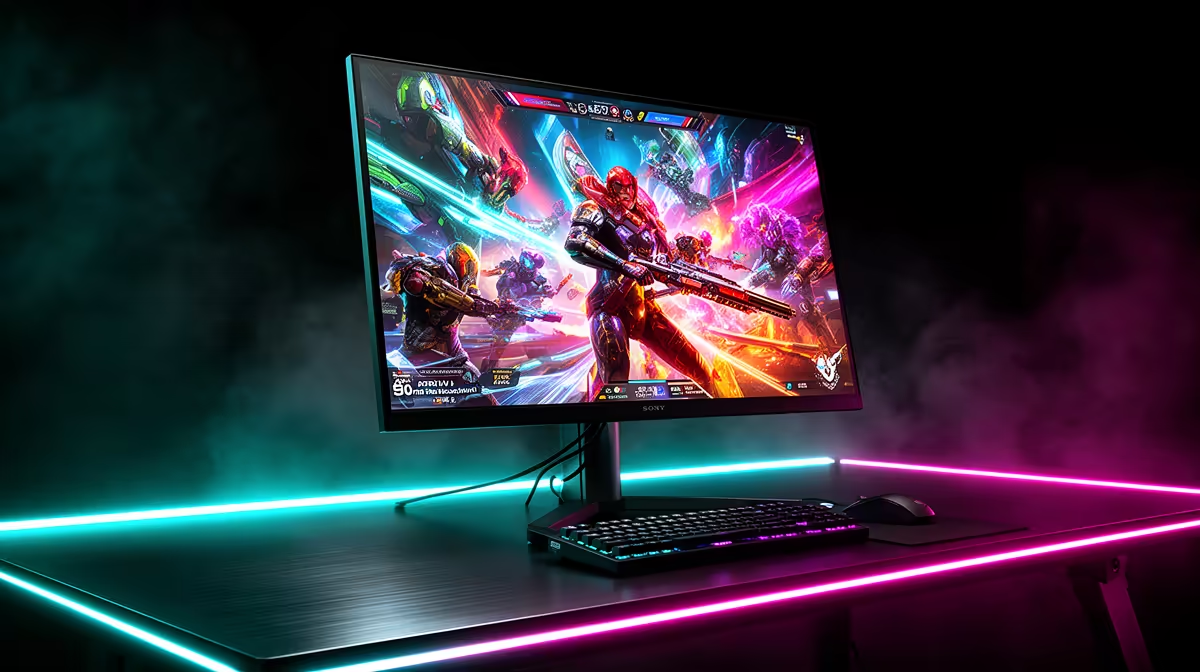
Yes, 300Hz QHD monitors are worth it for SA competitive gamers who already have a GPU sustaining 200 fps or more at 1440p in their primary title. The combination of 1440p detail and 300Hz motion clarity is meaningful in shooters, but only if the hardware behind the screen can feed it.
What 300Hz at 1440p Actually Delivers 🎮
The jump from 144Hz to 240Hz is widely felt; the step from 240Hz to 300Hz is narrower but still produces measurable reduction in perceived motion blur. At 300Hz, each frame lasts 3.3 milliseconds. For competitive titles, 1440p resolution adds clarity that lets you identify enemies at longer ranges. An RTX 5080 or RTX 5070 Ti can sustain 240 to 300 fps in CS2 and Valorant at 1440p with competitive settings. GPU prices run R18,000 to R28,000, and 300Hz QHD monitors are stocked at Evetech from around R10,000 to R16,000.
The GPU Prerequisite for SA Buyers 💰
The biggest risk when buying a 300Hz QHD monitor is pairing it with a GPU that cannot reach 200 fps at 1440p. An RTX 4060 Ti averages 150 to 180 fps in Valorant at 1440p on medium settings, which keeps the monitor mostly in its 144Hz to 200Hz adaptive sync range rather than near 300Hz. To consistently run above 250 fps at 1440p in CS2, you realistically need an RTX 4080 Super or RTX 5070 Ti. If your GPU budget is under R12,000, a 240Hz 1080p monitor is a more honest match for the hardware you can afford now.
SA-Specific Considerations 🇿🇦
South African network latency to global servers typically adds 150 to 200ms of ping regardless of monitor refresh rate, so the 300Hz benefit is felt in local aim mechanics, not server latency. Local LAN competitions in Johannesburg, Cape Town, and Durban run local servers with ping under 10ms, where 300Hz QHD becomes genuinely advantageous against 144Hz opponents. If you primarily play on local servers through Vumatel or Openserve fibre, the full refresh rate benefit is available to you.
Confirm Your GPU's 1440p Frame Rate First ⚡
Before buying a 300Hz QHD monitor, run your current GPU at 1440p in your main competitive title and check average frame rate using the in-game overlay or MSI Afterburner. If you average below 200 fps, consider a 240Hz 1080p panel instead and upgrade the monitor when your GPU budget grows.
FAQ
Do 300Hz QHD monitors require a specific cable type?
Yes. DisplayPort 1.4 is required to carry 2560x1440 at 300Hz with full colour. HDMI 2.1 can also handle it on supporting monitors, but many 300Hz panels only provide full bandwidth over DisplayPort. Check the spec sheet before using HDMI.
Is the price premium over 240Hz worth it for casual gamers?
For casual gaming and single-player titles, the difference between 240Hz and 300Hz is nearly imperceptible. The premium is justified primarily for dedicated competitive players who practise daily and have the GPU to sustain high frame rates.
Can a 300Hz QHD monitor double as a work monitor?
Absolutely. QHD at 27 inches gives significantly more screen real estate than 1080p, making it excellent for multitasking, code editing, and Premiere Pro work. Many SA professionals use QHD as their primary resolution for creative work.
Looking to push your competitive setup to 300Hz at 1440p?
Evetech carries QHD gaming monitors at 240Hz and 300Hz from top brands, with expert advice to match the right panel to your GPU.