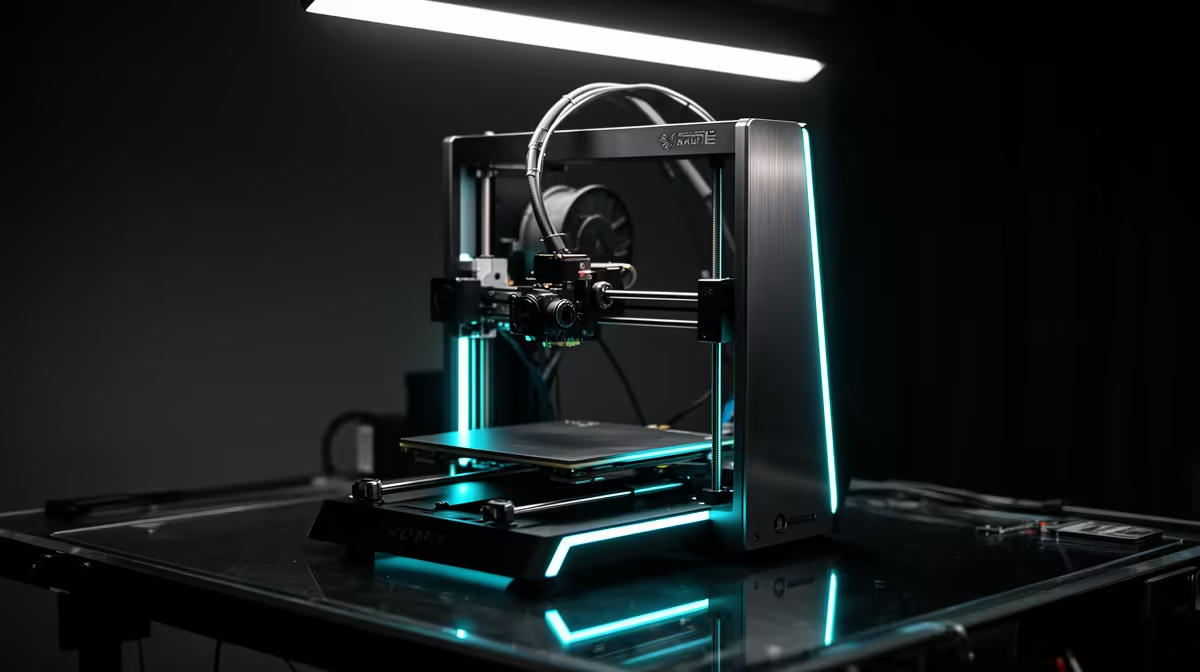
Two desktop FDM printers dominate the conversation whenever a South African maker starts shopping, and they pull in opposite directions. Bambu Lab vs Prusa is really a choice between plug-and-play speed sitting on a local shelf and an open-source machine you import, tune, and keep running for a decade. One ships from Evetech ready to print in twenty minutes; the other arrives with schematics, a thriving repair community, and a longer wait at customs.
Quick Answer
For most SA buyers, the Bambu Lab P1S wins on availability and speed: around R12,495 with local stock, multi-colour support via the AMS, and print speeds up to 500 mm/s. Prusa is importer-only here, landing closer to R18,000 to R22,000 after shipping and duties, but it rewards you with full open-source serviceability. Buy Bambu for speed and convenience, Prusa for long-term tinkerability.
Speed and Out-of-the-Box Experience
The headline difference is how fast each machine gets you a finished part. The P1S uses a CoreXY motion system that decouples the X and Y motors, letting the toolhead accelerate hard without dragging a heavy gantry. Combined with input shaping and pressure advance tuned at the factory, it holds usable quality at 300 to 500 mm/s on PLA. A Prusa MK4, by contrast, runs a bed-slinger design where the whole print bed moves on the Y axis. That mass limits practical speeds, and while the MK4 is no slouch with its input shaper, you will not match CoreXY throughput on tall, fast prints.
Setup time tells the same story. The P1S arrives mostly assembled, runs an automated calibration on first boot, and connects to the Bambu Handy app so you can start a print from your phone. A Prusa kit, if you buy the cheaper self-assembly option, is a weekend project. The pre-built version costs more and still expects you to be comfortable with the occasional firmware fiddle. If you want to print, not build a printer, Bambu is the gentler entry. You can browse the current local lineup on the 3D printer range at Evetech to see what ships without an import wait.
Open-Source Serviceability and Repairability
This is where Prusa earns its premium. Every part is documented, the firmware is open, and replacement components are designed to be swapped by the owner. A stripped extruder gear, a worn PTFE tube, or a cracked part can be fixed from official guides without voiding anything. Five years from now, a Prusa is still a Prusa you can keep alive. Bambu's ecosystem is more closed: the mainboard, AMS, and some firmware behaviour are proprietary, and while spares exist, you are leaning on Bambu's supply chain rather than a fully open community.
What This Means for SA Buyers Specifically
Local stock changes the maths. When a Prusa part fails in Cape Town or Johannesburg, you are looking at an international order and a courier wait measured in weeks. A Bambu component sourced through local channels can reach you far quicker. Open-source is a real advantage only if you are the kind of person who will actually open the machine up. For a school lab, a small product studio, or anyone who just wants reliable parts, fast local turnaround often beats theoretical repairability.
Print Quality and Materials
Both produce excellent results. The MK4 has a reputation for clean, consistent layers and forgiving first-layer calibration thanks to its load-cell sensor, which probes the bed and sets the nozzle height automatically before each print. The P1S matches it on detail and adds an enclosed chamber out of the box, which makes printing ABS and ASA far less fussy. If you plan to print engineering materials that warp, the P1S enclosure is a genuine practical edge. For PLA and PETG, the gap between them is small enough that most users will not notice it on a finished part.
Multi-Colour and the AMS
One area where Bambu pulls ahead is multi-colour printing. The AMS unit feeds up to four filaments into a single print, letting you produce multi-colour models or mix materials in one job without manual swaps. Prusa offers its own multi-material system, but the Bambu AMS is tightly integrated and simple to use. If colourful prints or dissolvable supports are part of your plan, the P1S plus AMS is the smoother route, though the AMS adds to the upfront cost.
Noise and Footprint
The P1S is a compact, fully enclosed box that sits neatly on a desk and runs quietly enough for a home or office. The MK4's open frame takes a similar footprint but offers no noise or fume containment, so for ABS work in a shared space the enclosed Bambu is the more considerate neighbour. Neither is loud by 3D printer standards, but the enclosure does dampen the P1S noticeably.
Total Cost in Rand
Sticker price is only the start. The P1S at roughly R12,495 is the cheaper machine before you add an AMS for multi-colour work. A Prusa MK4, once shipping and import duties are added, commonly lands between R18,000 and R22,000 in South Africa. Factor in filament, the occasional nozzle, and a spare build plate either way. For the same budget, Bambu generally puts more capability and an enclosure in your hands today, while Prusa asks you to pay more upfront for a machine you can maintain indefinitely.
Who Should Buy Which
Choose the P1S if you value speed, local availability, enclosed printing, and a phone-driven workflow, and you would rather replace a module than rebuild it. Choose Prusa if you are a committed tinkerer, you trust the open-source community for the long haul, and the import wait does not bother you. Both are strong; the right answer depends on whether you want a tool that just works or a platform you will keep modifying. If accessories and upgrade parts are part of your plan, it is worth scanning the top-selling accessories at Evetech to round out a printing setup.
Frequently Asked Questions
Is the Bambu Lab P1S available with local stock in South Africa?
Yes. The P1S is stocked locally and currently sits around R12,495 at Evetech, so you avoid the import wait that a Prusa requires. That local availability is one of its biggest practical advantages for SA makers.
Why is Prusa more expensive in South Africa?
Prusa does not have a local retail presence here, so machines come in as imports. Once shipping and customs duties are added, an MK4 typically lands between R18,000 and R22,000, well above its overseas list price.
Which printer is faster?
The P1S is faster. Its CoreXY design and factory-tuned input shaping support speeds up to 500 mm/s, while Prusa's bed-slinger layout limits practical throughput on tall and fast prints.
Can I print ABS on both?
Both can, but the P1S includes an enclosed chamber out of the box, which keeps warping under control on ABS and ASA. A Prusa MK4 needs an add-on enclosure to match that, which adds cost.
Is open-source worth the premium for a beginner?
Usually not for a pure beginner. Open-source serviceability pays off if you intend to repair and modify the machine yourself. If you just want reliable prints with fast local support, the convenience of local stock tends to matter more.