Quick Answer
For Vanderbijlpark remote workers a 27-inch 1440p IPS monitor at 100-165Hz is the productivity sweet spot, and Evetech stocks them from roughly R3,500 to R8,000. 1440p gives far more desktop space than 1080p for spreadsheets and video calls while staying sharp at a normal desk distance.
Why 1440p For Work
At 27 inches, 1440p (2560x1440) hits the resolution sweet spot: text stays crisp and you get roughly 78% more screen real estate than 1080p for side-by-side documents, code or dashboards. A factory-calibrated IPS panel with sRGB coverage near 99% keeps colours accurate for design and photo work. A 100-165Hz refresh also makes everyday scrolling and the occasional game feel smooth, so a work monitor doubles after hours.
Ergonomics, Ports And Eye Comfort
For long days, a height-adjustable stand and tilt prevent neck strain; many R5,000-plus monitors include them. USB-C with power delivery lets a laptop charge and drive the display over one cable, which tidies a work-from-home desk. Look for flicker-free backlight and a low-blue-light mode to reduce eye fatigue across an 8-hour day. A matte coating cuts glare near a sunny window.
Buying And Support In Vanderbijlpark
Evetech is online-first, so Vanderbijlpark buyers order from evetech.co.za and Evetech's national courier delivers to the Vaal Triangle, usually within 1-3 working days. Inspect the box on arrival before signing. Evetech stocks 1440p IPS monitors locally with SA warranty, including dead- pixel cover terms worth confirming. A NWU Vaal and VUT student or remote worker who codes or edits benefits most from a 27-inch 1440p panel with USB-C, which charges the laptop and clears the desk in one cable.
FAQ
Is 1440p better than 1080p for remote work in Vanderbijlpark?
Yes for productivity; 27-inch 1440p gives about 78% more desktop space than 1080p for documents, code and calls while staying sharp. The extra room means less scrolling and easier side-by-side work.
What refresh rate do I need for a work monitor?
60Hz is fine for pure office work, but 100-165Hz makes scrolling and the odd game feel much smoother for little extra cost. A 144Hz 1440p IPS panel is a good all-rounder for work and play.
Should my monitor have USB-C?
USB-C with power delivery is worth it if you use a laptop, since one cable charges it and drives the display. It removes the charger and a second cable from the desk, which is ideal for a clean work-from-home setup.
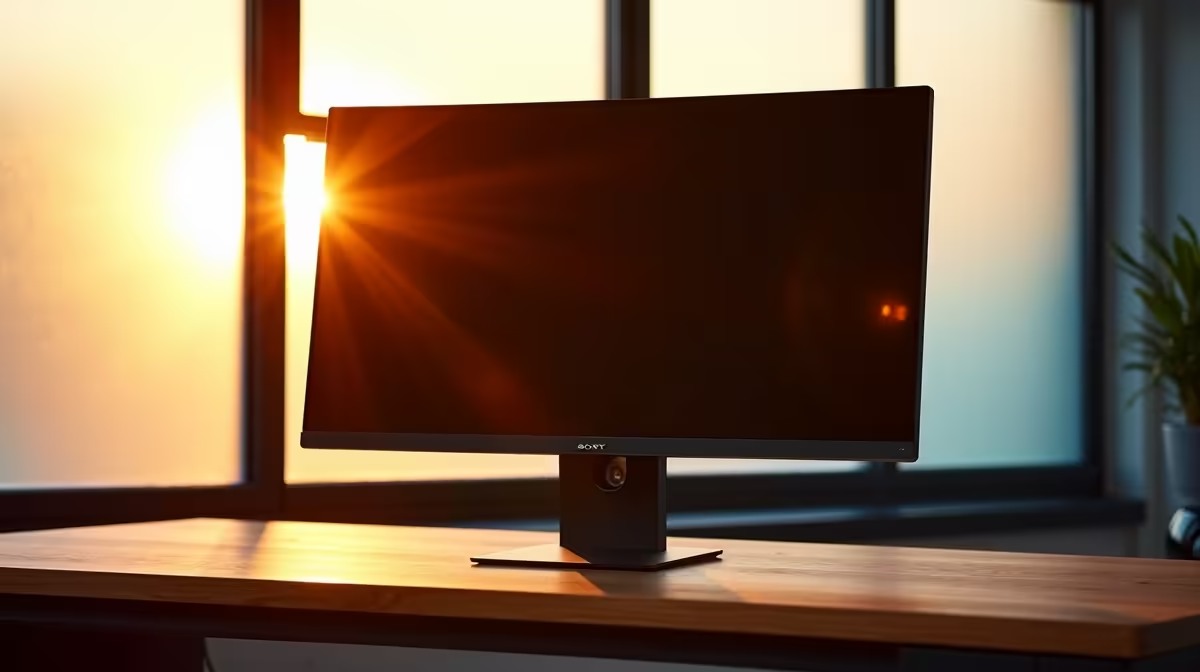
27-inch 1440p IPS panel with a height-adjustable stand and USB-C; one cable then charges your laptop and drives the screen for a tidy desk.