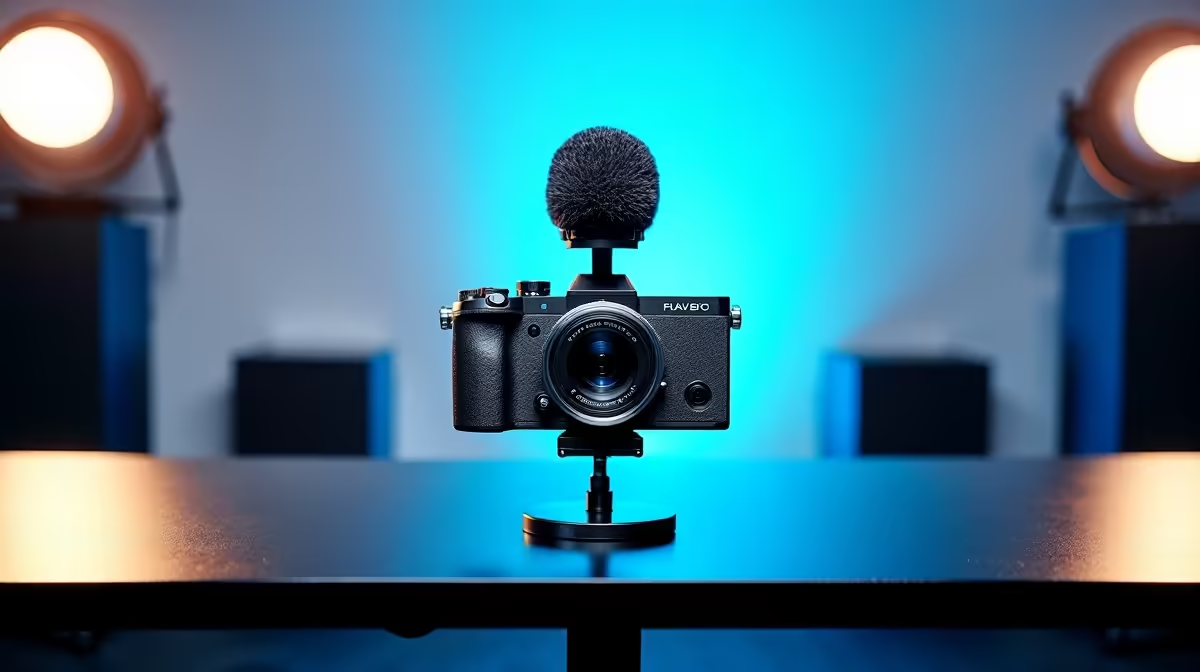
Tired of your stream looking like it was filmed on a potato? In South Africa, standing out on Twitch or YouTube means delivering visuals that pop. Investing in the best 4K streaming equipment isn't just an upgrade; it's a statement. It tells your audience you're serious about quality. Let's get you set up with the right gear for that buttery-smooth, crisp video quality that keeps viewers coming back for more. 🚀
Why Settle for Less? The Power of 4K Streaming
First things first, why is 4K such a big deal? It's all about detail. When you're streaming the latest AAA title, you want your audience to see every texture, every particle effect, every single blade of grass exactly as you do. Standard HD is fine... but 4K is immersive. It's the difference between watching a game and feeling like you're in it.
For content creators, this professional polish builds credibility. Viewers are more likely to subscribe and stick around when the production value is high. Upgrading your gear for 4K streaming is a direct investment in your channel's growth.
Building Your 4K Streaming Arsenal
Achieving that flawless crisp video quality requires a few key pieces of hardware working in harmony. It's not just about one magic camera; it's about building a complete system where every component plays its part.
Your Camera: The Heart of Your Visuals
This is the most obvious starting point. A standard 720p webcam won't cut it. You need a camera capable of capturing a native 4K signal. Look for options like the Elgato Facecam Pro or consider using a mirrorless DSLR camera connected via a capture card. The key specs to watch for are 4K resolution at a minimum of 30 frames per second (fps), though 60fps is the gold standard for fluid motion.
Audio That Pops: Don't Forget Your Mic 🎤
What's the point of a gorgeous picture if your audio is scratchy and distant? Your audience needs to hear your voice, your reactions, and your commentary with absolute clarity. A dedicated USB or XLR microphone is non-negotiable. Investing in high-quality streaming essentials ensures your voice is as crisp as your video.
Lighting: Your Secret Weapon 💡
This is the component most streamers overlook, but it's critical for achieving the best 4K streaming equipment performance. A dark, poorly lit room forces your camera's sensor to work harder, introducing digital "noise" that makes your video look grainy and soft, even if it's a 4K camera! Good lighting allows the sensor to capture a clean, sharp image. Consider a simple two-point setup with key and fill lights. For some extra flair, you can add RGB backlights and explore dynamic lighting from brands like Cololight to make your background pop with colour.
Pro Lighting Tip: The Three-Point Setup
For a truly professional, shadow-free look, use a three-point lighting system. Your Key Light is the main, brightest light. The Fill Light is a softer light on the opposite side to fill in shadows. The Back Light (or hair light) sits behind you to separate you from the background, creating a sense of depth.
Elevate Your Setup with Pro-Level Gear
Once you have the core components, a few extras can take your stream from good to great. A stream deck, for example, allows for seamless scene switching and effects without fumbling with your mouse and keyboard. If you're a console gamer, a dedicated 4K capture card is essential to get the signal from your PlayStation or Xbox to your PC.
Brands like Corsair have developed entire ecosystems for streamers, offering everything from microphones to green screens. Investing in top-tier Corsair streaming peripherals can create a cohesive and powerful setup. And don't think you need to break the bank to get started. It's entirely possible to build a solid 4K streaming setup under R6000 if you prioritise the most impactful components first. ✨
Ready to Go Pro with 4K?
Stop letting blurry video hold your channel back. Explore our wide range of cameras, mics, and lighting to build the ultimate streaming rig. Shop our full range of Streaming Essentials at Evetech and show your audience what true quality looks like.