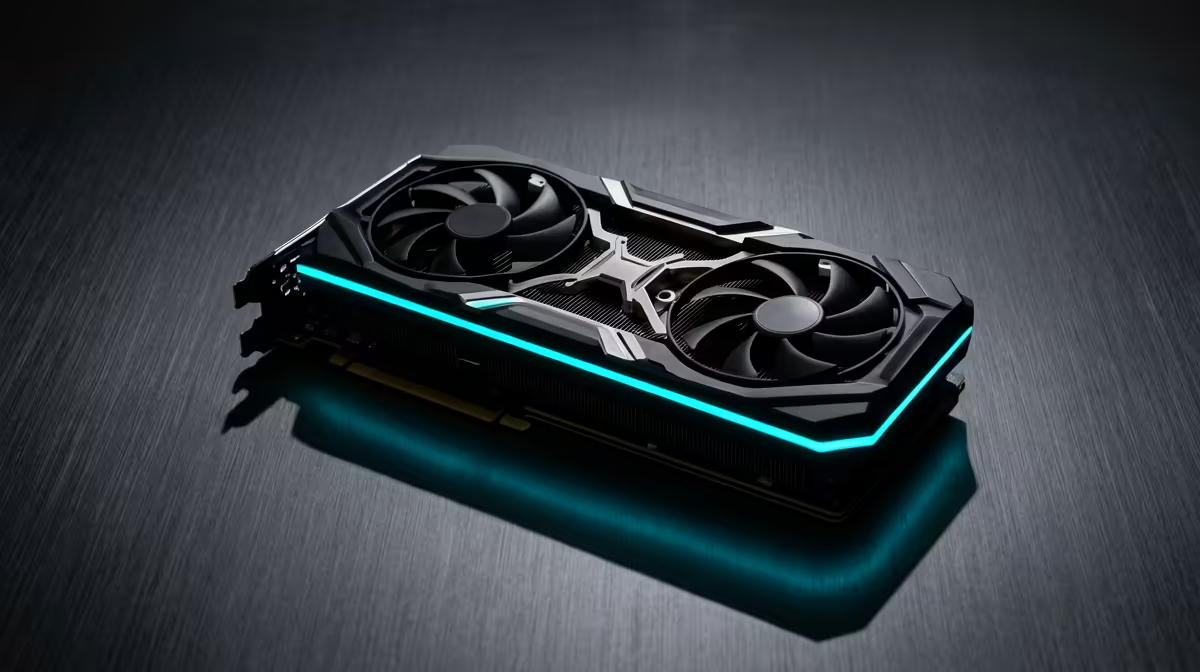
Choosing a GPU for a South African build works best when you start from your monitor, your workload and your budget, not from a model number. Balance the parts and you get a faster-feeling PC for less, with money left for the components that matter.
Quick Answer
The better-value alternative to the RTX 5060 for office and study work is the card that fits your real setup, where office and study work needs a quiet, reliable card for clean multi-monitor output, not gaming horsepower, so a modest GPU is plenty and saves real money. Around the R7,500 to R9,500 range at Evetech usually buys what you need without paying for headroom you cannot use.
What an Office and Study PC Needs From a GPU
Office and study machines need clean, quiet multi-monitor output, not gaming power. A modest card drives two or three 1440p screens comfortably, so the saving is better placed in RAM, a fast SSD and a comfortable monitor for long study sessions.
Put the Budget Into RAM, SSD and a Monitor
Choose a quiet, low-power card and put the rest of the budget into RAM, an SSD and a comfortable monitor. For office and study the felt difference comes from snappy loading and a clean desk, not from graphics performance you will never call on.
you spend" , Compare the card against your monitor and CPU before stepping up a tier. A balanced screen, processor and cooler frequently add more than one extra tier of graphics power.
FAQ
Do office and study PCs need a RTX 5060?
No. Office and study work needs clean, quiet multi-monitor output, not gaming power. A modest entry card drives two or three 1440p screens comfortably, so the RTX 5060 is unnecessary and the saving is better used elsewhere.
What makes a study PC feel fast?
RAM, a fast SSD and a good monitor. Snappy loading and a comfortable screen matter far more than graphics performance for documents, browsers and research, so balance the build toward those instead of the GPU.
How much should I spend on a GPU for office use in SA?
A small amount, typically well under the R7,500 to R9,500 band at Evetech. A quiet, low-power card is plenty, so put the budget into memory, storage and a comfortable display.
tip" , For office and study work, put the saving from a lower GPU tier into your monitor, storage and cooling. The whole machine feels faster than spending it all on graphics you will rarely fully use.