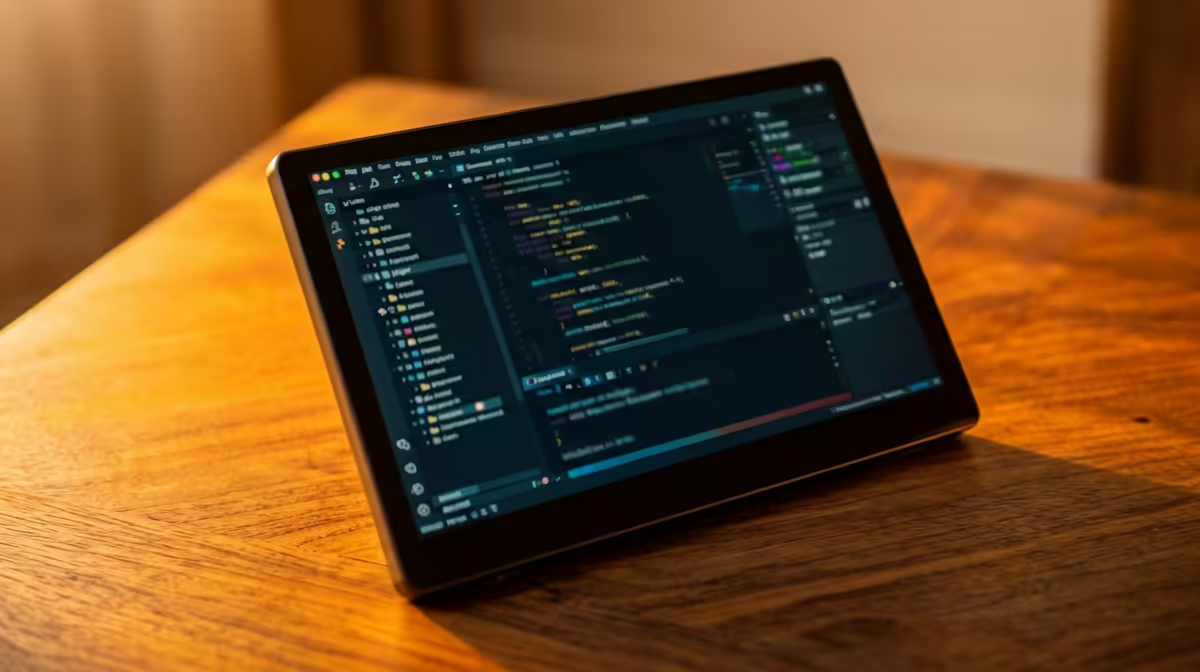
A second screen that folds into a laptop bag and runs off a single cable has quietly become essential kit for students, remote workers and anyone who travels light. The best budget portable monitor in South Africa under R3,000 delivers exactly the core of that promise: a 15.6-inch 1080p IPS panel, single-cable USB-C, and nothing you do not need. Knowing what gets cut to hit that price is the difference between a smart buy and a frustrating one.
Quick Answer
Under R3,000 in SA, expect a 15.6-inch 1080p IPS portable monitor powered and fed over a single USB-C cable, typically bundled with a magnetic folio case that props the screen at a usable angle. To hit the price, you give up high refresh rates, OLED and a built-in battery, but you keep a sharp, plug-and-play second screen that just works.
What you get at this price
The standard budget portable monitor is a 15.6-inch panel at 1920 x 1080 resolution using an IPS LCD. IPS matters because it holds colour and contrast as your viewing angle shifts, a property that directly benefits a screen you prop at odd angles on a hotel desk or a library table. At 15.6 inches, 1080p gives a crisp, readable image for spreadsheets, code, documents and video without the scaling hassles you get on smaller or higher-resolution panels.
The other defining feature is single-cable USB-C. One connection moves the display signal and draws power from a laptop or phone that supports DisplayPort over USB-C, so the screen lights up the moment you plug in. No separate power brick, no driver install, no fuss. The magnetic folio cover included in the box folds into a rear kickstand.
What gets cut to reach under R3,000
Hitting this price means deliberate trade-offs. None of them break the core use case, but you should know them going in.
Refresh rate stays at 60Hz
Budget portable monitors run at 60Hz, not the 120Hz or 144Hz of gaming displays. For productivity, browsing and video that is completely fine. If you are hoping to game competitively on the road, this is the first compromise you will feel, and it is the main reason to spend more.
No OLED, no battery
You get IPS LCD rather than OLED, so blacks are dark grey rather than truly black and contrast is good rather than spectacular. There is also no internal battery, which is why these screens draw power from your laptop or phone over that single cable. A battery would add cost and weight, so budget models leave it out and rely on the host device.
Basic brightness and build
Expect a usable but not blazing brightness level, fine indoors and in shade but a struggle under direct sun. The chassis is plastic to keep weight and cost down. These are sensible cuts for a screen built to be portable and affordable.
Who it suits, and who should spend more
A budget portable monitor is ideal for a student who wants a second screen in res without buying a desk display, a remote worker who needs dual screens in a coffee shop, or anyone whose laptop lives in a backpack. The single-cable simplicity is the whole appeal.
Spend more if you need touch input, higher brightness for outdoor use, a faster panel for gaming, or OLED for photo and video colour work. Those features exist, they just sit above the R3,000 line. To see where the budget models sit against the step-up options, the portable monitor selection at Evetech lays out the range in one place.
What to Expect From a Budget Portable Monitor in Practice
A sub-R3,000 portable is not a compromise machine, it is a focused one. These screens do the job they are built for with very little friction. Plug a cable in and the operating system picks up the second display in seconds, no drivers, no setup app. Students who lug a laptop between lectures and res get a genuine dual-screen productivity boost for less than a textbook set would cost. Remote workers who rotate through coffee shops and co-working spaces in Cape Town or Joburg carry a full dual-screen office in a sling bag.
The IPS panel type keeps the picture honest at angles, which matters when you turn the monitor to show someone else a document across a desk. The 15.6-inch size is large enough to keep a reference window open while writing without the scaling awkwardness that creeps in on smaller high-resolution panels.
Colour accuracy at this price tier is not calibration-grade, but it is consistent enough for general creative work: photo culling, light editing, and design review. For output-grade colour grading you step above this tier, but for day-to-day visual tasks the panel is more than adequate.
Buying checklist
- Confirm your laptop has a USB-C port that outputs video over DisplayPort, or you will need the bundled HDMI input and a separate power source.
- Check the panel is genuinely IPS, not a cheaper TN type that washes out off-angle.
- Verify the included case folds into a stable rear support, so you are not propping the screen against a coffee cup.
If you are weighing a portable model against a compact desktop screen for home, the portable monitor range at Evetech and the monitor best sellers together show where budget portables sit against the broader range of what SA buyers are currently choosing.
Frequently Asked Questions
What screen size and resolution do budget portable monitors use?
Almost all sit at 15.6 inches with 1080p resolution on an IPS panel. That combination gives a sharp, readable image for work and video and avoids the scaling problems of smaller high-resolution screens.
Can I power a portable monitor from my laptop?
Yes, if your laptop has a USB-C port with DisplayPort support, a single cable carries both video and power. Budget models have no internal battery, so they rely on the host device for power.
Are budget portable monitors good for gaming?
For casual play, yes, but they run at 60Hz, so competitive or fast-paced gaming feels limited. If smooth high-refresh gaming on the road matters, you need to step above the budget tier.
Why is there no OLED under R3,000?
OLED panels cost considerably more, so budget portable monitors use IPS LCD instead. You get good colour and viewing angles, just not the perfect blacks and contrast of OLED.
Do I need to install drivers to use one?
No. Portable monitors are plug and play over USB-C or HDMI. The operating system recognises them as an external display the moment you connect, with no software to install.
Want a second screen that slips into your bag? Compare current pricing on the portable monitor range at Evetech and pick a 1080p IPS model that fits your budget under R3,000.