You've got the skills. The personality. The beast of a PC rig. But mid-stream, the pixels start to block up, your audio crackles, and your viewers spam the chat with "LAG!" Before you blame your fibre or your PC, look at the humble wires connecting everything. The truth is, the best cables for your streaming setup are the unsung heroes of reliability, and ignoring them is the fastest way to sabotage your broadcast. ⚡
Why Your Cables Dictate Stream Reliability
Think of your setup as a high-performance machine. Your PC is the engine, and your mic and camera are the sensors, but your cables are the critical wiring that makes it all work together. A cheap, unshielded, or damaged cable is a bottleneck waiting to happen. It can introduce signal noise, limit data speeds, and cause intermittent disconnects that ruin the viewer experience.
Investing in a solid foundation is non-negotiable for anyone serious about streaming. This doesn't just mean a fast PC; it means ensuring every component, right down to the wire, is up to the task. Upgrading to quality streaming essentials is the first step toward a buffer-free broadcast.
The Essential Cables for a Flawless Streaming Setup
Not all cables are created equal. Choosing the right type and quality for each job is crucial for achieving the stability you need. Let's break down the most important ones.
Ethernet: The Non-Negotiable Network Cable
Wi-Fi is convenient, but for streaming, it's a liability. For a stable, low-latency connection, nothing beats a wired Ethernet cable.
- CAT6 or higher: These cables support gigabit speeds and are better shielded against interference than older CAT5 cables. This ensures your data packet delivery to Twitch or YouTube servers is consistent, preventing those dreaded dropped frames.
DisplayPort & HDMI: More Than Just a Picture
The cable connecting your graphics card to your monitor is vital, especially if you game on the same PC you stream from.
- DisplayPort 1.4: The go-to for high-refresh-rate gaming. It provides enough bandwidth for 144Hz+ at 1440p or even 4K, ensuring your gameplay is smooth while OBS or Streamlabs captures it.
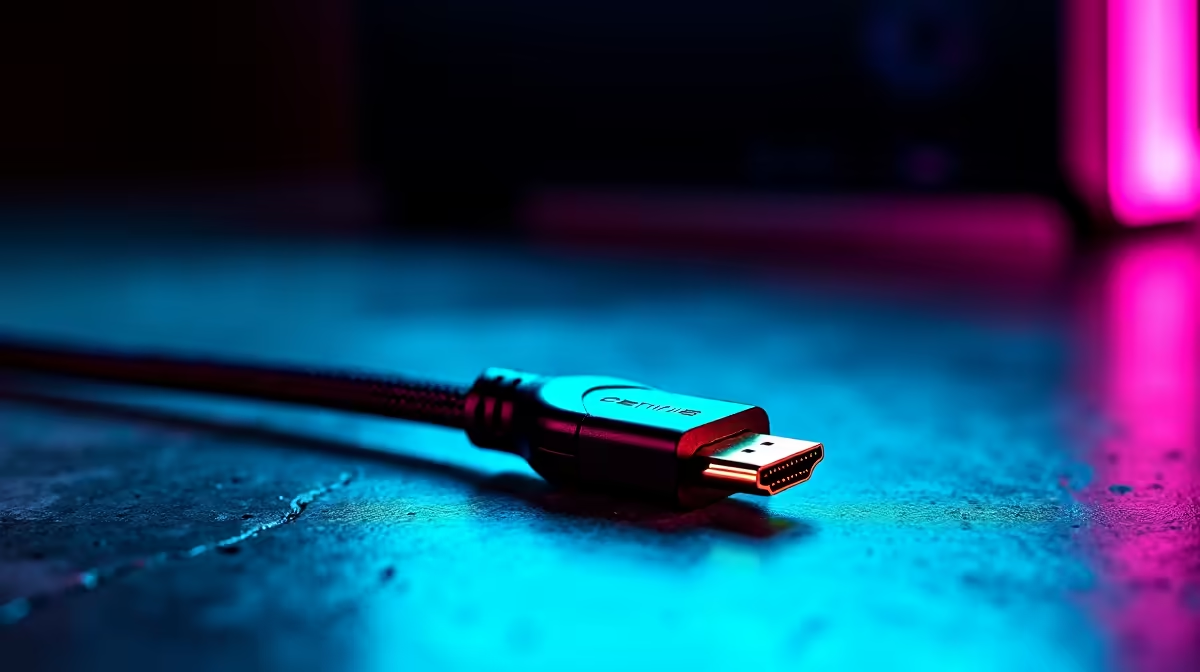
- HDMI 2.1: Excellent for connecting to capture cards in a dual-PC setup or for high-resolution console streaming.
Many top-tier components, from graphics cards to capture devices, come with decent cables in the box. Brands that focus on performance, like those offering premium CORSAIR gear, understand that cable quality reflects on their product.
Pro Tip: Separate Your Signals
To minimise electrical interference, try to run your power cables and your data cables (USB, Ethernet, DisplayPort) on opposite sides of your desk. A cleaner signal path means a more stable stream. It's a simple trick that makes a real difference.
USB: The Lifeline for Your Peripherals
Your microphone, webcam, and Stream Deck all rely on USB. A poor-quality USB cable can lead to audio glitches, a frozen webcam, or unresponsive macros.
- Look for shielded cables: Shielding protects the data signal from interference from other electronics on your desk.
- Ensure sufficient power: Some devices, especially high-resolution webcams, are power-hungry. A well-made USB 3.0 (or higher) cable ensures stable power and data delivery.
Aesthetics and Cable Management 🚀
A clean, well-managed setup isn't just for looks; it improves airflow and makes troubleshooting much easier. Bundling cables with velcro ties or sleeves creates a professional look that reflects well on your stream's production value. You can even strategically hide wiring behind vibrant lighting, like sleek Cololight panels, to turn cable management into a design feature.
Building a reliable setup doesn't have to cost a fortune. You can find a massive range of streaming gear for under R6000 to get you started on the right foot, ensuring your first stream is as stable as your hundredth.
Ready to Build a Rock-Solid Stream?
Stop letting flimsy wires undermine your hard work. Upgrade your setup's weak links with cables and components built for performance. Shop our full range of streaming essentials at Evetech and build a broadcast your viewers can count on.