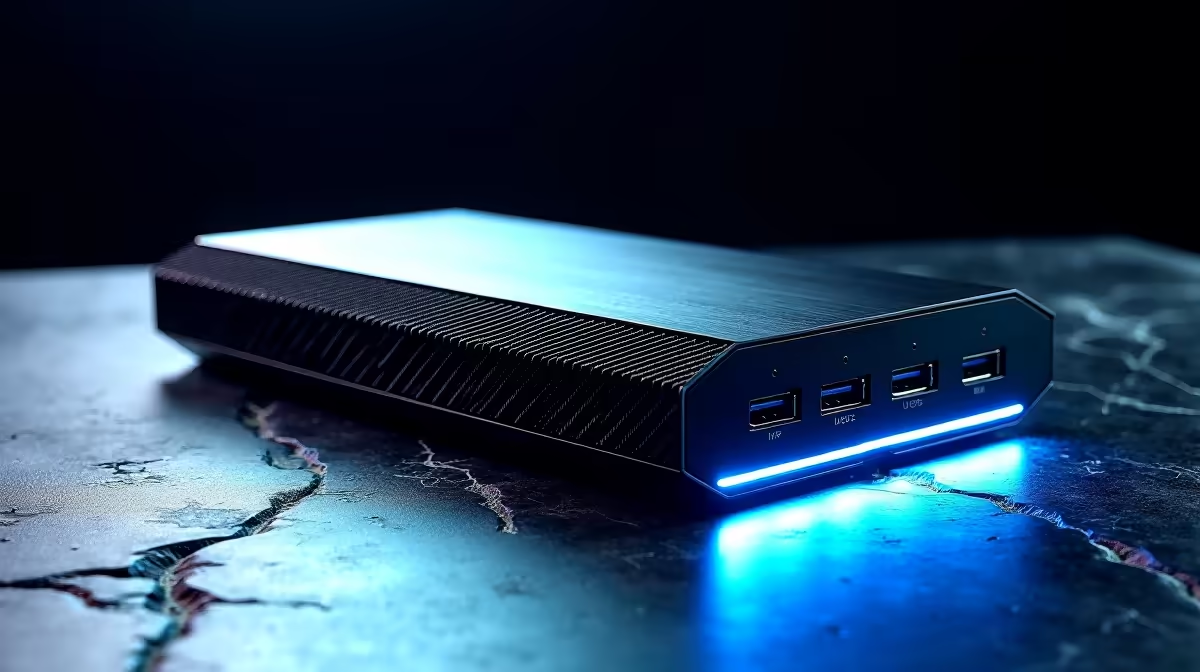
A thin laptop with a fast desktop graphics card hanging off one cable is a genuinely clever setup, and an eGPU enclosure is the box that makes it work. The catch for South African buyers is that this is a niche, mostly imported category, so the choice comes down to two paths: raw graphics throughput over OCuLink, or the convenience of Thunderbolt 5 and USB4 that also charge the laptop. Picking the wrong one leaves performance, or money, on the table.
Quick Answer
The best eGPU enclosure splits by what you value. OCuLink docks deliver the most graphics bandwidth, so the desktop card runs closest to its full potential, but they need a laptop with an OCuLink port. Thunderbolt 5 and USB4 boxes are more convenient, work over a single cable that can also charge the laptop, and suit the widest range of machines. SA buyers should budget for import costs on top of overseas pricing.
The Two Connection Camps
Everything about eGPU performance traces back to the link between the enclosure and the laptop, because that connection is the funnel every frame passes through.
OCuLink is the throughput champion. It offers far more bandwidth than Thunderbolt, which means the graphics card inside the enclosure loses much less performance to the connection than it would over a slower link. The trade-off is reach: OCuLink requires a laptop with a dedicated OCuLink port, which is still uncommon, and it does not carry power or video back to the laptop the way Thunderbolt does. You run a separate power and display arrangement.
Thunderbolt 5 and USB4 take the convenience route. A single cable carries graphics data, charges the laptop, and can drive peripherals, which makes the setup tidy and broadly compatible. The cost is bandwidth: there is more performance lost to the connection than with OCuLink, especially with the most powerful cards. For most people, that loss is an acceptable price for plug-one-cable simplicity.
OCuLink Picks: Maximum Throughput
If your laptop has an OCuLink port and you want the card to stretch its legs, an OCuLink dock is the strongest performer. Units in this category, such as compact OCuLink docks, prioritise raw bandwidth over features. They tend to be smaller and simpler, often expecting you to supply or pair them with a power supply, and they will not charge your laptop.
This path makes sense for someone chasing the highest possible frame rates from a desktop card on a portable machine, who already owns or specifically buys an OCuLink-equipped laptop. It is the enthusiast's choice, less polished but faster.
What You Give Up
The honest downside of OCuLink is ecosystem friction. Fewer laptops support it, the cabling is less elegant, and you forgo the single-cable charging that makes Thunderbolt setups feel seamless. You are choosing performance and accepting more fiddling to get it.
Thunderbolt 5 and USB4 Picks: The Convenient Path
Thunderbolt 5 boxes, including well-regarded enclosures like the Razer Core X V2, lead this camp. They accept full-size desktop cards, connect over one cable, and deliver power back to the laptop, so you dock once and your machine charges, drives displays, and gains graphics power together. Build quality in this category is generally excellent.
USB4 enclosures sit just below, offering similar convenience with broad compatibility across modern laptops, including many that lack full Thunderbolt certification. For the majority of buyers who want a clean, single-cable desk dock that happens to add serious graphics power, this is the sensible default. Evetech's docking station range lists the dock and enclosure options, so you can check what connects cleanly to your specific laptop.
Picking the Card to Go Inside
The enclosure is only half the equation; the graphics card you install matters just as much. On a bandwidth-limited Thunderbolt link, a mid-to-upper-tier card often makes more sense than the absolute flagship, because the connection caps how much of the top card's power actually reaches the screen. Match the card's tier to the link: OCuLink justifies a stronger card, Thunderbolt rewards a sensible one. The GPU best sellers at Evetech show which cards strike the best balance for an external setup.
The SA Import Reality
This is where South African buyers must be clear-eyed. Most eGPU enclosures are imported, and overseas list prices are only the starting point. Import duties, shipping, and currency conversion all stack on top, which can lift the landed cost well above the headline figure quoted on an international site. Factor that in before you decide, and weigh the total cost of the enclosure plus a desktop card against simply buying a more capable laptop in the first place.
Who an eGPU Actually Suits
An eGPU makes the most sense for someone who genuinely needs a thin, portable laptop for daily carry but requires full desktop-level GPU performance at a permanent workstation for gaming, rendering, or creative work. If you mostly work in one place, a desktop or a gaming laptop is usually the simpler, better-value answer. The eGPU is a specialist solution for a specific split between portability and power.
Setup and Compatibility Checks
Before committing, verify three things about your laptop. First, confirm the port: a true Thunderbolt or USB4 port with the right capabilities, or a genuine OCuLink port, not just a USB-C socket that looks similar but carries less. Second, check that the laptop's firmware and graphics drivers support external graphics, since some machines need a setting enabled or simply do not allow it. Third, plan your display: many eGPU setups run best with the monitor plugged into the enclosure or the desktop card rather than the laptop's own screen, which avoids routing frames back over the connection and losing performance in the process.
None of this is difficult, but skipping the checks is how people end up with an enclosure that technically works yet runs slower than expected. A few minutes confirming compatibility up front saves the frustration of diagnosing it after the money is spent.
Frequently Asked Questions
Is OCuLink or Thunderbolt better for an eGPU?
OCuLink offers more bandwidth, so the graphics card retains more of its performance, but it needs a laptop with an OCuLink port and does not charge the laptop. Thunderbolt 5 and USB4 are more convenient, working over a single cable that also charges the laptop, at the cost of some bandwidth.
Does an eGPU lose performance compared to a desktop?
Yes, some performance is lost to the connection between the enclosure and the laptop. The loss is smaller over OCuLink and larger over Thunderbolt or USB4. Pairing a sensibly tiered card with the link, rather than the absolute flagship, gives the best real-world result.
Can an eGPU charge my laptop?
Thunderbolt 5 and USB4 enclosures can charge the laptop over the same single cable that carries graphics data. OCuLink docks generally do not, so you handle laptop power separately when using that connection.
Why do eGPU enclosures cost more in South Africa?
Because most are imported. Overseas list prices do not include the import duties, shipping, and currency conversion that apply locally, so the landed cost can be considerably higher than the headline figure on an international site. Always budget for those additions.
Should I buy an eGPU or just a gaming laptop?
An eGPU suits someone who needs a thin, portable laptop daily but wants desktop graphics at a desk. If you mostly work in one place, a desktop or a gaming laptop is usually simpler and better value. The eGPU is a specialist choice for a genuine portability-versus-power split.
Weighing an external graphics setup? Explore the docking station range at Evetech to find an enclosure that connects cleanly to your laptop, then pair it with a sensibly matched card for the best real-world result.