



iRacing SA Gaming PC Build Guide
iRacing build planning should focus on the target resolution, settings and total system balance. Treat launch wording as time-sensitive, then verify requirements before choosing SA PC parts.
Read moreLooking for the best GPUs for 8-core CPUs? 🚀 Uncover graphics cards that eliminate bottlenecks. Optimize gaming, rendering, and high-frame-rate workflows instantly.
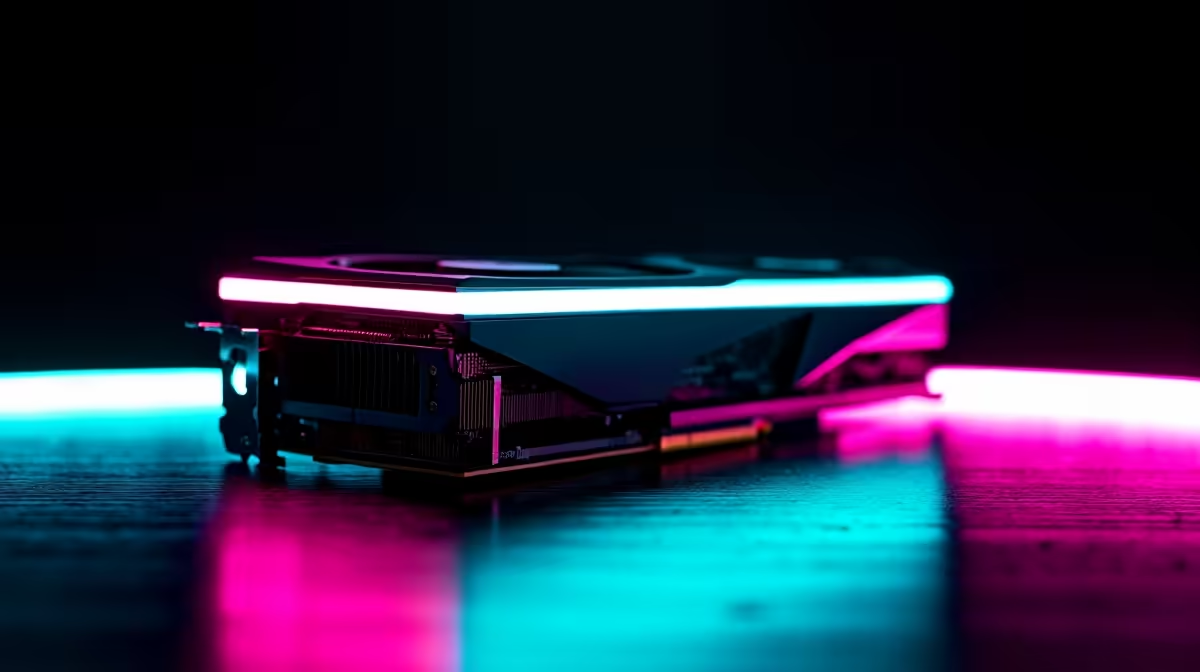
So, you've kitted your rig out with a powerful 8-core CPU—nice one! But are you getting the frame rates you deserve? If your games feel choppy despite that beastly processor, you might have a GPU bottleneck. Finding the best GPU for your 8-core CPU isn't just about spending big; it's about creating a balanced system. Let's dive into how to match your graphics card to your processor for silky-smooth performance in Mzansi.
Think of your PC components as a team. Your CPU (Central Processing Unit) is the coach, figuring out the game plan and sending instructions. Your GPU (Graphics Processing Unit) is the star player, executing the plan by drawing all the visuals on your screen. If your coach is shouting plays faster than your player can run, you get lag. This is a "bottleneck," and it's the number one enemy of high-performance gaming.
An 8-core CPU, like a modern Intel Core i7 or AMD Ryzen 7, is the current sweet spot for gaming and multitasking. These chips have more than enough power to run the latest titles while handling background tasks like Discord or streaming. You can find excellent systems built around them in Evetech's range of Intel PC deals and AMD Ryzen PC deals.
But to unlock their true potential, pairing a GPU with an 8-core CPU requires careful thought. A weak GPU will leave your processor waiting around, wasting its power. A ridiculously overpowered GPU might be held back by an older 8-core chip, especially at lower resolutions. The goal is harmony... and massive FPS. ⚡
The right graphics card for an eight-core processor depends heavily on your monitor's resolution and your budget. Let's break down the most common scenarios for South African gamers.
For gaming at 1920x1080, your 8-core CPU can push extremely high frame rates. The goal here is to get a GPU that can keep up, especially if you have a 144Hz or 240Hz monitor.
This is where the magic happens. At 2560x1440, the workload shifts more towards the GPU, creating the perfect balance for a modern 8-core system. You get a stunning visual upgrade over 1080p without needing the absolute most expensive hardware.
When choosing a GPU for 1440p or 4K, pay close attention to VRAM (video memory). Aim for at least 12GB. More VRAM helps the GPU handle high-resolution textures without stuttering, ensuring a smoother experience in future games.
If you're aiming for the crisp detail of 4K (3840x2160) or need a machine for heavy content creation, you'll need a top-tier GPU to complement your 8-core CPU. This powerful pairing doesn't just crush games; it accelerates video editing, 3D rendering, and complex simulations.
Both NVIDIA and AMD offer incredible options, and choosing between them often comes down to features and price.
Ultimately, the best choice is the one that fits your budget and delivers the performance you need for the games you play. Getting the balance right is key, and if you're not keen on building it yourself, professionally assembled pre-built PC deals offer a perfectly optimised, plug-and-play solution.
Find Your Perfect PC Match Ready to experience what your 8-core CPU can really do with the right GPU? Explore our curated selection of balanced, high-performance rigs. Shop the best gaming PC deals at Evetech for performance that leaves lag in the dust.
NVIDIA RTX 4080 balances 1080p-4K performance for gaming and rendering.
Match GPU to CPU tier: RTX 4070 pairs with mid-range 8-cores; RTX 4090 for high-core workloads like streaming. 🎥
Yes, but maximize ROI only if gaming at 4K or using creative apps. 🔥
AMD RX 7700 XT crushes 1080p/1440p gaming without overspending. 💸
RTX 4080 accelerates rendering and 4K workflows in apps like Blender. 🎨
Higher core counts improve CPU-bound games; pair with RTX 4070+ for balance.
RTX 4080 ensures zero stutter at 4K60fps streaming and gaming. 🎬
iRacing build planning should focus on the target resolution, settings and total system balance. Treat launch wording as time-sensitive, then verify requirements before choosing SA PC parts.
Read more
Skyrim PC requirements should be mapped to resolution, settings and upgrade budget before choosing a tier. Verify current requirements, then balance GPU, CPU, RAM and SSD around SA pricing.
Read more
Skyrim PC builds is a cautious guide for game PC build planning. Compare game requirements, tier fit, resolution goals, RAM, storage, and GPU choice for SA buyers without assuming live prices, availability, or exact benchmark results.
Read more
Hades 2 PC builds is a cautious guide for game PC build planning. Compare game requirements, tier fit, resolution goals, RAM, storage, and GPU choice for SA buyers without assuming live prices, availability, or exact benchmark results.
Read more
Roblox PC builds is a cautious guide for game PC build planning. Compare game requirements, tier fit, resolution goals, RAM, storage, and GPU choice for SA buyers without assuming live prices, availability, or exact benchmark results.
Read more
Mortal Kombat 1 launch needs a balanced parts plan, not a random basket. Map the CPU, GPU, RAM, SSD, cooling, and monitor target to the budget so SA builders know where to spend first.
Read more
Wondering if a TKL wireless mechanical keyboard is worth it for everyday productivity? We break down latency, battery life, comfort, and workflow gains for real work. ⚡⌨️

Maximise battery life on a fanless 15-inch laptop using efficiency core architecture. Cut idle drain, tune power profiles, and improve thermals for longer runtime. 🔋⚙️

Learn how to reduce desk clutter with a TKL wireless keyboard using fewer cables, smart placement, and tidy essentials. Get a faster, calmer workspace with better ergonomics. ✅🧼

RGB keyboard lighting too distracting? Learn how to manage backlight modes, set brightness, and reduce distraction for focus and productivity 😌🖱️

Are themed gaming keyboards worth the extra cost? Compare build quality, switch options, features, and resale value to find the best fit for your setup 🎮⌨️

Full-Size vs Tenkeyless mechanical keyboards for gaming: find out if a smaller layout truly improves aim, speed, and comfort. We break down layout, desk space, latency-feel, and keybinds 🎮⌨️

Dedicated media rollers vs function key shortcuts: learn which setup gives you better workflow control, faster media access, and fewer mistakes. 🖱️🎧

Best Mechanical Switch Type for Gaming: Clicky vs Linear vs Tactile. Find your feel, speed, and noise balance with practical guidance for FPS, MOBA, and productivity 😄🎮

Direct mouse answer: Mouse not keeping up with your work? Everything that matters about dual-mode 2.4GHz + BT 5.0: DPI behaviour, channel switching, battery curves and per-app button mapping. Covers when 2.4GHz USB wins (low-latency desk) and when BT 5.0 wins (laptop, d

Plain wireless mouse guide: Mouse not keeping up with your work? Everything that matters about wireless productivity mouse: DPI behaviour, channel switching, battery curves and per-app button mapping. Includes DPI tuning tips, channel switch shortcuts, and ZAR-aware fea

Real productivity numbers: Set up your wireless mouse in this order: everything that matters about wireless productivity mouse: DPI behaviour, channel switching, battery curves and per-app button mapping. Includes DPI tuning tips, channel switch shortcuts, and ZAR-aware

Pen not feeling like paper? Stylus lag and skipping usually trace to old drivers, dirty nibs, or display refresh mismatches, not the pen itself. Covers pressure curve tuning, tilt thresholds, nib swap timing, and SA pricing brackets.