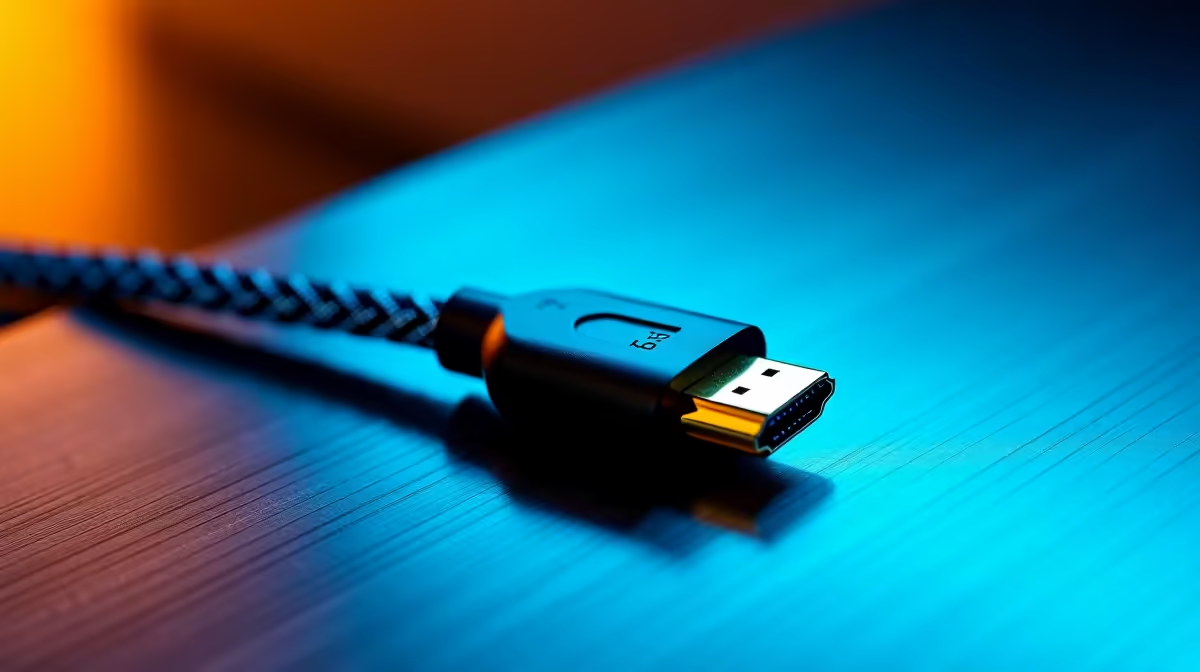
So, you’ve finally done it. You’ve unboxed that glorious 4K monitor or a shiny new console, ready for some jaw-dropping visuals. You plug everything in, fire up your favourite game, and… wait. Why does it look a bit fuzzy? Is that screen tearing? Before you blame your new gear, look at the humble cord connecting it all. Finding the best HDMI cable for 4K is more crucial than you think, and it’s the secret to unlocking pixel-perfect quality.
Why Your Old Cable Might Be Bottlenecking Your 4K Gear
Think of data as water and your HDMI cable as a pipe. A 4K signal, especially with High Dynamic Range (HDR) adding extra colour data, is a massive amount of water. Your old HDMI cable from 2010? It's a tiny garden hose. You're trying to force a fire hydrant's worth of data through it, causing flickering, dropouts, or a complete loss of signal. ⚡
To get a stable 4K picture at 60 frames per second (FPS), you need a "High-Speed" HDMI cable, certified for HDMI 2.0. This standard supports the necessary 18Gbps bandwidth. For next-gen gaming on a PS5 or Xbox Series X at a silky-smooth 120 FPS, you'll need an "Ultra High-Speed" HDMI 2.1 cable, which handles a whopping 48Gbps.
Finding the Best HDMI Cables for 4K Without Overspending
You don't need to drop a grand on a cable wrapped in fancy materials. What you need is a cable that meets the official specifications for the job. Here’s how to choose the right one.
Check the Certification, Not the Hype
Forget marketing buzzwords like "gold-plated" for signal quality... it's all about the certified bandwidth. Look for official labels like "Premium High-Speed" (for 4K@60Hz) or "Ultra High-Speed" (for 4K@120Hz). These certifications guarantee the cable has passed rigorous testing. Sticking with reputable brands like HP ensures you're getting a product built to last and perform as advertised.
Length Matters… Shorter is Often Better
Signal quality can degrade over longer distances. For a crisp 4K signal, it's best to use the shortest cable possible for your setup, ideally under 3 metres. If you need a longer run, you might need to look into more expensive "active" or "fibre optic" HDMI cables. But for most PC desk or console-to-TV setups, a standard length is perfect. You can find many quality options from GIZZU that fit the bill perfectly.
Pro Tip: Tidy Up for Performance 🔧
A shorter cable isn't just better for signal integrity, it also makes for a cleaner setup. Tidy cables reduce the risk of accidental snags or damage and improve airflow around your console or PC. Less clutter, better performance.
Do You Need to Spend a Fortune?
Absolutely not. The biggest myth in the world of cables is that more expensive means better picture quality. It's digital… it either works or it doesn't. A certified R200 cable will deliver the exact same 4K image as a R2000 one, provided they both meet the same HDMI 2.0 or 2.1 spec. You can easily find some of the best HDMI cables for 4K for under R500, delivering all the performance you need without breaking the bank.
Match the Cable to Your Mission ✨
So, which 4K HDMI cable is right for you?
- For a PS4 Pro, Xbox One X, or a 4K 60Hz PC monitor: A certified "Premium High-Speed" (HDMI 2.0) cable is your sweet spot.
- For a PS5, Xbox Series X, or a high-refresh-rate 4K 120Hz+ monitor: You need an "Ultra High-Speed" (HDMI 2.1) cable to unlock that buttery-smooth high-frame-rate goodness.
Brands like Promate offer versatile cables that cover both standards, so you can always find the right fit for your specific device.