Quick Answer
Rocket League is mostly played on controller, but keyboard-and-mouse players want responsive switches for crisp boost, jump and air-roll inputs. The Wooting 60HE (near R3,200), Razer Huntsman Mini (near R2,500) and value Redragon 60% boards (near R800) suit Rocket League's fast, repeated key presses.
What Rocket League Asks of a Keyboard
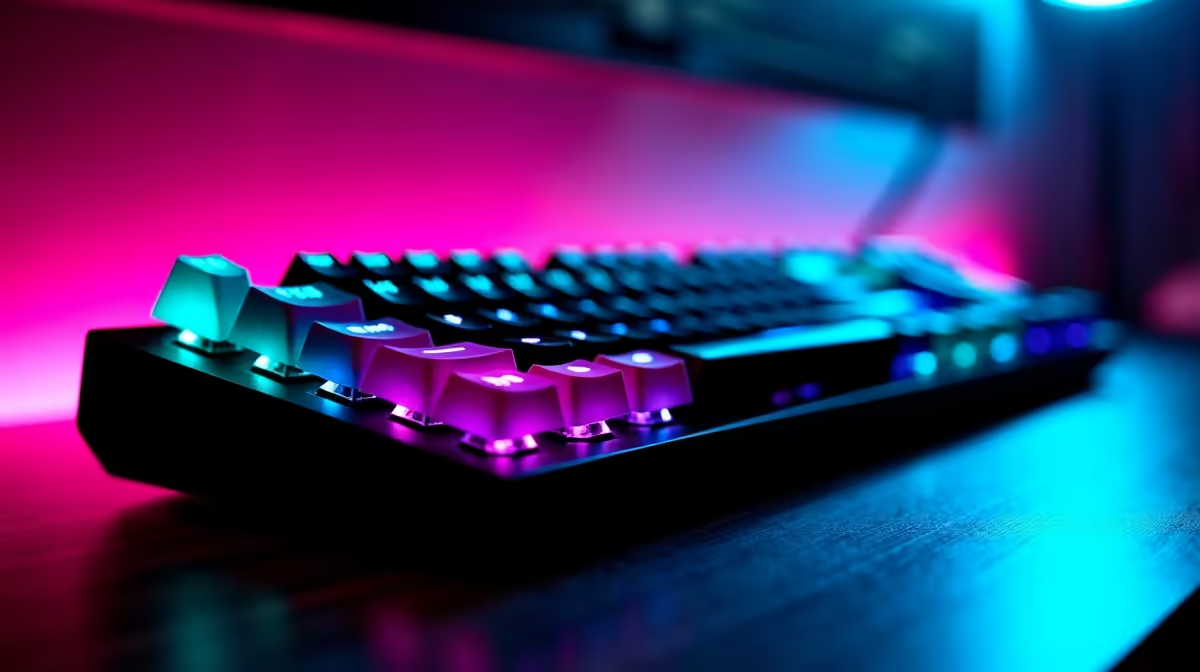
Rocket League keyboard play hinges on rapid, repeated inputs for boost, jump and air-roll during aerials. Fast linear or Hall-effect switches with quick reset help chain those inputs cleanly. A 60% or TKL layout keeps the hands compact for the few keys the game uses. Most players bind air-roll to a thumb-reachable key. The game runs at very high frame rates, often 144fps-plus on an RTX 4060-class GPU, so a high-refresh monitor amplifies the responsive feel.
Picks and the Controller Reality
Most competitive Rocket League is on a controller, so keyboard players are a minority, but the game is fully playable on keyboard-and-mouse. The Wooting 60HE near R3,200 brings Hall-effect rapid trigger for the fastest repeated inputs; the Razer Huntsman Mini near R2,500 uses fast optical switches; a Redragon 60% near R800 covers the basics. Bind air-roll left and right to comfortable keys and keep boost on a key you can hold.
FAQ
Is keyboard or controller better for Rocket League?
Most competitive players use a controller for finer aerial control, but keyboard-and-mouse is viable. Choose what feels natural; both can reach high ranks with practice.
What switches suit Rocket League on keyboard?
Fast linear or Hall-effect switches with quick reset help chain boost and air-roll inputs cleanly. Slower tactile switches feel less responsive for rapid presses.
What layout works for Rocket League?
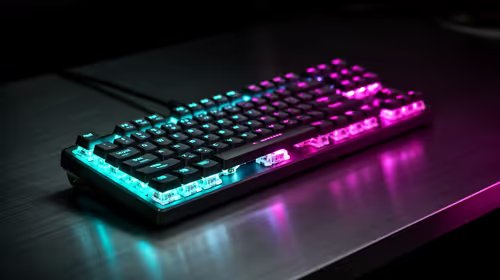
A 60% or TKL board, since the game uses few keys. The compact layout keeps your hands close and frees desk space for mouse movement.
pad or keyboard, a 144Hz-plus monitor and fast-reset switches keep Rocket League's aerials responsive at the high frame rates a capable GPU delivers.