Quick Answer
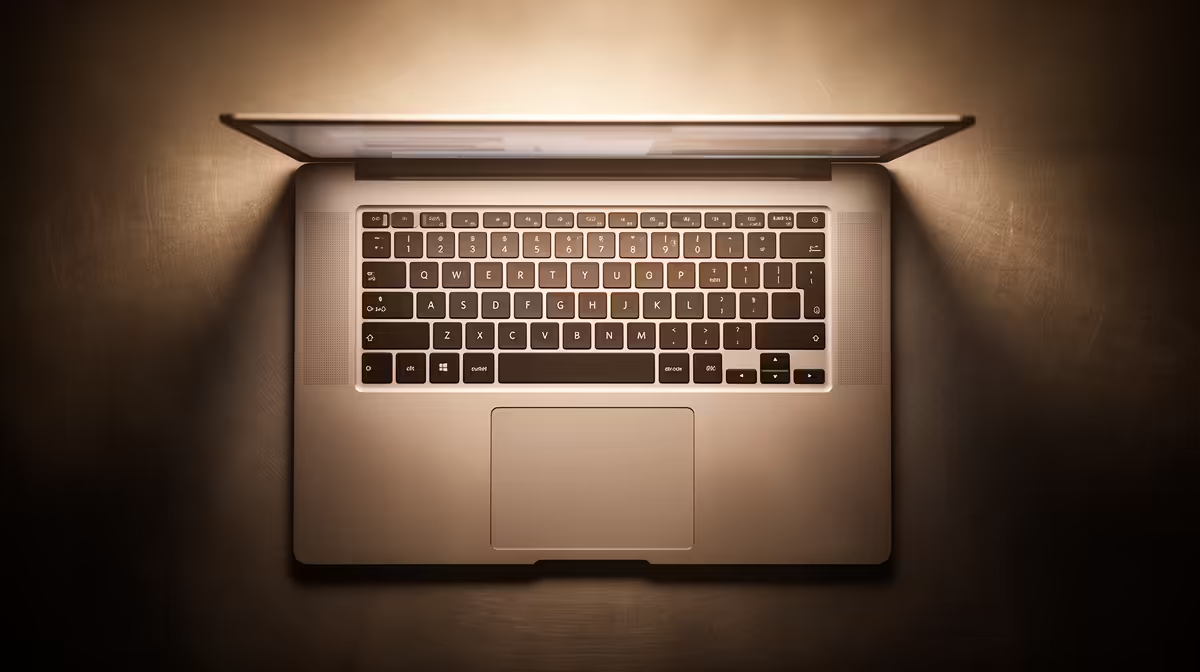
For Mechatronics at the University of Pretoria, target a Ryzen 7 / Core i7, 32GB RAM, a 1TB SSD and an RTX 4050 or 4060 laptop GPU, budgeting R20,000 to R28,000. The mix of MATLAB, SolidWorks and control software rewards a balanced machine over a single standout spec.
What UP Mechatronics Demands
UP's Mechatronics curriculum spans MATLAB / Simulink, SolidWorks, embedded C and control-system design. Simulink models and SolidWorks assemblies both reward 32GB RAM and a fast 8-core CPU, while a modest RTX 4050 or 4060 smooths CAD viewport work. None of the toolchain needs a top-tier GPU, so spend on RAM first.
ZAR Price Tiers and What Each Buys
At Evetech, a 32GB / 1TB machine with an RTX 4050 runs R20,000 to R24,000, delivering smooth Simulink and SolidWorks performance. An RTX 4060 build at R25,000 to R29,000 adds CAD viewport headroom and lets you game on the side at 1080p. Both will comfortably last the full Hatfield degree plus honours.
Ports, Cooling and Hatfield Campus Life
Microcontrollers, oscilloscopes and FPGA boards mean you want plenty of USB-A and at least one USB-C. Good cooling keeps the CPU steady during long Simulink runs. UP's Hatfield Wi-Fi handles MATLAB cloud licences and toolbox downloads, and a 1TB SSD keeps CAD libraries and project files local.
FAQ
What are the minimum laptop specs for UP Mechatronics?
A Ryzen 7 / Core i7, 32GB RAM, a 1TB SSD and an RTX 4050 GPU is the sensible minimum. It runs MATLAB, Simulink and SolidWorks without slowdowns.
How much does a UP Mechatronics laptop cost?
Budget R20,000 to R28,000 at Evetech. A 32GB machine with an RTX 4050 sits near the bottom; an RTX 4060 build sits near the top.
Is 16GB RAM enough for Mechatronics at UP?
It is tight. Large Simulink models and SolidWorks assemblies push past 16GB, so 32GB is the realistic target for smooth multi-year use.
Pro Tip
Pick a chassis with strong cooling; long Simulink and SolidWorks sessions keep the CPU loaded, and a thin laptop that throttles will feel slower than its specs suggest.