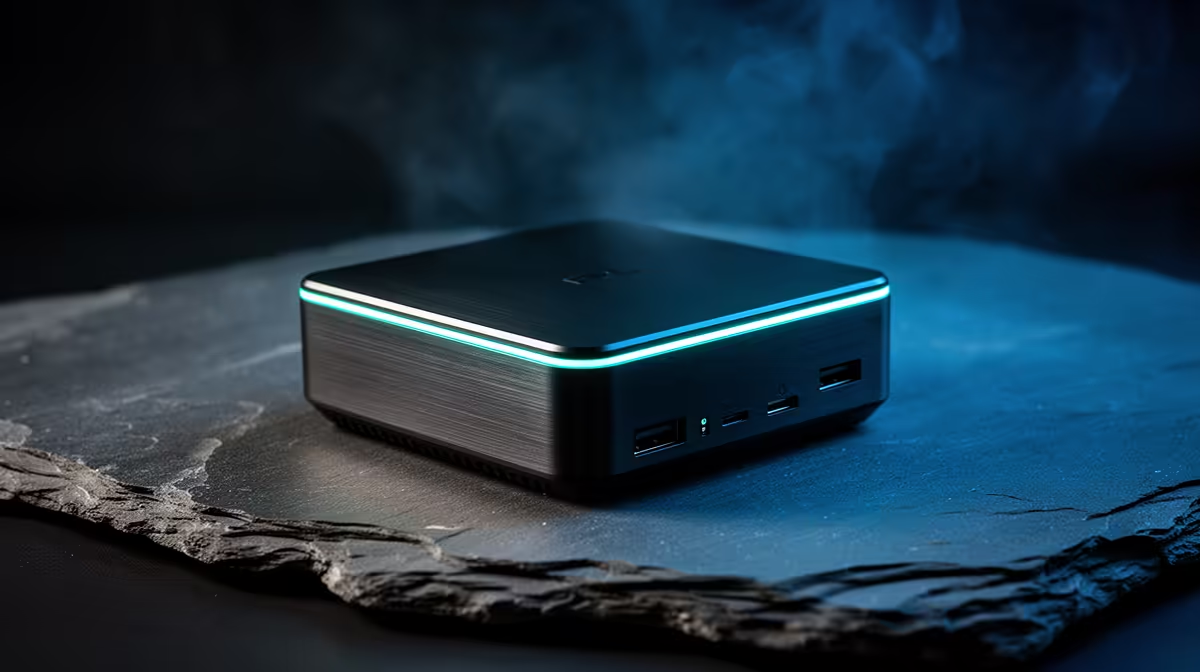
Desk space in res and digs is precious, and a full tower or even a laptop can feel like overkill for the work most students actually do. A mini PC for students and dorm rooms weighs a few hundred grams, runs cooler than a phone charger, and plugs into any monitor or TV you can borrow. For essays, browsing, video, and light coding, it covers the day-to-day for a price that often undercuts a laptop.
Quick Answer
The best mini PC for a student is an N100 or N150 model. These weigh only a few hundred grams, draw under 15W, and pair with any existing monitor or TV. For SA students, a mini PC plus a borrowed or second-hand screen can land well under a typical laptop budget while handling all everyday study tasks.
Why a mini PC suits res life
Student rooms are small and shared, and the desk usually doubles as a dining table and a study area. A mini PC sits behind or beside a monitor, frees the surface, and disappears into the setup. It sips power, which matters when you are paying attention to your electricity, and it runs quietly enough not to bother a roommate.
The other advantage is flexibility. A mini PC connects to a monitor, a TV, or a portable screen, so the same little box works at a desk, on the bed, or in a study lounge. If you already have a screen at home or can pick up a used one, the computer itself is the only real spend. Browsing the mini PC range at Evetech gives you a clear picture of the form factor and the specs available at each price point.
What an N100 or N150 mini PC actually handles
The everyday study workload
Writing assignments, research across a dozen browser tabs, video lectures, streaming, email, and office apps all run comfortably on an N100 or N150 chip. These processors are built for efficiency, and for productivity work they feel responsive rather than sluggish. For the bulk of a student's screen time, that is exactly the right amount of power.
Light coding and projects
Students in computing or data fields can run a code editor, a terminal, and version control without trouble. Cloud-based tools take the heavy lifting off the machine, so a mini PC handles development for most coursework. Compiling very large projects locally is where it would slow down, but that is rare at undergraduate level.
Where it is not the right tool
A mini PC at this tier is not a gaming rig or a video-rendering workstation. Demanding modern games and heavy 3D or video work need a discrete GPU that these compact machines do not have. If your course is built around those tasks, a different setup makes more sense, and being honest about that up front saves disappointment.
Picking the right configuration
Choose a model with 8GB of RAM as a starting point, and step up to 16GB if you tend to keep many tabs and apps open simultaneously. Choose an SSD rather than a hard drive so the system feels quick, and 256GB or more keeps your documents and software comfortable. Check the ports too: HDMI or DisplayPort for the screen, enough USB for a keyboard, mouse, and a drive, and Wi-Fi for campus and res networks.
A keyboard, mouse, and a screen complete the kit. Many students already own a keyboard and mouse or can buy them cheaply, and a borrowed monitor or TV finishes the job. That accessory cost is small, which is what keeps the whole setup under a laptop budget. To gauge current value across desktops and compact machines, the best-selling PCs at Evetech help you compare what your money buys.
Setting up a mini PC in a small space
Part of the appeal is how little fuss the setup takes in a cramped room. A mini PC mounts behind a monitor on a VESA bracket on many models, or simply sits on the desk taking up the footprint of a paperback book. From there you connect a screen, a keyboard, and a mouse, and you are running. There is no tower humming under the desk and no laptop hinge to wear out.
Sharing a screen with other devices
A practical trick for res life is using a monitor or TV that already lives in the room. A mini PC connects over HDMI alongside a games console or a media stick, and you switch inputs to swap between study and downtime. That dual-use keeps the desk uncluttered and stretches a single screen across more of your daily needs.
Keeping it cool and quiet
Low-power chips like the N100 and N150 produce little heat, so most mini PCs stay cool with small fans or even passive cooling. That means quiet operation in a shared room, which matters when a roommate is sleeping or studying nearby. Give the unit a little breathing room and avoid boxing it into a sealed cubby, and it will run reliably.
Longevity and upgrades
A point worth weighing is how the machine ages. Many mini PCs allow a RAM or storage upgrade down the line, which extends their useful life across a multi-year degree. Check the specific model before buying if upgradability matters to you, since the most compact units sometimes solder their memory. Even without upgrades, an efficient mini PC handles study workloads for years, because office apps and browsing do not grow heavier the way games do. Buying slightly more RAM and storage up front is the surest way to keep it comfortable for the whole course.
The budget case for SA students
The maths is straightforward. A capable laptop starts around R8,000 and climbs from there. A mini PC plus accessories you may already own can come in lower, and you get a full desktop experience on a proper-sized screen rather than a cramped laptop panel. The trade-off is portability, since a mini PC stays at the desk. For a student who works mostly in their room or a study space, that trade is usually worth it.
Frequently Asked Questions
Can a mini PC handle university work?
Yes. An N100 or N150 mini PC runs office apps, research browsing, video lectures, and light coding comfortably. For the everyday study workload it is more than enough computer.
Do I need a separate monitor?
Yes. A mini PC outputs to an external display -- a monitor or a TV -- so you need one to use it. Reusing a screen you already own or sourcing a used one keeps the total cost low.
How much RAM should a student mini PC have?
8GB handles typical study tasks, but 16GB gives noticeably more headroom once you have multiple browser tabs, a document editor, and a video running side by side. Pair it with an SSD for a quick, responsive feel.
Can I game on a mini PC?
Light and older titles may run, but a low-power mini PC has no discrete graphics card, so demanding modern games are out of its range. Choose a GPU-equipped machine if gaming is a priority.
Is a mini PC cheaper than a laptop?
Often, especially if you already own or can borrow a monitor, keyboard, and mouse. The computer itself can land below a laptop budget while giving you a full desktop on a larger screen.