Quick Answer
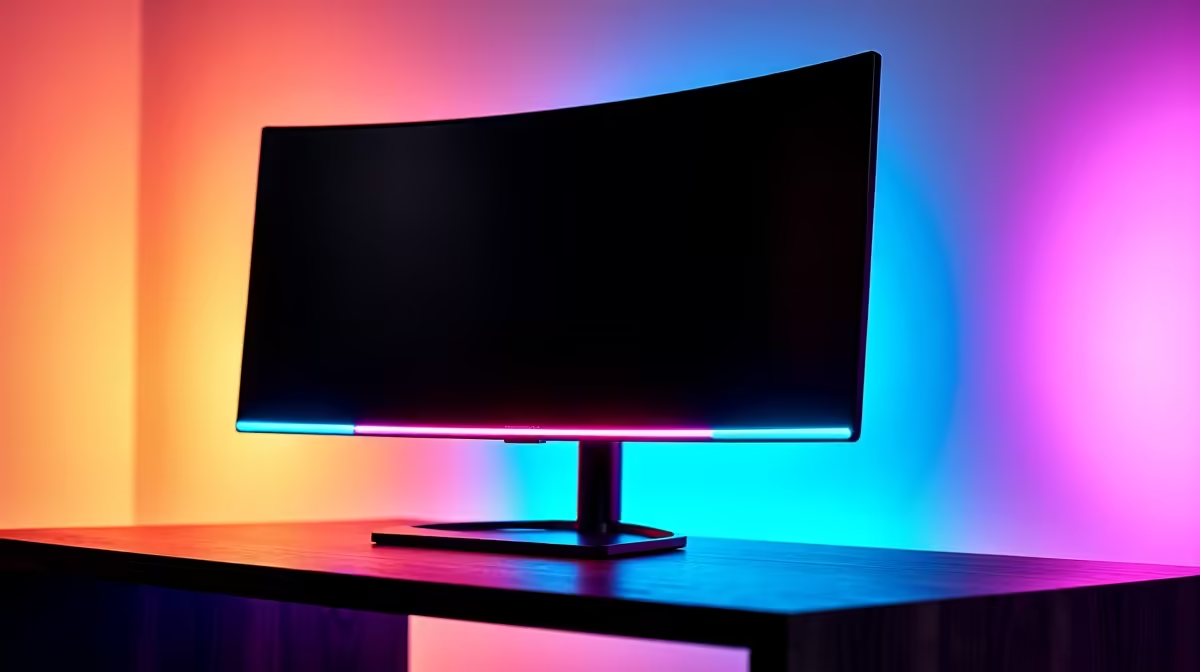
For Valorant, a 240Hz monitor is the competitive sweet spot, with 144Hz the solid budget option. A 1080p 240Hz IPS panel runs roughly R6,500-R9,000 in SA; a 1080p 165Hz IPS near R4,500 covers most players, since Valorant runs past 240fps on a Ryzen 5 7600 and RTX 4060-class GPU.
Why Refresh Rate Matters in Valorant
Valorant's low system demands mean even mid-range builds push frame rates past 240fps, so the monitor becomes the limiting factor. Moving from 144Hz to 240Hz reduces motion blur and shortens the gap between frames, which helps you track and react to peeking enemies a touch sooner. The jump from 60Hz to 144Hz is the biggest single upgrade; 144Hz to 240Hz is a refinement that competitive players value. An IPS panel gives the colour and viewing angles that VA and TN often compromise.
Picks and Input Lag in SA
A 1080p 165Hz IPS monitor near R4,500 is the value pick that suits most players. A 1080p 240Hz IPS near R6,500-R9,000 is the competitive choice, with response times around 1ms GtG and low input lag. Esports-focused panels list input lag in the low single-digit milliseconds. Pair the monitor with a Ryzen 5 7600 and RTX 4060-class GPU, cap your frame rate above your refresh, and Valorant's aim feels crisp and consistent.
FAQ
Is 240Hz worth it for Valorant?
For competitive players, yes. The reduced motion blur and shorter frame gaps help you track peeking enemies sooner. Casual players are well served by 144Hz.
What FPS can a mid-range build hit in Valorant?
A Ryzen 5 7600 with an RTX 4060-class GPU pushes well past 240fps at competitive settings, so a 240Hz monitor is fully fed and never the bottleneck.
Do I need IPS or TN for Valorant?
A fast IPS panel gives excellent colour, viewing angles and modern 1ms response times, making it the better all-round choice over older TN panels for most players.
Pick a 1080p 240Hz IPS monitor at Evetech if you play competitively, cap your frame rate above the refresh, and Valorant's aim will feel locked in.