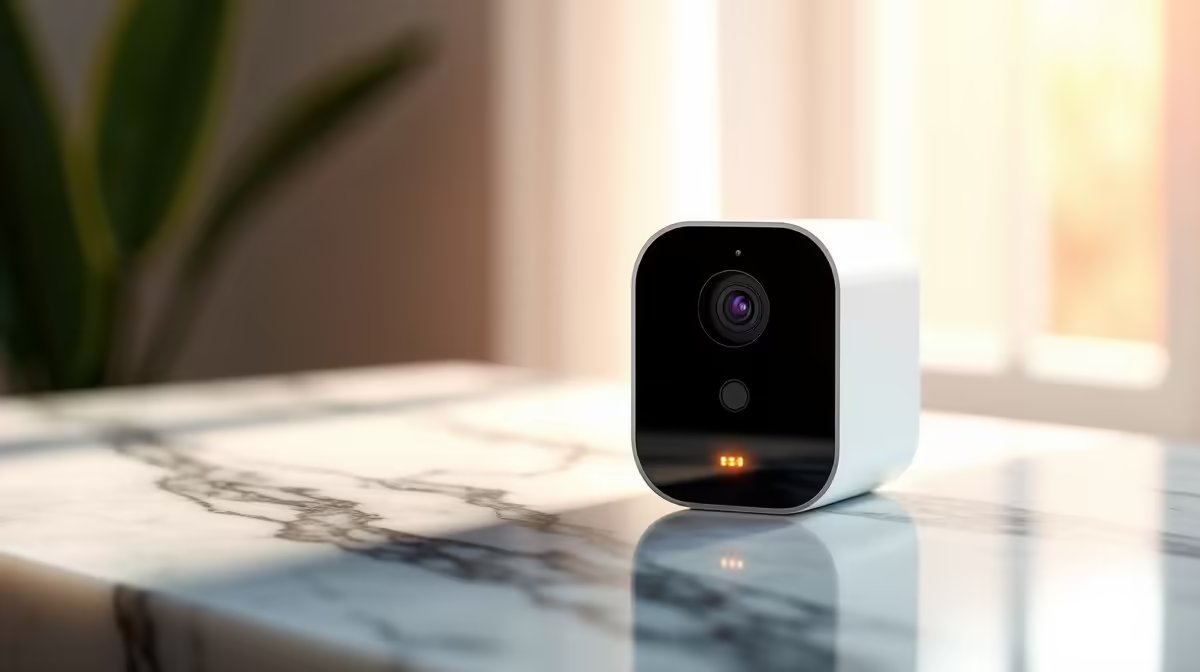
A lease and a drill are a bad combination. Most rental agreements forbid putting holes in walls, and even where they do not, you have to patch everything when you leave. That rules out wired cameras for a lot of renters, but it does not rule out security. The best security cameras for renters run on battery or solar power and mount with adhesive, hooks, or clips, so they go up in minutes and come down clean, leaving no wiring and no holes behind.
Quick Answer
Battery and solar-powered cameras mount with adhesive strips, hooks, or magnetic bases and need zero drilling, so they leave no holes when you move out. Look for a long battery life or solar top-up, local SD card storage to avoid monthly fees, and a removable mount. Many run several months per charge, and solar models effectively run indefinitely.
Why Battery and Solar Suit Renters
The whole appeal is reversibility. A wired camera means drilling, running cable, and patching afterwards. A battery or solar camera is the opposite: stick it up, point it, done, and peel it off intact on moving day.
That freedom also means you take your security with you. The cameras are yours, not fixtures, so they pack into a box and redeploy at the next place. For someone moving every year or two, that portability is worth more than the marginal reliability of a wired setup.
What to Look For in a Renter Camera
A few features separate a camera you will actually keep using from one that becomes a chore.
Power: Battery Life or Solar Top-Up
Battery runtime is the practical deciding factor, since a camera you recharge every fortnight gets ignored. Better units last many months per charge, and some are rated for up to around 200 days. A small solar panel changes the maths entirely, trickling in charge so the camera effectively runs continuously without you ever touching it. For SA's generous sunshine, solar is a strong fit on a sunny wall or balcony. The TP-Link Tapo C460, for example, pairs a 10,000mAh battery with a solar panel and is rated for up to 200 days of standby, making recharging nearly irrelevant in a typical sunny spot.
Mounting: Truly No-Drill
Confirm the mount is genuinely removable. The best options use strong adhesive pads, hooks, clips, or a magnetic base that lets you reposition the camera in seconds and remove it cleanly later. A magnetic base in particular makes setup almost trivial and is popular in renter-focused models precisely because it leaves no mark.
Storage: Avoid the Monthly Fee
Favour cameras with local microSD storage so footage lives on the device with no ongoing subscription. This keeps costs down and your footage in your hands. To pair a camera with the right card, the popular accessories at Evetech are an easy place to find suitable storage.
AI Detection: Why It Matters More for Battery Cameras
Battery cameras conserve power by sleeping between events. A camera that wakes up for every shadow or leaf will drain its battery in days. On-device AI detection solves this by filtering motion events before waking the camera for a full recording, which means longer battery life and fewer irrelevant clips. Look for cameras with person and vehicle detection built in, not just raw motion sensing.
Where to Place Them Without Drilling
Think about sightlines, then about surfaces that take an adhesive or magnetic mount well. A camera by the front door covers your main entry, and an indoor unit on a shelf or sideboard watches a living area or hallway when you are out. Window-facing placements and balcony corners cover outdoor angles in a flat. The goal is the same as any setup: see the entry points and the approaches, just achieved with stick-and-go hardware rather than cabling.
A practical SA tip: keep at least one camera covering the entrance, and choose models with decent night vision, since most incidents happen after dark. Pairing the cameras with smart plugs and sensors rounds out a renter-friendly setup, and the security and smart-home range at Evetech covers the supporting pieces.
When You Move Out
Removing adhesive mounts cleanly depends on the surface and how long they have been up. Stretch-release adhesive tabs peel without tearing plaster when removed correctly, usually by pulling the tab slowly at a low angle rather than pulling the camera straight off the wall. Always read the mount instructions before fitting, and test a small area if unsure. On rough or textured walls, hooks or screw-free clips are a more reliable option than adhesive pads.
Night Vision and Indoor Placement
Most renter setups rely on a camera or two to watch the entrance and living area after dark. Choose models with infrared night vision rated for at least five to ten metres indoors, and position the camera so it covers the door rather than a corner or a wall. Indoor battery cameras with colour night vision perform noticeably better in rooms that have some ambient light, such as a streetlight through a window, compared to pure darkness. If the entrance is completely unlit at night, a camera with a built-in spotlight improves detection accuracy significantly.
Frequently Asked Questions
Can I install security cameras in a rental without permission?
Battery and solar cameras with adhesive or magnetic mounts need no drilling and leave no damage, so they typically sit within what a lease allows for indoor and your own outdoor space. Always check your specific agreement, but no-drill cameras are designed exactly for this situation.
How long do battery security cameras last between charges?
It varies widely, from a few weeks to several months, with some rated up to around 200 days. A solar panel extends that almost indefinitely by topping up the battery, which is why solar models are popular with renters who do not want recharging chores.
Do renter cameras need a monthly subscription?
Not if you choose models with local microSD storage, which keep footage on the device with no recurring fee. Some brands push cloud subscriptions, so check that local storage is supported if avoiding monthly costs matters to you.
Will adhesive mounts actually hold a camera up?
Quality adhesive pads and magnetic bases hold lightweight wireless cameras securely on clean, suitable surfaces. Clean the surface first and let the adhesive cure as instructed. For a rougher wall, hooks or clip mounts are a more reliable no-drill option.
Are wireless cameras as good as wired ones?
For renters, the trade-off is worth it. Wired cameras are marginally more reliable and never need charging, but they require drilling and patching. A good battery or solar camera with solid night vision and local storage covers a flat well while staying completely removable.
What happens to my cameras when I move?
You take them with you. Because they are not fixtures, you peel or unclip them, pack them up, and redeploy at your next place. That portability is one of the biggest advantages of choosing wireless over a wired installation.