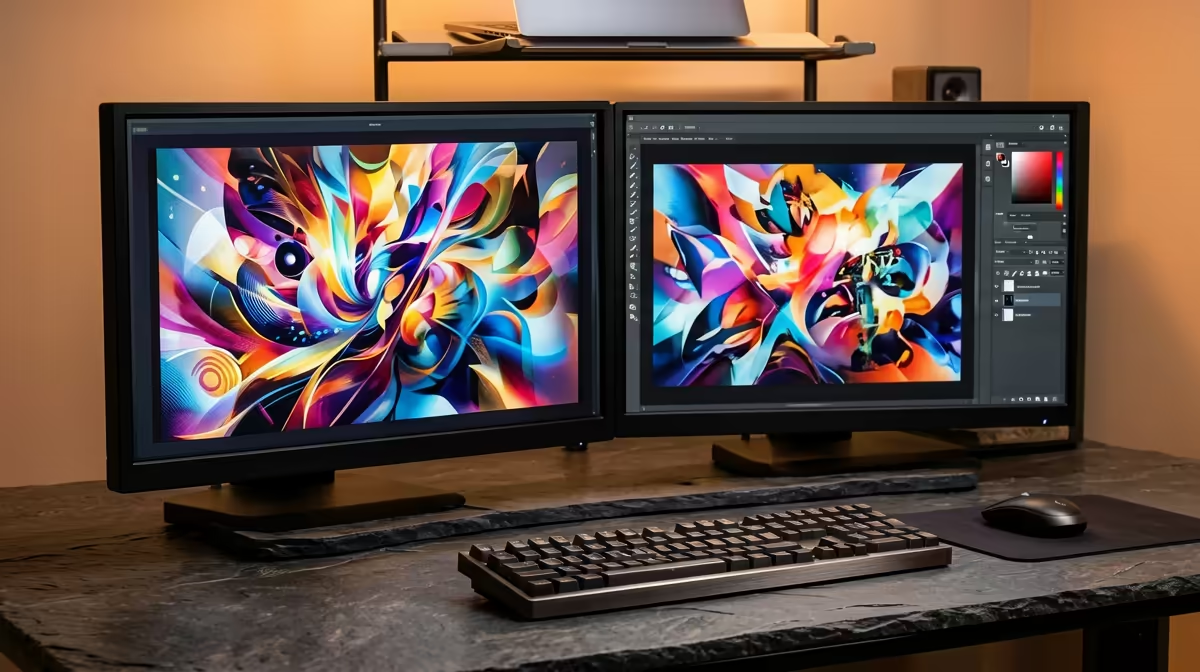
Freelancers do not need a certified workstation card, they need a machine that renders and edits fast without burning the whole budget on a badge. The smartest budget workstation for a freelance creative pairs a strong consumer Ryzen 9 with a current GeForce RTX running NVIDIA Studio Drivers. That combination delivers most of the real-world render and edit speed of far pricier workstation hardware, for a fraction of the spend. The trick is knowing exactly where to spend and where to save.
Quick Answer
Build around a Ryzen 9 CPU and a current GeForce RTX on Studio Drivers. This gives a freelancer most of the render and timeline performance of expensive workstation cards without paying the certification premium. Put your money into CPU, GPU, and RAM, and save on the workstation-class parts you will not actually benefit from.
Where to Spend: The Parts That Move the Needle
The CPU
For creative work, core count is your friend. A Ryzen 9 brings many cores to bear on video export, code compilation, and CPU-heavy renders. This is the part that decides how long you sit waiting for a timeline to export, so it earns a generous slice of the budget. Going from a mid-range chip to a Ryzen 9 is a tangible, every-project speed-up.
The GPU
A current GeForce RTX accelerates GPU rendering in Blender, DaVinci Resolve, and Premiere Pro, plus AI-assisted features that are now standard in creative apps. Crucially, NVIDIA's free Studio Drivers tune these cards for stability in creative applications rather than gaming. You get workstation-grade reliability in the apps that matter without buying a workstation-class card. VRAM matters here too: more VRAM lets you work on larger scenes and higher-resolution footage without choking.
RAM
Creative apps are memory-hungry. 32GB of RAM is the sensible floor for video editing and 3D, and 64GB is justified if you regularly run large compositions or several heavy apps at once. RAM is cheap relative to the time it saves, so do not starve the build here.
Where to Save: The Premiums You Can Skip
Certified workstation graphics cards
This is the big one. Professional workstation cards carry application certification and ECC memory, which matter for medical imaging, engineering simulation, and large-team CAD pipelines. For a freelance video editor, motion designer, or 3D hobbyist-turned-pro, that certification premium buys you very little. A GeForce RTX on Studio Drivers does the same creative work for far less. If you want to understand exactly what the premium covers before deciding, the workstation graphics card range lays out the certified options so you can confirm you genuinely do not need them.
Threadripper-class platforms
The ultra-high-core-count HEDT platforms are spectacular and expensive. Unless you are rendering all day every day and your time is fully billable against it, a mainstream Ryzen 9 platform gives you most of the benefit at a far lower cost of entry, including the motherboard and RAM around it.
Over-spending on storage tiers you will not feel
Buy one fast NVMe SSD for your operating system and active projects, and a larger, cheaper drive for archive. You do not need every terabyte on the fastest tier. Active project on fast storage, finished work on bulk storage, done.
Matching the Build to Your Discipline
The ideal balance shifts a little depending on what you create, so tune the spend to your actual work.
Video editors
Lean toward CPU cores and fast storage. Timeline scrubbing, exports, and effects render lean heavily on the processor, and editing multiple high-resolution streams demands quick NVMe scratch space. A Ryzen 9 with 32GB or 64GB of RAM and a fast project drive is the priority; the GPU accelerates effects and AI tools but the CPU often decides your export times.
3D and motion artists
Tilt the budget toward the GPU and VRAM. Blender, Cinema 4D, and similar tools lean on GPU rendering, and bigger scenes need more VRAM to stay on the card rather than spilling into slow system memory. A GeForce RTX with generous VRAM is where the time savings live for this work.
Photographers and designers
You need the least raw power of the three. A solid mid-range CPU, 32GB of RAM, a fast SSD, and a colour-accurate display matter more than chasing the highest-end GPU. Here, money spent on a good monitor outperforms money spent on extra cores you rarely tax.
Do Not Skimp on the Screen and Power Supply
Two parts freelancers often underfund are the display and the power supply. A colour-accurate monitor is not a luxury for paid creative work, it is the difference between delivering work that looks right on a client's screen and work that does not. And a quality power supply protects the expensive CPU and GPU you just invested in; cutting costs on the unit that feeds everything else is a false economy. Spend sensibly here even on a budget build.
Putting the Build Together
The pattern is simple: spend on the CPU, GPU, and RAM that shorten your working day, and save on certification and platform premiums aimed at enterprise users. A Ryzen 9 plus GeForce RTX plus 32GB or 64GB of RAM is the freelance sweet spot, and it keeps the total well clear of true workstation pricing. To see how comparable balanced builds are configured and priced locally, the best selling PCs are a useful reference for what works at this tier.
Frequently Asked Questions
Do I need a professional workstation GPU for creative work?
For most freelancers, no. Workstation cards add certification and ECC memory that benefit engineering and medical fields, not typical video, motion, or 3D work. A GeForce RTX on Studio Drivers delivers the same creative performance for far less.
What are NVIDIA Studio Drivers and do they cost extra?
Studio Drivers are free drivers tuned for stability in creative applications rather than the latest games. They give a consumer GeForce RTX much of the reliability creators want without any additional cost.
How much RAM does a freelance creative workstation need?
32GB is the practical minimum for video editing and 3D, and 64GB is worth it if you run large projects or several heavy apps simultaneously. RAM is inexpensive relative to the time it saves.
Is a Ryzen 9 enough, or should I go Threadripper?
A Ryzen 9 is enough for almost all freelance work and offers far better value. Threadripper-class platforms only make sense when you render continuously and that time is directly billable.
Where should I cut costs without hurting performance?
Skip certified workstation cards and HEDT platforms, and tier your storage with one fast NVMe drive for active work plus a cheaper bulk drive for archive. Those savings fund the CPU, GPU, and RAM that actually speed up your day.
Should the build differ for video versus 3D work?
Yes. Video editors should weight the budget toward CPU cores and fast storage for export and timeline performance, while 3D and motion artists should favour the GPU and VRAM their renderers depend on. Photographers and designers can spend less on raw power and more on a colour-accurate display.