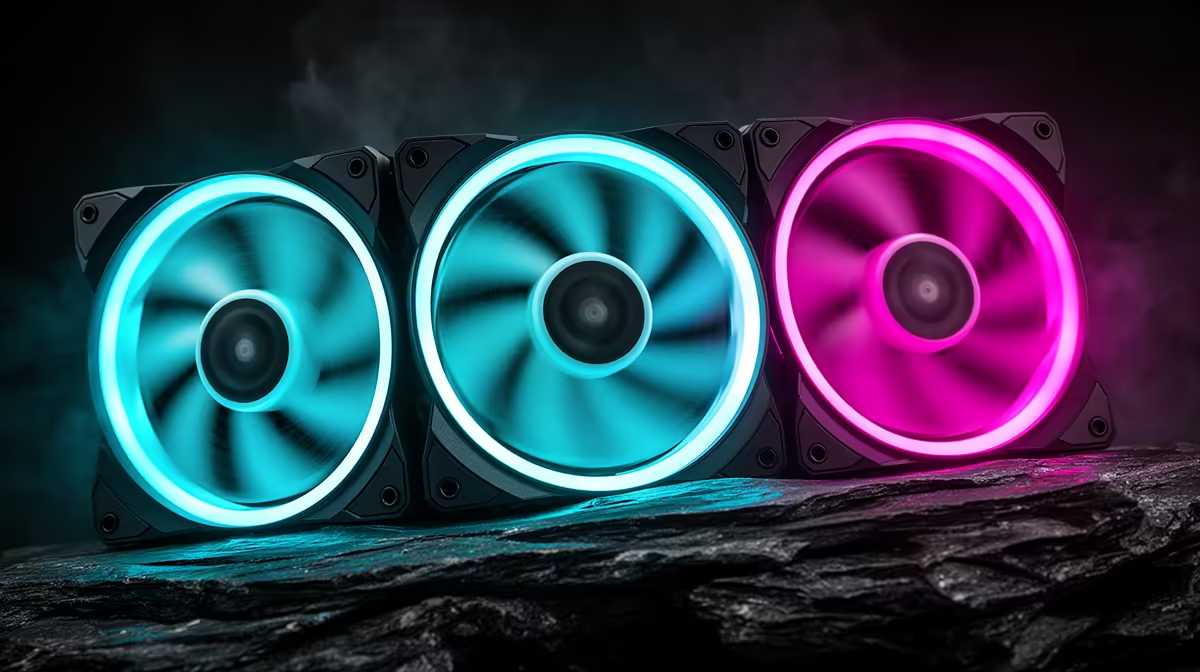
Fans that double as lighting are an easy sell in a product listing, but the two jobs pull in slightly different directions: airflow wants blades and spacing tuned for moving air, while lighting wants a diffused, even glow that looks good regardless of fan speed. Understanding how a case balances both helps set expectations before the fans arrive. This piece looks at the three built-in fans on an atx mid-tower case and how they handle airflow and lighting duties together.
Quick Answer
Built-in RGB case fans combine airflow and lighting in the same unit, and their placement across intake and exhaust positions affects both jobs at once. The EINAREX Pulse P100 ships with three such fans pre-installed for R1,499, arranged to move air through the build rather than simply glow in one spot.
🌬️ The Airflow Half of the Job
Intake Versus Exhaust Roles
Two of the three fans typically handle intake at the front of the case, pulling cooler air in, while the remaining fan pushes warm air out the back, creating one continuous path rather than three units working against each other in different directions.
Why Placement Outweighs Raw Fan Count
A single well-placed exhaust fan clears more heat than a poorly aimed extra intake fan would add, which is why arranging the existing three for balanced intake and exhaust matters more than simply adding a fourth without a clear direction in mind. Positive air pressure, where intake slightly outpaces exhaust, also helps keep dust out of unfiltered gaps in the frame, a useful side benefit of getting the front-to-back balance right rather than just chasing lower temperatures alone.
What Happens if the Balance Is Off
Three fans all set to intake, for instance, can leave a case pressurised with nowhere for warm air to escape, which often shows up as heat pooling near the top rear of the case even though every fan is technically working. Rebalancing to a genuine mix of intake and exhaust, rather than adding a fourth fan to an already unbalanced layout, usually solves this faster than buying more hardware.
💡 The Lighting Half of the Job
Even Glow Through a Glass Panel
Because this case pairs its fans with a sliding tempered glass side panel, the RGB lighting is visible from outside rather than hidden behind a solid panel, which is part of why fan placement also gets considered for how the lighting reads through the glass, not just for airflow.
Consistency Across All Three Fans
Fans from the same set generally run the same lighting pattern and brightness, avoiding the mismatched look that comes from mixing units from different batches or brands, which is one advantage of a case that ships with its fans pre-installed rather than added piecemeal. It also removes a step for a first build, since there is no need to research which third-party fans will match a case's existing lighting before the system is even switched on.
🔧 Getting More From the Stock Setup
When the Built-In Trio Is Enough
For a mainstream gaming build without a power-hungry flagship graphics card, three fans split between intake and exhaust generally keep temperatures in check, especially with 330mm of GPU clearance and 175mm of cooler room preventing components from crowding each other. Most day-to-day thermal issues in a build like this come down to dust build-up or poor cable routing blocking airflow rather than the stock fan count falling short, so it is worth ruling those out before assuming more fans are needed.
When to Add Extra Fans
Builds running hotter parts, or anyone planning to fill the front bay with a 360mm radiator instead of keeping it for fans, may want additional units for the rear or top. This case's listing lists the fan positions in more detail, and more EINAREX case options are worth a look if a different stock fan count suits the build better. Extra units can be sourced from the fan section for this case without replacing the case itself.
🧽 Long-Term Upkeep of Built-In Fans
Dust and Airflow Over Time
Front intake fans collect dust faster than a rear exhaust fan simply because they are pulling in unfiltered room air continuously, so a periodic wipe-down of the front fan blades helps maintain both airflow and the brightness of the RGB effect showing through the glass.
When to Consider Replacing a Fan
A fan that has become noticeably noisier or visibly slower than its two siblings is usually the first sign bearings are wearing, and replacing a single unit rather than the full set is generally enough to restore both airflow and a matched lighting look. Checking the fan header cable for a loose connection is worth doing first, since an intermittent connection can mimic the symptoms of a failing bearing without the fan actually being at fault.
Frequently Asked Questions
Do built-in RGB fans cool as well as plain fans?
Yes, the RGB lighting is an addition to the fan rather than a trade-off against airflow performance, so a lit fan and a plain fan of similar design move air similarly.
How many of the three fans are intake versus exhaust?
Typically two handle front intake and one handles rear exhaust, creating a single front-to-back airflow path through the case rather than fans competing in different directions.
Can I rearrange the fans myself?
Yes, the pre-installed fans can be moved to different mounting points if a different airflow layout is preferred, though the stock arrangement is set up for balanced cooling from the start.
Does the RGB lighting slow the fans down?
No, the lighting circuit is separate from the fan motor, so brightness and colour do not affect how fast the fan itself spins.
Is it worth adding a fourth fan to this case?
It depends on the build; mainstream systems rarely need it, but hotter components or a filled front radiator bay can justify an extra rear or top fan.
How often should I clean the built-in fans?
A light dusting every couple of months is generally enough for a home setup, though a rig running in a dustier environment may need more frequent attention to keep both airflow and the RGB glow looking their best.
Will one worn fan affect the other two?
Not directly, since each fan runs independently, though a struggling fan can reduce overall airflow enough that the other two work harder to compensate, which is worth checking if temperatures start climbing.
Ready to see what the built-in fans deliver?
Put down for the Pulse P100, EINAREX's case at Evetech's build range priced at R1,499 sharp. Its included RGB fans handle both airflow and lighting duty.