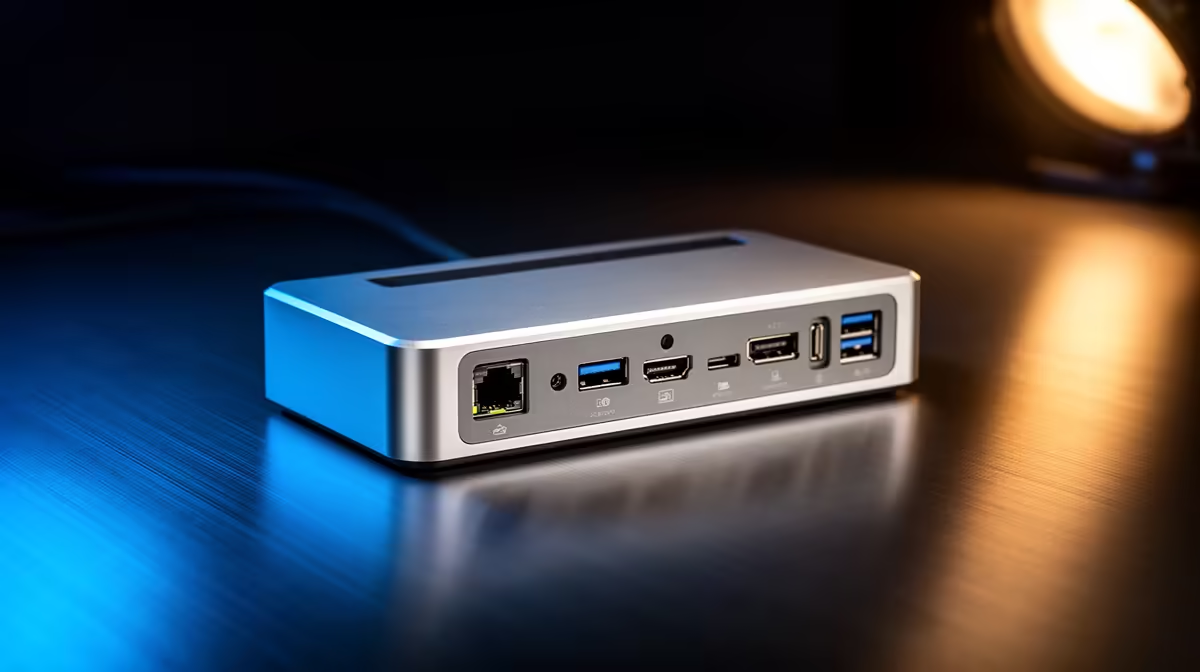
When a dock anchors an expensive laptop and several peripherals, protecting that connection from power issues belongs on the shortlist alongside ports.
Quick Answer
For power-conscious buyers, shortlist docks with stable power delivery (85W+), surge-protected upstream power, and quality components that handle daily plug cycles; this protects both the laptop and the dock. Capable docks are stocked locally from around R1,500.
Power Delivery Is the First Spec
A dock that supplies 85-100W charges most working laptops while driving displays. Underpowered docks force the laptop to drain even while plugged in, stressing the battery. Confirm the wattage matches your laptop's needs under load.
Surge Protection Around the Dock
Plug the dock's power brick into a surge-protected strip. A spike that reaches the dock can damage the laptop through it, so the strip protects the whole chain for under R400. Choose a dock with a separate power input rather than one drawing everything from a single laptop cable.
Build Quality and Longevity
Daily docking means hundreds of connection cycles a year. A well-built USB-C or Thunderbolt connector and a detachable host cable mean a worn cable is a cheap replacement, not a dead unit.
FAQ
What power delivery should a docking station provide?
85-100W for most working laptops, so the dock charges the machine while driving displays. Underpowered docks let the battery drain during use, which shortens its life.
How do I protect a dock from power surges?
Plug the dock's power supply into a surge-protected strip under R400. A spike reaching the dock can travel to the laptop, so protecting the chain guards both devices.
Does a detachable host cable matter for longevity?
Yes. Daily docking wears the host cable. A detachable cable means you replace a cheap cable instead of the whole dock when it eventually frays.
dock with its own 85W+ power input, plug that brick into a surge-protected strip, and prefer a detachable host cable for cheap long-term upkeep.