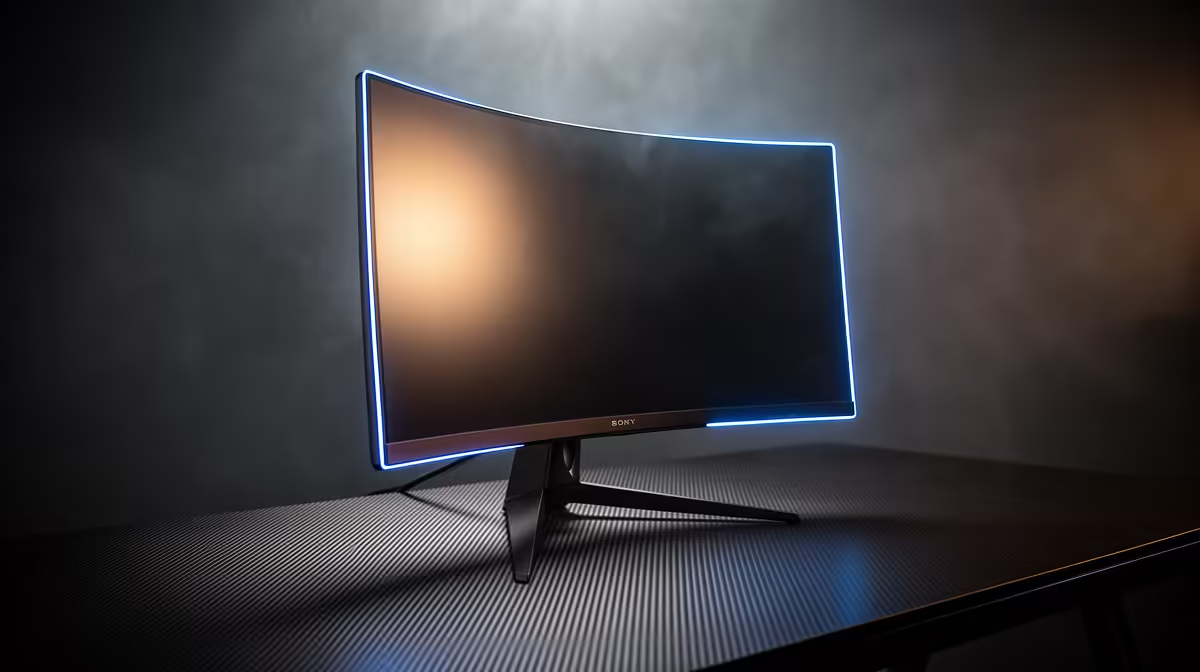
Staring at a wall of screens online, feeling a bit lost? You’re not alone. Choosing the right gaming monitor size can feel more complex than a raid boss mechanic. Go too big, and you’re scanning the screen like a security camera. Go too small, and you miss crucial details. Let’s cut through the noise and figure out how to calculate the ideal display for your setup, ensuring every rand you spend translates into a better gaming experience. 🎯
The Golden Triangle: Size, Resolution, & Distance
Before you add that massive 34-inch ultrawide to your cart, let's talk about the three factors that truly matter. The secret to finding the perfect gaming monitor size isn't just about the diagonal measurement; it's about the relationship between:
- Screen Size: The physical dimensions of your display.
- Resolution: The number of pixels on the screen (e.g., 1080p, 1440p, 4K).
- Viewing Distance: How far your eyes are from the screen.
Think of it as a triangle. If you change one side, you need to adjust the others for the best picture. A massive 32-inch 1080p monitor viewed from 50cm away will look pixelated and blurry. But that same monitor in a lounge setup, viewed from the couch, could be perfect. The goal is to hit the sweet spot where the screen fills your field of view without forcing you to move your head constantly.
How to Calculate Your Ideal Display Size
Forget complicated maths. You can find your ideal gaming monitor size with a simple, practical approach. It all starts with your desk.
The "Desk Depth" Rule 🔧
For most PC gamers, your viewing distance is determined by your desk depth. Sit comfortably and measure the distance from your eyes to where the monitor will stand.
- Shallow Desk (50-60cm): A 24-inch or 25-inch monitor is your champion. This size is the standard for esports because it allows you to see the entire screen—map, health bar, and enemies—without darting your eyes around. It’s perfect for competitive titles like Valorant and CS2.
- Standard Desk (60-75cm): This is the sweet spot for a 27-inch monitor. It offers a fantastic jump in immersion over a 24-inch display, and it’s the ideal canvas for a crisp 1440p (QHD) resolution. It's the ultimate all-rounder for most PC monitors.
- Deep Desk (75cm+): If you’ve got the space, you can comfortably move up to a 32-inch or even a 34-inch ultrawide. At this size, the immersion in games like Cyberpunk 2077 or Baldur's Gate 3 is incredible. Just make sure it’s paired with a high resolution.
Pro Tip: The THX Standard ✨
For a truly cinematic experience, the Society of Motion Picture and Television Engineers (SMPTE) and THX recommend that the screen should fill about 30-40 degrees of your field of view. To find this, multiply your viewing distance in centimetres by 0.6 (for 30°) or 0.84 (for 40°). This gives you a great starting point for the recommended screen size!
Popular Sizes and Their Perfect Match
Still deciding? Let's break down who benefits most from the most popular screen sizes available across all our gaming monitors.
The Immersion Kings: 32-inch and Up
For those who want to get lost in another world, bigger is often better. A 32-inch screen makes single-player adventures feel truly epic. At this scale, you'll want to look at stunning 4K monitors to keep the image sharp. For an even more enveloping feel, many gamers find that curved monitors at this size help reduce distortion at the edges and pull you deeper into the action.
Beyond the Desk: Special Cases 🖥️
Your gaming setup doesn't always live on a desk. For LANs, travel, or a second screen for your laptop, a good portable monitor can be a lifesaver. And no matter what size you choose, getting the ergonomics right is key. Using the right monitor accessories like a VESA arm allows you to position your new screen at the perfect height and angle, preventing neck strain during those long sessions.
Ready to Find Your Perfect View?
Choosing the right gaming monitor size is a personal journey, but now you have the map. The perfect display is waiting to transform your gaming experience. Explore our massive range of gaming monitors and find the perfect screen to conquer your world.