



iRacing SA Gaming PC Build Guide
iRacing build planning should focus on the target resolution, settings and total system balance. Treat launch wording as time-sensitive, then verify requirements before choosing SA PC parts.
Read moreSpec-first buyer view of a 32-inch 4k monitor improve split-screen productivity and multitaskin sets ZAR price bands, must-have features and skip-it extras for SA gaming and creator builds. Size sits at 32-inch which changes desk planning.
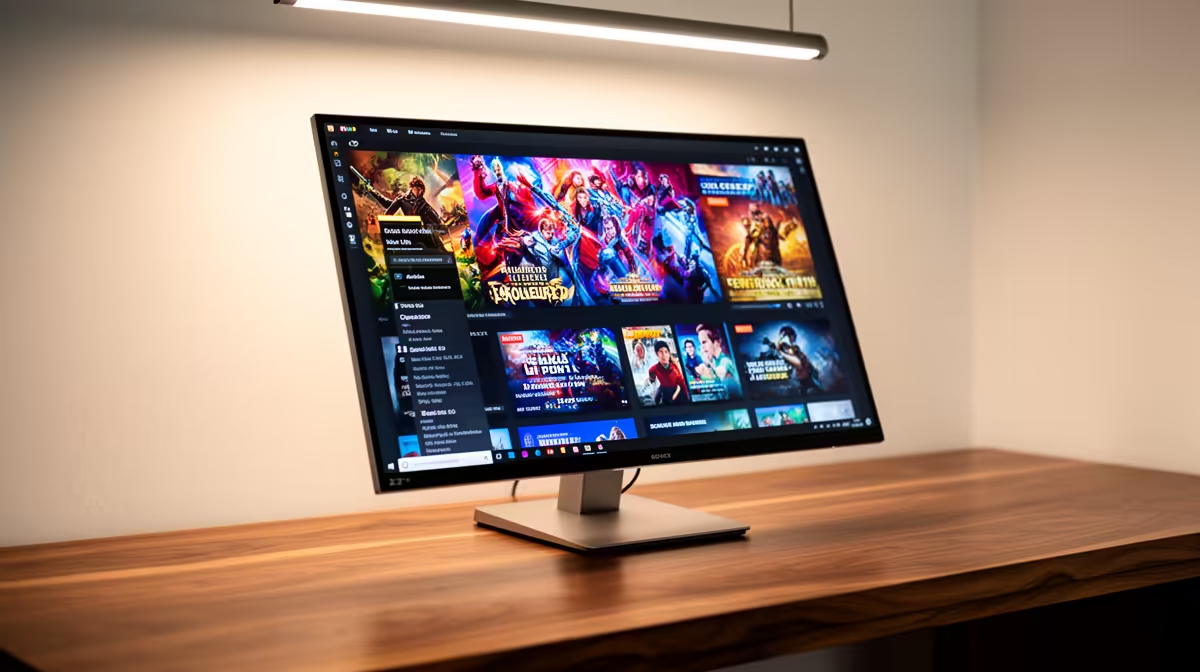
Yes, a 32-inch 4K monitor meaningfully improves split-screen productivity. At 4K, splitting the screen in half gives each pane 1920x2160 pixels, which is wider and taller than a Full HD display. This effectively replaces two monitors on a single screen without a bezel gap.
A 32-inch 4K display runs at 3840x2160. Splitting it vertically gives each pane 1920x2160, more than enough for documents, code editors, spreadsheets and browser windows at full usability. Three-way splits give each pane 1280x2160, still generous for a reference document or email client alongside a primary workspace. At QHD on the same screen, three-way tiling starts to feel cramped. At 1080p, two-way tiling is usable but text scaling reduces effective workspace area. The 4K multitasking advantage is about raw pixel area per window rather than visual quality alone.
Many 32-inch 4K monitors include PbP and PiP that go beyond OS tiling. PbP splits the panel between two physical input sources simultaneously, so a gaming PC and a work laptop can share the screen without switching inputs. For South African remote workers managing personal and work machines on one desk, this is a substantial quality-of-life feature. PiP overlays a second source as a smaller inset, useful for monitoring a second machine or keeping a video call visible in a full-screen application. Check that your specific input combination is supported in PbP, as some monitors restrict this to HDMI-plus-DisplayPort rather than dual HDMI.
A 32-inch 4K monitor for productivity requires careful positioning. Ideal reading distance is 60 to 80cm. Below 50cm, the screen feels overwhelming and forces constant eye movement. Above 90cm, 4K starts to resemble 1440p in perceived sharpness. South African desk heights vary in converted home offices, so an adjustable stand or monitor arm matters more here than in a dedicated commercial office setting.
Windows 11 supports per-app display scaling. Set browsers and file managers at 100% for maximum screen real estate and keep your code editor or document app at 125% for comfortable reading at 4K on 32 inches (140 PPI). This hybrid approach gives you productivity density without straining fine-detail work.
For most work-from-home and student use cases, yes. A single 32-inch 4K panel with tiling software replaces two 24-inch 1080p monitors and eliminates the bezel gap. Specialist workflows that always need more than two full applications simultaneously may still benefit from dual screens.
For non-gaming productivity, even integrated graphics on modern Intel or AMD CPUs handles 4K output without issue. A discrete GPU is only necessary when gaming or GPU-accelerated creative applications join the workflow.
Yes. Home offices in SA are often shared or space-limited, making a single large monitor more practical than a dual-monitor setup. Fibre connections from Vumatel or Openserve support smooth video conferencing at any resolution, so the setup centres on screen real estate rather than connectivity.
Thinking about upgrading to a 32-inch 4K productivity monitor? Evetech stocks 32-inch 4K monitors across IPS, VA and OLED panel types with PbP, USB-C and adjustable stand options. Browse the monitor category at Evetech to find the right dual-use screen for your home setup.
iRacing build planning should focus on the target resolution, settings and total system balance. Treat launch wording as time-sensitive, then verify requirements before choosing SA PC parts.
Read more
Skyrim PC requirements should be mapped to resolution, settings and upgrade budget before choosing a tier. Verify current requirements, then balance GPU, CPU, RAM and SSD around SA pricing.
Read more
Skyrim PC builds is a cautious guide for game PC build planning. Compare game requirements, tier fit, resolution goals, RAM, storage, and GPU choice for SA buyers without assuming live prices, availability, or exact benchmark results.
Read more
Hades 2 PC builds is a cautious guide for game PC build planning. Compare game requirements, tier fit, resolution goals, RAM, storage, and GPU choice for SA buyers without assuming live prices, availability, or exact benchmark results.
Read more
Roblox PC builds is a cautious guide for game PC build planning. Compare game requirements, tier fit, resolution goals, RAM, storage, and GPU choice for SA buyers without assuming live prices, availability, or exact benchmark results.
Read more
Mortal Kombat 1 launch needs a balanced parts plan, not a random basket. Map the CPU, GPU, RAM, SSD, cooling, and monitor target to the budget so SA builders know where to spend first.
Read more
Wondering if a TKL wireless mechanical keyboard is worth it for everyday productivity? We break down latency, battery life, comfort, and workflow gains for real work. ⚡⌨️

Maximise battery life on a fanless 15-inch laptop using efficiency core architecture. Cut idle drain, tune power profiles, and improve thermals for longer runtime. 🔋⚙️

Learn how to reduce desk clutter with a TKL wireless keyboard using fewer cables, smart placement, and tidy essentials. Get a faster, calmer workspace with better ergonomics. ✅🧼

RGB keyboard lighting too distracting? Learn how to manage backlight modes, set brightness, and reduce distraction for focus and productivity 😌🖱️

Are themed gaming keyboards worth the extra cost? Compare build quality, switch options, features, and resale value to find the best fit for your setup 🎮⌨️

Full-Size vs Tenkeyless mechanical keyboards for gaming: find out if a smaller layout truly improves aim, speed, and comfort. We break down layout, desk space, latency-feel, and keybinds 🎮⌨️

Dedicated media rollers vs function key shortcuts: learn which setup gives you better workflow control, faster media access, and fewer mistakes. 🖱️🎧

Best Mechanical Switch Type for Gaming: Clicky vs Linear vs Tactile. Find your feel, speed, and noise balance with practical guidance for FPS, MOBA, and productivity 😄🎮

Direct mouse answer: Mouse not keeping up with your work? Everything that matters about dual-mode 2.4GHz + BT 5.0: DPI behaviour, channel switching, battery curves and per-app button mapping. Covers when 2.4GHz USB wins (low-latency desk) and when BT 5.0 wins (laptop, d

Plain wireless mouse guide: Mouse not keeping up with your work? Everything that matters about wireless productivity mouse: DPI behaviour, channel switching, battery curves and per-app button mapping. Includes DPI tuning tips, channel switch shortcuts, and ZAR-aware fea

Real productivity numbers: Set up your wireless mouse in this order: everything that matters about wireless productivity mouse: DPI behaviour, channel switching, battery curves and per-app button mapping. Includes DPI tuning tips, channel switch shortcuts, and ZAR-aware

Pen not feeling like paper? Stylus lag and skipping usually trace to old drivers, dirty nibs, or display refresh mismatches, not the pen itself. Covers pressure curve tuning, tilt thresholds, nib swap timing, and SA pricing brackets.