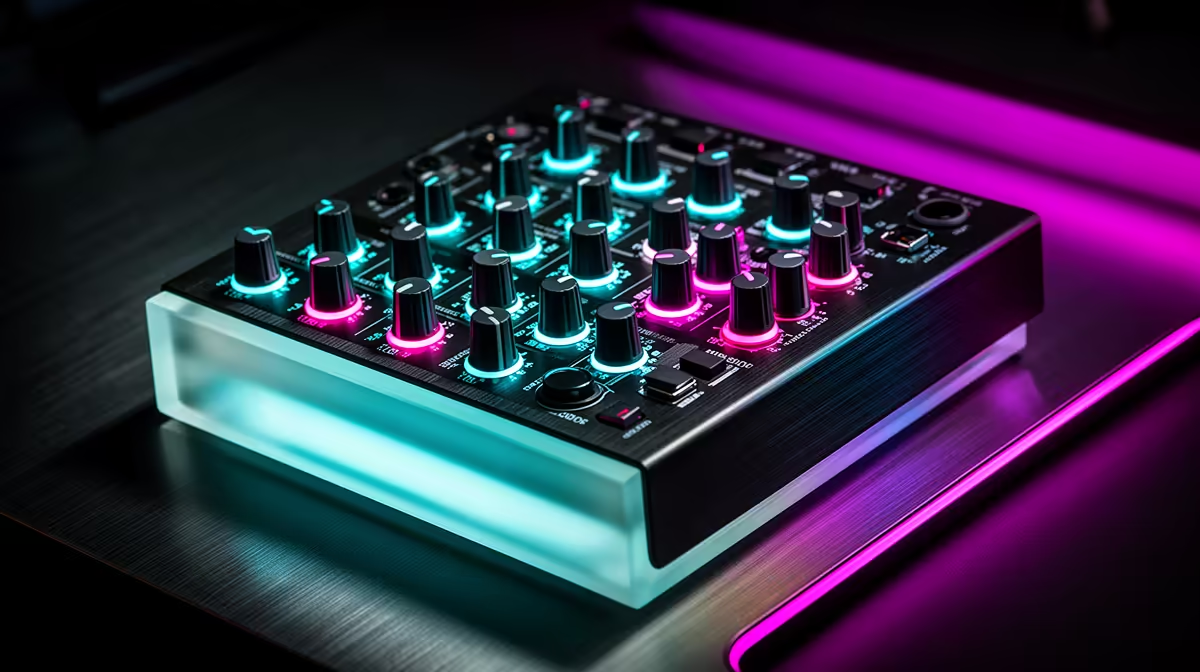
GoXLR became popular because it made a complicated streaming task feel physical: microphone gain, chat, game audio, music and effects each had a control under your hand. That workflow still appeals even as product supply and software support change. If you are asking whether you can still buy a GoXLR in South Africa in 2026, judge any listing by condition, supported software and the complete signal path.
Quick Answer
GoXLR availability in South Africa can shift between old stock, used units and specialist listings, so no permanent 2026 stock answer is safe. Software and support status can also change. Evetech's live streaming essentials range is the current local checkpoint for microphones, interfaces and creator controls that can cover the same jobs.
🎛️ Break the GoXLR workflow into functions
GoXLR is associated with a desktop audio-control workflow for streamers. The value lies in routing and immediate hands-on control rather than one preamp specification.
Start with the microphone input. Check XLR gain, phantom power and compatibility with the microphone you own.
Next, list the sources you need to mix: game, voice chat, music, browser, alerts and microphone are common examples.
Physical faders can adjust sources without leaving the game. Motorised or assignable behaviour depends on the exact model and software.
Mute buttons, voice effects, samples and routing add convenience. Keep essential microphone and game audio able to work without a complicated effect chain.
Check how the monitor mix differs from the stream mix. You may want to hear music or chat at a different level from the audience.
Write down the four functions you use every session. That list becomes the specification for any current alternative.
💻 Treat software as part of used hardware
A used GoXLR is not just a mixer on a desk. It depends on drivers, configuration software and operating-system support.
Check the current official support source for your exact model and Windows version. Do not rely on an abandoned download link or unknown mirror.
Ask the seller to show the unit detected by software, with every fader, button, input and output working.
Confirm whether profiles save locally and whether the device needs an account or online service for any function.
Review recent release notes and community reports without treating them as guarantees. A working setup today can face a later operating-system change.
Keep installer files only where licence and security rules allow, and save screenshots of a working profile.
Plan a simple fallback microphone interface. A live stream should continue if routing software fails after an update.
📦 Assess condition and South African value
Use a dated listing that names the GoXLR model, condition, power supply, USB cable, seller and included accessories. A Mini and full-size unit should not share one price assumption.
For a used device, inspect fader movement, button wear, headphone socket, XLR input, USB port and power connector.
Ask whether the original power supply is included and confirm its correct electrical rating. Do not substitute an unknown adapter.
Check the fault route. Old stock, used sales and cross-border purchases can carry different support terms.
Browse Evetech's webcam category when planning the video side of the creator setup.
Compare a current local microphone, audio interface and control surface against the jobs on your list. Separate devices can be easier to replace than one all-in-one mixer.
Keep proof of condition, serial details and a video of the unit working before money changes hands.
Do not use an old launch price as a Rand value. Condition, software support, accessories and the current local alternatives matter more.
If a seller cannot demonstrate clean audio and stable software detection, price the risk as a repair project rather than a working stream tool.
Check whether the unit has been opened or modified. Replacement faders, buttons or internal work should come with evidence and a complete test, since cosmetic condition cannot prove repair quality.
Ask for a recording made through the exact XLR input and headphone output. A video of lights and moving faders does not demonstrate clean audio.
If you need dual-PC routing, draw every USB, line and headphone path before purchase. GoXLR discussions often assume a setup that may differ from your console, single-PC or USB-microphone workflow.
🧪 Test every route before going live
Connect the original supported power supply and USB cable. Install trusted software and record the detected firmware.
Test the XLR input with a known-good microphone and cable. Enable phantom power only when the microphone requires it.
Move every fader slowly and watch its software value. Listen for jumps, dead zones or motor noise where applicable.
Press each mute, routing and effect button. Confirm its light and actual audio state agree.
Send game, music and chat to separate software channels. Record a test stream rather than judging meters.
Check headphone and line outputs. Listen for hum, crackle and channel imbalance.
Restart the computer and verify the profile, device names and application routes return.
Run a one-hour recording with normal fader use. Watch for USB disconnects and software freezes.
Save the profile and a plain-language routing diagram. Label which application feeds each channel.
Practise the fallback interface or USB microphone route. Recovery should take minutes, not end the stream.
Check the power supply and USB connection after moving any fader because desk vibration can expose a loose socket. Document intermittent disconnects with the software status visible.
Keep an exported profile plus a plain list of microphone gain, routing and application outputs. A profile file without compatible software is not a full backup.
Test the unit with current Windows security and audio settings before trusting it for paid work. Avoid freezing the entire computer on an old configuration just to preserve one mixer.
Frequently Asked Questions
Is the GoXLR still in production in 2026?
Product and support status can change. Check the current manufacturer information for the exact model instead of relying on this article for a permanent claim.
Why might GoXLR stock be hard to find?
Supply, product strategy and channel stock all change. Current listings may include used units or remaining inventory.
Can I still get GoXLR software updates?
Check the trusted current support page for your model and operating system before buying hardware.
Does Evetech sell a direct replacement?
Do not expect one fixed substitute. Use Evetech's live range to combine a microphone, interface and controls around your workflow.
Should I buy a second-hand GoXLR?
Only after testing every input, output, fader, button and software function, with clear written terms for the sale.
Which alternatives suit South African streamers?
Look for the inputs, separate mixes, physical controls and software support you use, then compare locally listed creator gear.
What did GoXLR cost in Rand?
Old prices do not define a used unit's 2026 value. Condition, accessories and current support are the sound basis.
Ready to rebuild your streaming audio controls with current gear?
Check Evetech's live streaming essentials and webcams, then map your microphone, game, chat and monitor routes before buying.