


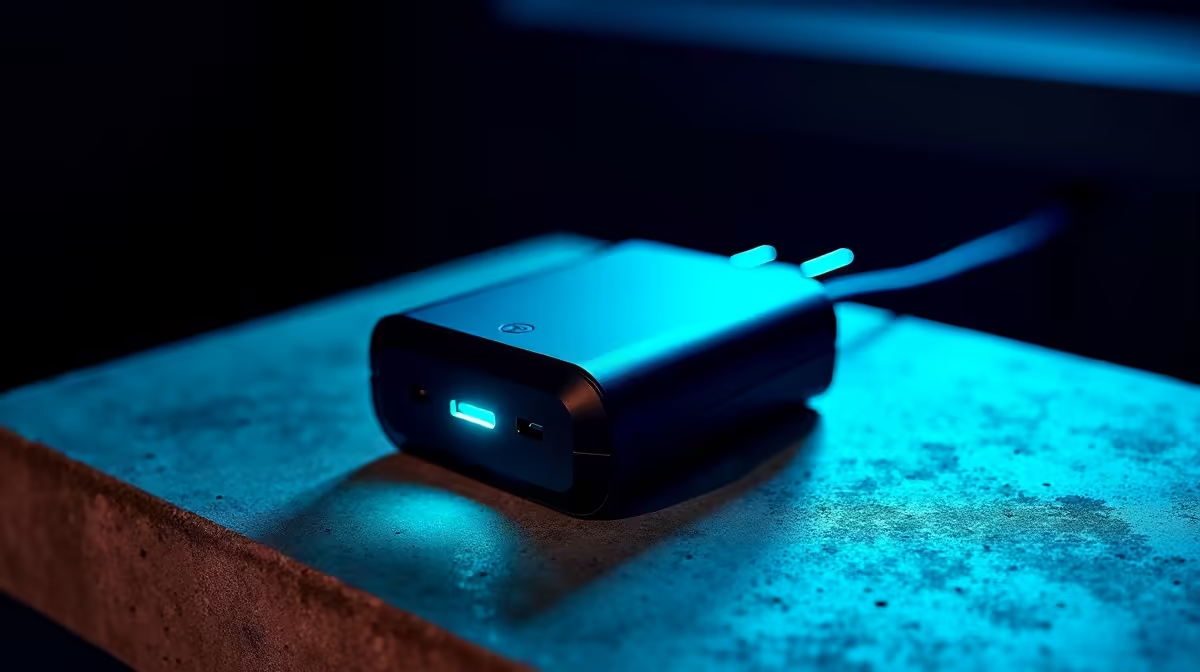
Your Ultimate Charger Wattage Guide: 100W vs 65W vs 30W - Match Ports & Power Up! ⚡
Ever grabbed a charger, plugged in, and wondered if you're doing it right? Your phone’s crawling, your laptop’s barely holding charge, and the endless array of wattages – 100W, 65W, 30W – leaves you scratching your head. In South Africa, where efficient power usage is essential, understanding your charger wattage is more than just tech-savvy; it's smart. Let’s demystify the numbers and help you match the right power to your precious gear.
Unpacking the Charger Wattage Guide: Why Power Matters
Think of wattage as the "oomph" your charger delivers. Too little, and your device charges slowly, or worse, struggles to keep up while in use. Too much, and while modern devices regulate power safely, you’re often carrying unnecessary bulk or paying for power you don't need. This comprehensive charger wattage guide will help you navigate the options, ensuring your devices get the precise power they require.
Finding the perfect power solution for all your devices means understanding the nuanced differences between popular wattages. Whether it's a quick top-up for your smartphone or sustained power for a demanding laptop, the right charger makes all the difference. Explore our massive range of chargers to see the variety available.
Decoding Charger Wattages: 100W, 65W, and 30W Explained
Let's break down the most common charger wattages you'll encounter and what they mean for your tech:
- 100W Chargers: The Powerhouses These are built for serious hardware. If you're running a high-performance gaming laptop, a powerful workstation, or need lightning-fast charging for larger tablets, a 100W charger is your go-to. They leverage USB-C Power Delivery (PD) to provide substantial power, often capable of simultaneously charging multiple devices efficiently.
- 65W Chargers: The Versatile Workhorses The 65W charger strikes a fantastic balance between power and portability. It's ideal for most modern mid-range laptops, larger tablets, and even super-fast charging for many smartphones. For many users, a 65W charger serves as an excellent all-rounder, capable of handling a variety of devices effectively. If you're looking for premium chargers up to R1000, you'll find many excellent 65W options. Browse high-performance chargers under R1000.
- 30W Chargers: Everyday Essentials Primarily designed for smartphones, smaller tablets, and various accessories, a 30W charger offers a significant step up from older 5W or 10W chargers, providing rapid charging for most handheld devices. It’s perfect for keeping your daily tech topped up without overkill.
Matching Ports and Devices: The Key to Optimal Charging 🔧
It's not just about the charger's wattage; your device and cable must also support the wattage being delivered. Most modern devices utilise USB-C Power Delivery (PD), which allows for flexible power negotiation between the charger and the device. Always check your device's specifications for its maximum input wattage. Using a 100W charger on a phone that only accepts 30W won't damage it (thanks to PD), but it also won't charge any faster than a 30W charger would.
Check Your Device Specs First! ✨
Before investing in a new charger, always check the original power adapter or your device's manual for its recommended input wattage. This ensures you buy a charger that's perfectly matched, avoiding underpowered frustration or overspending on unnecessary wattage.
Remember, a quality cable is just as important as the charger itself. A flimsy cable might not be able to handle higher wattages, leading to slower charging or even potential damage. For budget-friendly chargers under R500 that still offer reliable performance, you’ll find plenty of options. Discover affordable charging solutions under R500.
The Evetech Advantage: Powering Your SA Tech Life
At Evetech, we understand the importance of reliable power. From high-speed 100W solutions for your gaming rig to compact 30W chargers for your daily commute, our selection caters to every need. We stock reputable brands known for their durability and efficiency, ensuring your devices are always powered safely and quickly. For instance, brands like Promate offer innovative charging solutions designed for the modern user. Explore Promate chargers and power accessories for quality and performance.
Understanding this charger wattage guide and how to match ports to your devices means an end to charging anxiety. You’ll enjoy faster charging, longer battery life, and the peace of mind that your tech is getting exactly what it needs.
Ready to Power Up Smart? Don't let charger confusion slow you down. Armed with this charger wattage guide, you're ready to make informed choices. Explore Evetech's comprehensive range of chargers and find the perfect wattage match for all your devices today!











