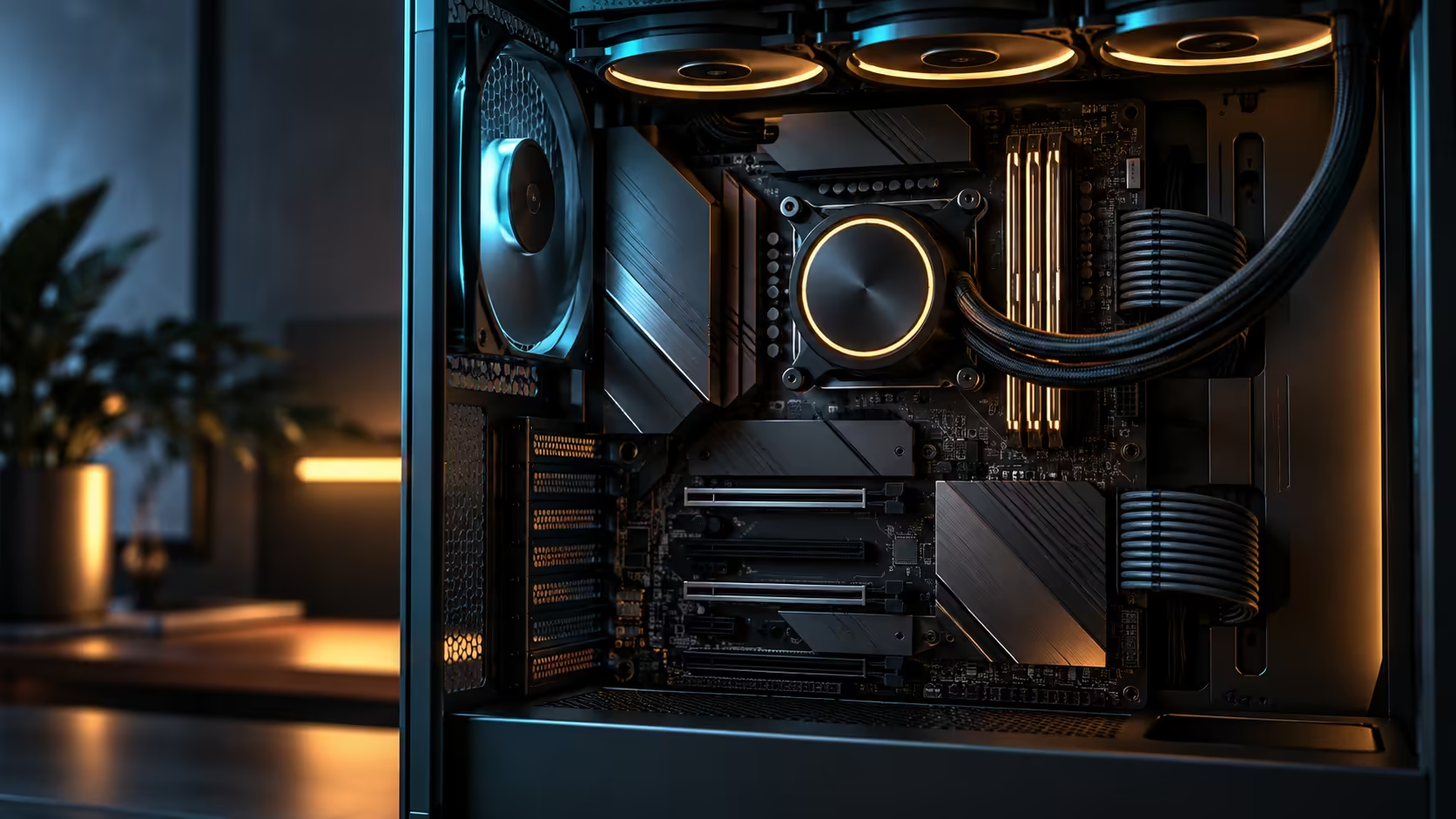
Buying a board for a Ryzen 9000 chip in South Africa, from anywhere across the AMD motherboard range, involves a few questions overseas guides skip entirely, and getting them right up front avoids a build that performs well on paper but struggles in the room it actually lives in.
Quick Answer
Pick for DDR5 headroom, cooling that copes with a room running warmer than a lab test assumes, and enough unused slots to grow into rather than immediately max out. AM5 keeps the same socket across generations, so a board rated at DDR5 8600+MT/s with a 360mm cooler bundled in, like the R54,999 Crosshair X870E Edition 20, is a purchase meant to last several CPU generations rather than one seasonal upgrade cycle.
💾 DDR5 headroom worth actually using
A board's rated memory speed sets a ceiling, and buying meaningfully below it wastes some of what a Ryzen 9000 chip's memory controller can genuinely use, particularly for workloads sensitive to memory bandwidth. Checking a board's DDR5 rating against the current memory range before finalising a kit avoids the common mistake of pairing a fast board with a kit that never approaches what the platform supports.
That said, reaching the very top of a board's rated speed depends as much on the memory kit's own binning and the specific CPU's memory controller as it does on the board, so treat the rated figure as the platform's ceiling rather than a number every combination will hit automatically. A kit bought two speed tiers below that ceiling, purely to save money, gives up real bandwidth a Ryzen 9000 chip's memory controller was designed to use.
🌡️ Cooling that copes with a room, not a lab
Cooling reviews are typically run against an assumed ambient temperature well below what an inland South African study reaches on a hot afternoon without air conditioning running. A Ryzen 9000 flagship pushed to its boost clocks generates real heat, and a cooler sized with margin for that gap between lab conditions and an actual local room matters more than chasing the single lowest benchmark temperature published online.
A bundled 360mm AIO, matched and validated specifically against the board it ships with, removes one variable from that equation entirely, which is worth factoring into the comparison against buying a board and cooler separately and hoping the pairing performs as well as each did in its own individual review. Expect a genuine study running warm in summer to sit several degrees above a review lab's assumed ambient, and size your margin against that reality rather than the lab number alone.
🔧 Upgrade space that actually gets used
Buying with room to grow means more than an unused PCIe slot for its own sake; it means genuinely usable capacity for the upgrades a build like this tends to accumulate over its life. Five onboard M.2 sockets, for instance, rarely fill up on day one but frequently do within two or three years as storage needs grow, and having that headroom from the start avoids a forced choice between replacing drives or adding an expansion card sooner than planned. A board with only two onboard sockets, by contrast, often forces that choice within the first year of ownership rather than several years down the line.
The socket itself matters here too. AM5 keeping the same physical socket across CPU generations, as AM4 largely did before it, means a board bought today has a realistic path to a future CPU upgrade without a full platform change, provided the specific board receives the BIOS support that upgrade will need. AM4 ran for roughly six years and multiple CPU generations on the same socket, which is the precedent that makes AM5's longevity a reasonable bet rather than a marketing promise.
📋 A short checklist before you commit
Run through four checks against any specific Ryzen 9000 board before buying, rather than relying on the chipset tier alone: the stated DDR5 speed and whether it matches your intended kit, whether cooling is bundled or needs a separate purchase, how many onboard M.2 sockets are actually present, and whether the maker has a track record of extending BIOS support to older boards for new CPU generations.
That fourth point is easy to overlook and genuinely matters for a purchase meant to last several years. A maker with a consistent history of BIOS updates for older boards is a better bet for future CPU compatibility than one that has, in the past, limited new-generation support to only its newest board releases.
🏢 What "long purchase" actually means for the decision
A board at this price and specification is not meant to be replaced at the next generation the way a budget board sometimes is. Weighing the Ryzen 9 tier against this board's headroom is a decision made with a multi-year horizon in mind, where the extra spend upfront is justified by fewer forced replacements down the line rather than by any single benchmark result today. Buying locally also means the board's warranty is claimed here, not shipped overseas, for whichever of those years it is actually needed.
Think of it in terms of total cost across the machine's life rather than the purchase price alone. A cheaper board bought now that needs replacing in two years because it cannot take a newer CPU generation, or because its VRM cannot sustain a future flagship chip, often costs more over that period than paying for headroom once and using it for five or six years. That calculation rarely shows up on a spec sheet, but it is the one that actually decides whether a "long purchase" description holds up in practice.
Frequently Asked Questions
Does a higher DDR5 rating always mean better real-world performance?
Only if the memory kit and CPU can actually reach it. The board's rating is a ceiling, and reaching it depends on the specific kit and CPU memory controller too.
Why does room temperature matter more for a Ryzen 9000 build than a smaller one?
A higher-core-count chip generates more sustained heat under load, so the gap between lab test conditions and an actual warm room has a bigger practical effect.
Is a bundled cooler better than choosing one separately?
Not automatically better in every case, but it removes the guesswork of matching two components that were each reviewed independently rather than together.
Does AM5 guarantee my board will support future CPU generations?
The socket staying the same is a good sign, but the specific board also needs BIOS support added for that future chip, which is not automatic on every model.
How much unused M.2 capacity should I plan for when buying?
More than you think you need today. Storage needs commonly grow within two or three years, and starting with headroom avoids an early forced upgrade.
Ready to buy a board built for the room you actually have and the years ahead, not just today's benchmark?
Check DDR5 headroom, cooling margin for a warm room, and genuine upgrade space before committing.