


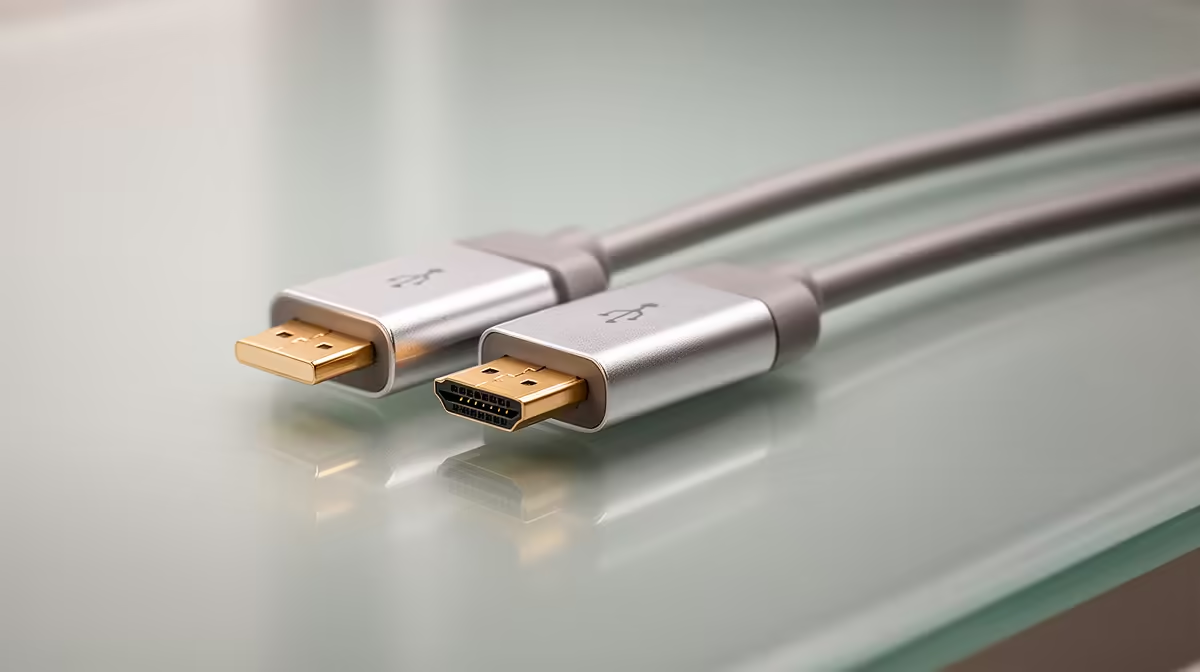
Classroom HDMI Troubleshooting: your 90‑second hook 🔧⚡
The lesson’s ready, the class is seated, and the projector shows nothing. Panic? Not yet. A quick HDMI check in under two minutes often saves the day — swap the cable, confirm the input, and reboot the source. These simple moves get most South African classrooms projecting again without an IT callout. Read on for step‑by‑step checks, what to carry in your AV kit, and when to upgrade.
Classroom HDMI Troubleshooting: first checks and cable care
Start simple. Loose connectors, bent pins, or frayed cables cause the majority of classroom AV faults. Look for:
- Firmly seated HDMI ends on both the laptop and projector.
- Bent pins or visible damage on the connector.
- Using the correct HDMI version for 1080p or 4K sources.
If you need a replacement, browse Evetech’s projector selection to match cable lengths and connector types: https://www.evetech.co.za/PC-Components/buy-projectors-154. Choosing a shielded cable helps in older buildings where electricity interference can give a noisy picture.
Classroom HDMI Troubleshooting: signal, settings and source swapping
If the cable seems fine, check the source. Windows laptops sometimes default to internal displays — press Windows+P to toggle output. Mac users press Option+F1/F2 or check Displays in System Preferences. Try these quick swaps:
- Plug the laptop into another HDMI port or a different projector.
- Use a different HDMI cable to rule out intermittent faults.
For projectors, consider brand‑matched options if you’re standardising across a school. ViewSonic models are common in South African schools for reliability and classroom features: https://www.evetech.co.za/PC-Components/buy-projectors-154?brands=Viewsonic. If you prefer budget-friendly, Promate has compact units for mobile classrooms: https://www.evetech.co.za/PC-Components/buy-projectors-154?brands=Promate.
Productivity Pro Tip ⚡
On Windows, use the PowerToys FancyZones utility to create custom snap layouts for your windows. It's a lifesaver for managing multiple apps on an ultrawide monitor, letting you organise your timeline, preview window, and asset folders perfectly for video editing.
Classroom HDMI Troubleshooting: firmware, adapters and when to upgrade 🚀
Sometimes the issue isn’t the cable at all. Firmware mismatches between source and display can cause HDCP or handshake errors. Check the projector’s menu for firmware updates or consult the manufacturer’s support. If you’re buying new equipment, set a clear budget; Evetech lists budget projectors under R7,000 to help schools compare value in ZAR: https://www.evetech.co.za/PC-Components/buy-projectors-154?max-price=7000.
Micro‑story: in a Gauteng primary school, swapping a cheap HDMI adapter for a short high‑quality cable fixed intermittent blackouts — the lesson continued and the learners never noticed the difference. Small investments often prevent repeated disruptions.
Classroom HDMI Troubleshooting: quick kit and best practice ✨
Pack a small AV kit for teachers and IT technicians:
- 2× short (1–2m) and 1× long (5m+) HDMI cables.
- 1× HDMI-to-VGA and HDMI-to-Type‑C adapters.
- Cable ties, spare fuses, and a basic screwdriver.
Label gear and keep a central log of recurring faults. If problems persist after testing, document the steps taken and escalate to an AV specialist or consider replacing ageing projectors. For a wide selection and specs to compare, check Evetech’s full projector range and specs: https://www.evetech.co.za/PC-Components/buy-projectors-154.
Ready to Find Your Perfect Match? The Mac vs Windows debate is complex, but for maximum power, choice, and value in South Africa, Windows is hard to beat. Explore our massive range of laptop specials and find the perfect machine to conquer your world.











